The AI billing agent
It’s not a chatbot. It runs your billing.
One AI agent that does everything you can do in Handl — and more — from wherever you already work. Your dashboard, your Slack, or straight from Claude or ChatGPT. Same agent, same guardrails.
Free for 7 days, then flat plans from $29/mo.
- Invoices created automatically when work completes
- Payment reminders that keep chasing until you’re paid
- Clients pay from a link — no client login required
- Connects to Monday, Asana, Jira, Linear, ClickUp
Not autocomplete
Most “AI billing” is a button that writes an email. This isn't that.
You've seen the other version. A little sparkle icon that drafts a reminder for you to copy-paste. That's autocomplete wearing a marketing badge.
Handl’s agent is an operator. It has well over a hundred tools — the same actions you’d take in the app, and a few you can’t do by hand — and it actually uses them. Create a project, set up milestones, draft and send the invoice, chase the late payer, answer the client’s “what’s this charge?”, pull the aging report. Not suggest. Do.
It runs on Gemini 3.5 Flash, eval-tested before every release, and it asks for your yes before it sends an invoice or records a payment. You're not handing over the keys. You're hiring a billing person who never forgets, never gets awkward about money, and asks before doing anything you haven't signed off.
Three doors, one agent
Three doors. One agent.
The agent isn't trapped in a chat box on your dashboard. It's the same operator, reachable three ways — and it remembers the conversation across all of them.
In the dashboard
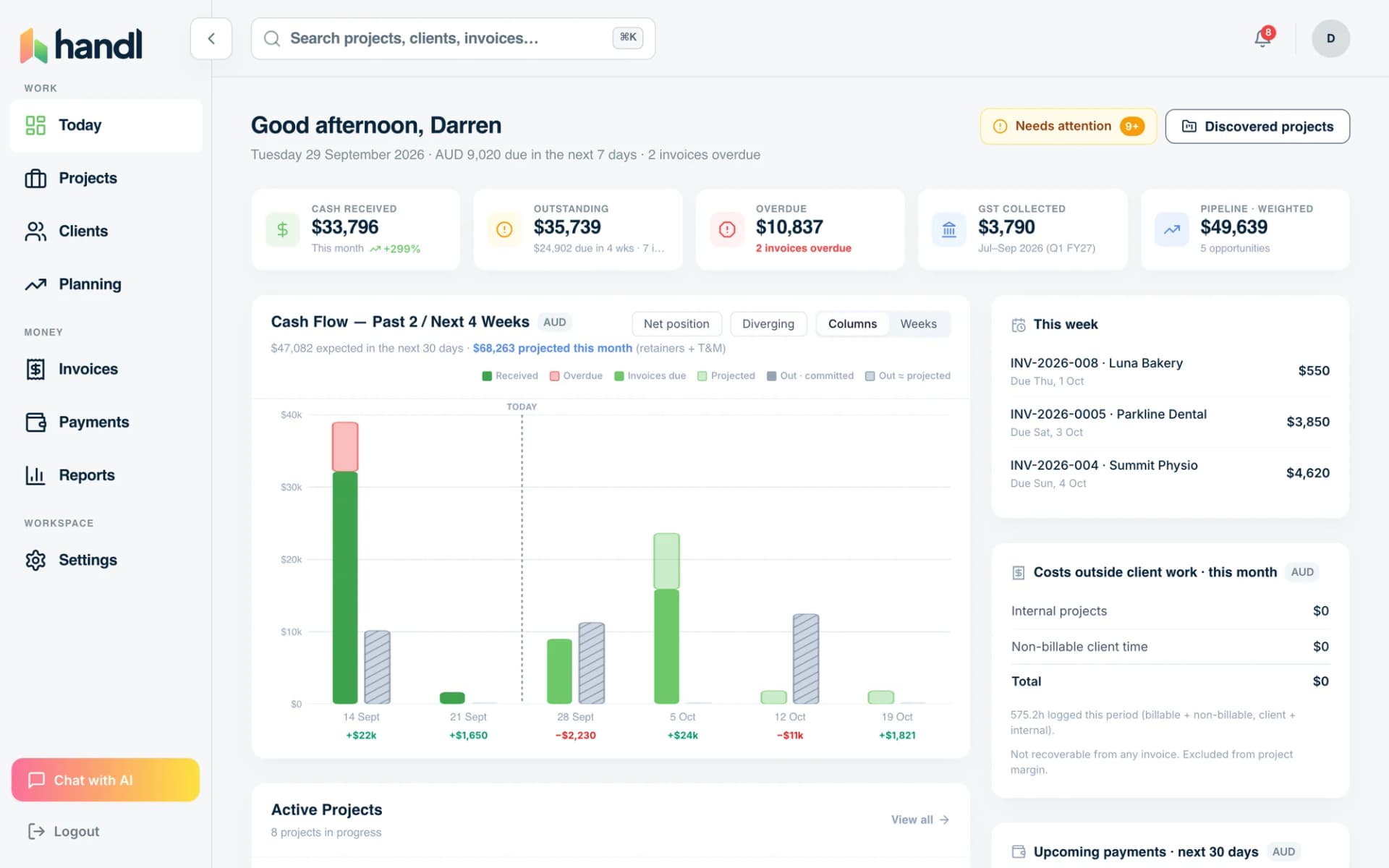
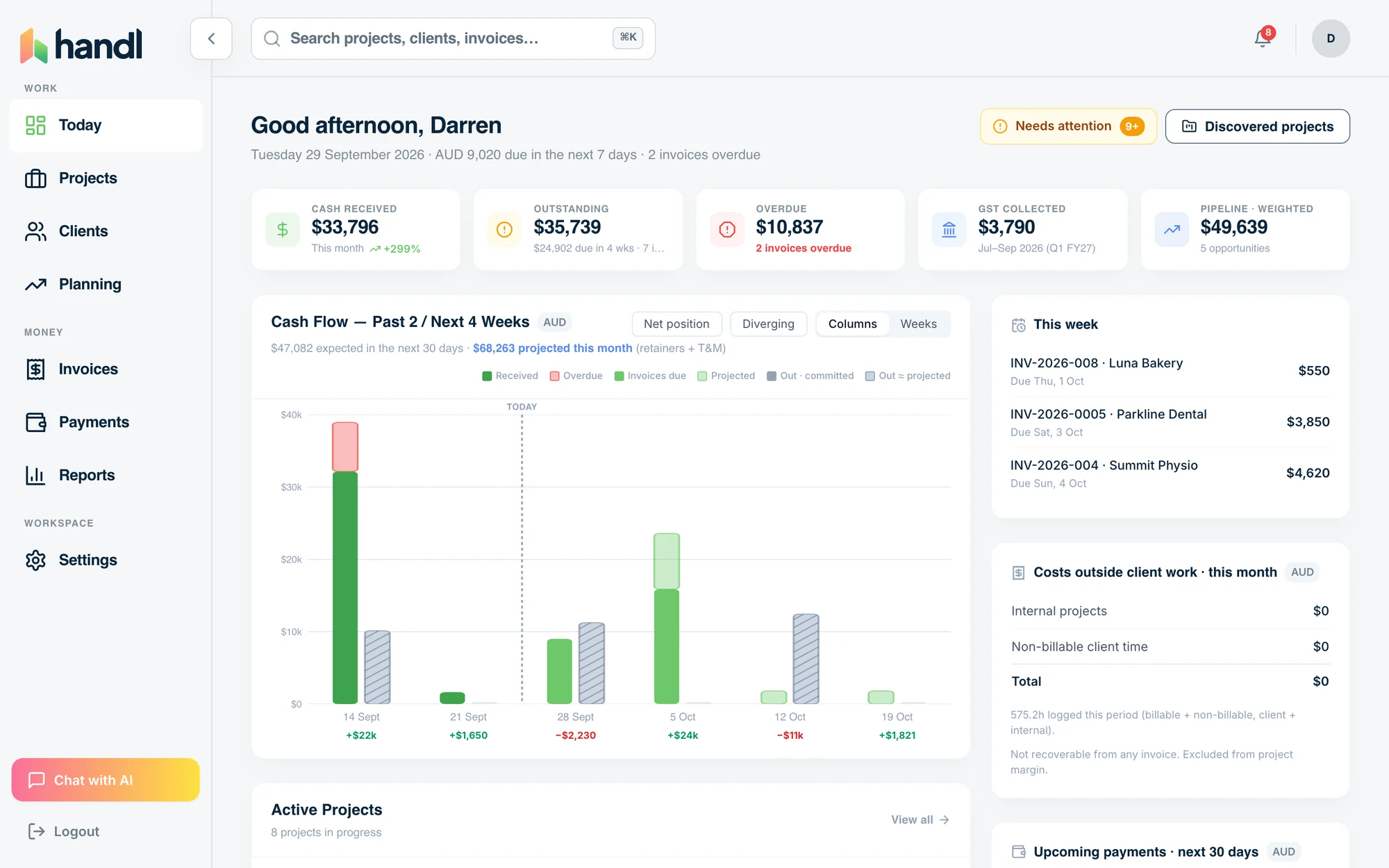
The full Handl app with the agent sat in the middle of it. Ask it to set up a project, fix an invoice, or tell you who owes you money — while you watch it work.
In Slack
DM the bot or @mention it in a channel. “Create a project for Acme, 3 milestones, $12k.” “Who's overdue?” “Send the deposit invoice.” Approve its proposals from a button without opening a tab.
More on Handl for Slack→From any AI tool
Handl speaks MCP, so you can run your billing straight from Claude, ChatGPT or Cursor. Your whole operation, as tools an AI can call.
More on Handl + MCP→Same agent, same tools, same checks, same memory — whichever door you walk through. That's not three integrations bolted on. It's one operator with three front doors.
What it does
What it actually does
It runs the billing, not just the messages
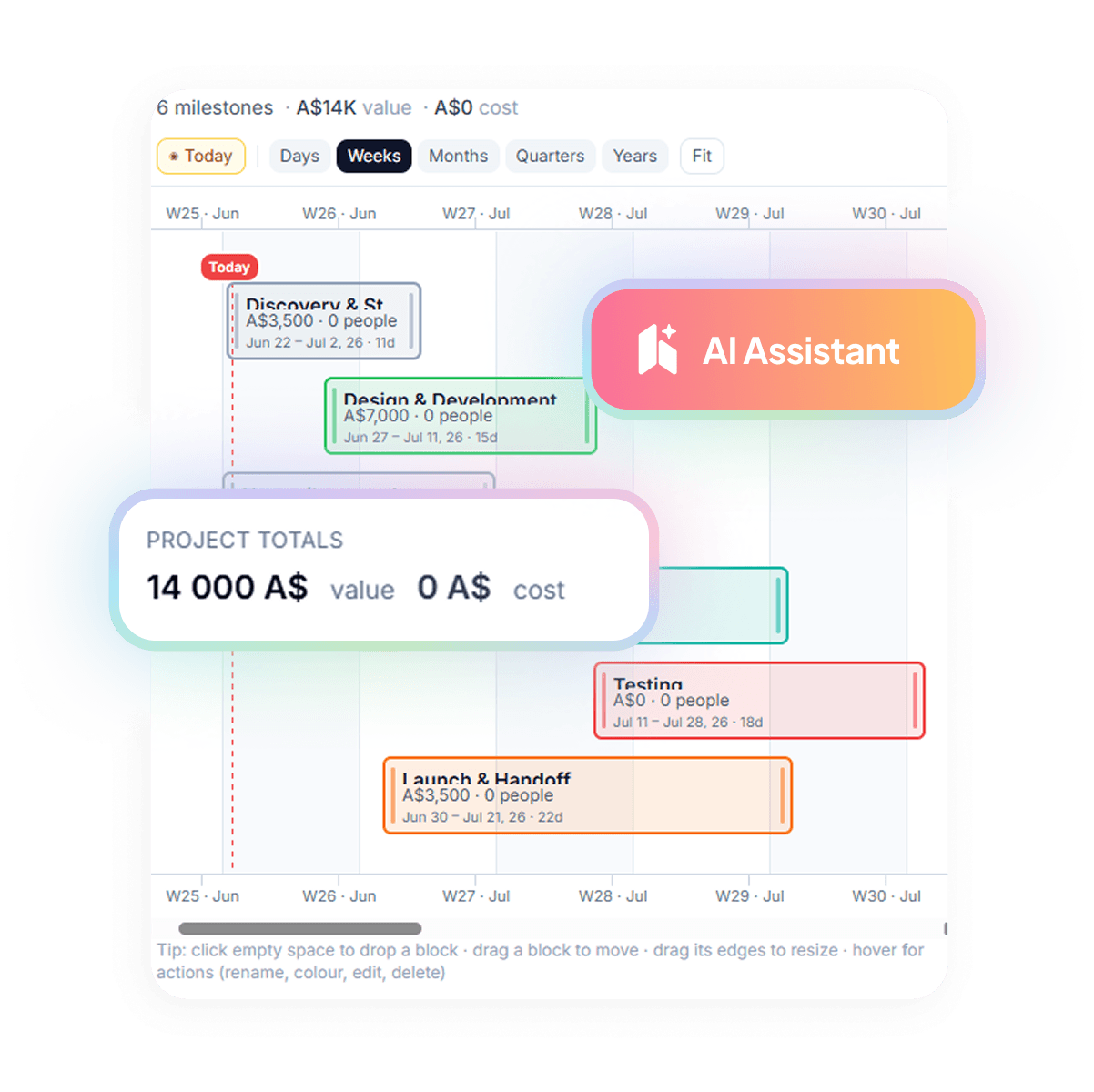
Create projects, set milestones, draft and send invoices, record payments, build payment schedules, manage clients and contacts, pull reports.
It watches and chases
Switch reminders on for a project and overdue invoices get followed up on your schedule, escalating in tone, written to sound like you.
It answers the client
“When's my next invoice?”, “can I split this?” — answered from real project history, in the portal, before it reaches your inbox.
It reads the messy stuff
Hand it a signed proposal — a PDF or a photo — and it pulls the scope, milestones and money and sets the project up.
It asks, you decide
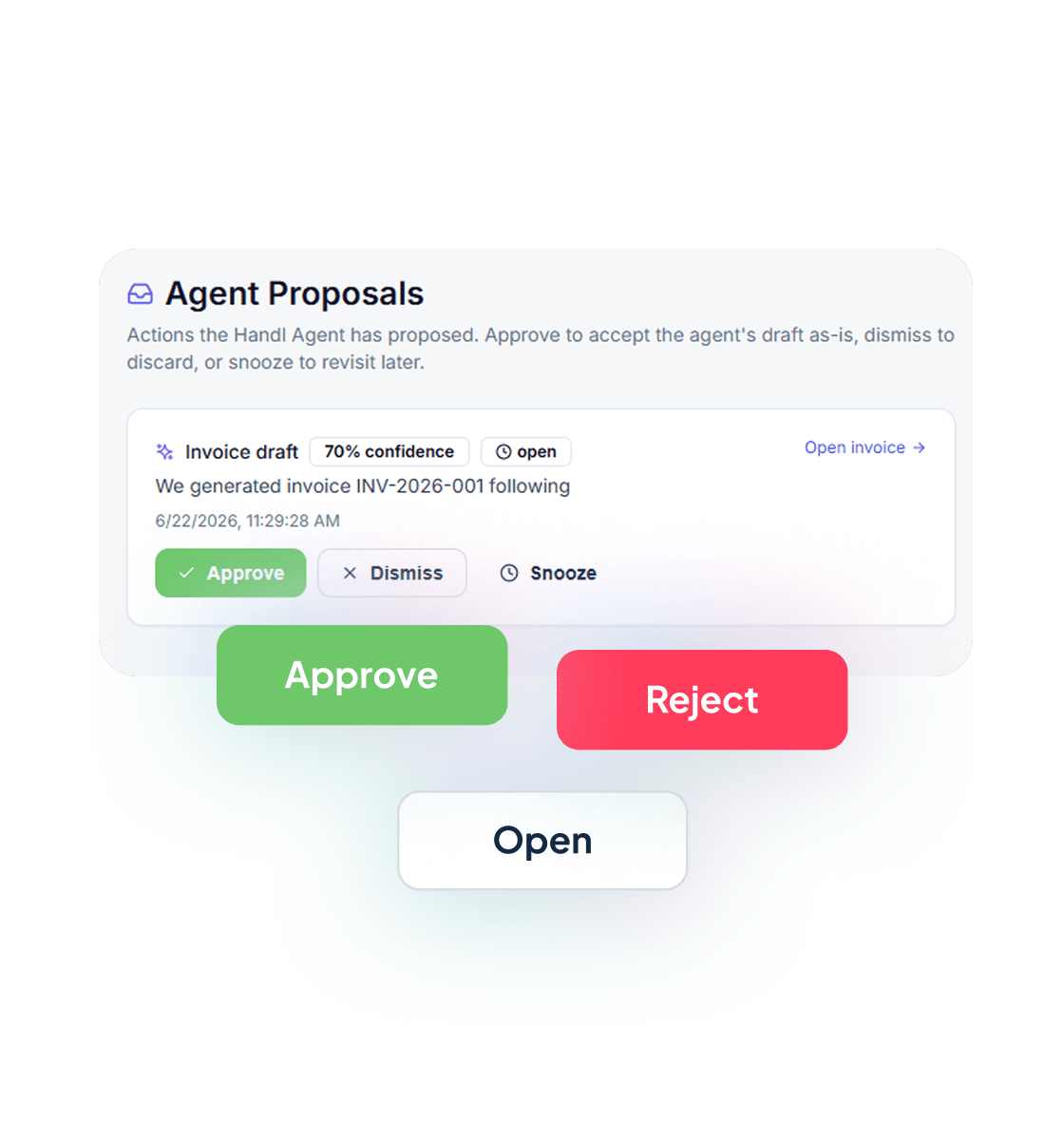
Before it sends an invoice or records a payment, it asks: a yes in the chat, or Confirm in Slack. Things it spots on its own, like a milestone that looks done, arrive as proposals you approve or reject.
Pricing
It's the core of Handl, not an add-on
No “AI tier,” no per-message pricing, no surprise bill. The agent — web chat and Slack — is in every plan, from $29/mo up. Connecting outside AI assistants (Claude, Cursor and friends, via MCP) is on Team ($99/mo) and up. It's not a feature of the product. It is the product.
Get started — $29/moCommon questions
Can I use Handl from Claude?
Free tools
Take something with you
Payment Health Check
Nine questions, two minutes. You get a score and the three things hurting your cash flow most. No call, no pitch.
Get it free
Reclaim your time
Invoices that build themselves from milestones, hours and retainers.
Invoices built from the work. Books stay in QuickBooks or Xero.