Comparison guide
Handl vs HoneyBook: Built for Billing vs Built for Onboarding
Free for 7 days, then flat plans from $29/mo.
HoneyBook and Handl both serve freelancers and small agencies — but they solve different problems. HoneyBook is built around winning and onboarding clients: proposals, contracts, scheduling, and CRM pipeline in one place. Handl picks up where that ends. Once the project starts, Handl handles milestone billing, automated payment reminders, and the ongoing money conversation with clients. If you're evaluating both, the real question is: where does your biggest pain actually live — getting clients signed, or getting paid once the work is underway?
Written by Darren Clark — Founder of Handl. Ran digital agencies for over 20 years.
Last updated 6 July 2026
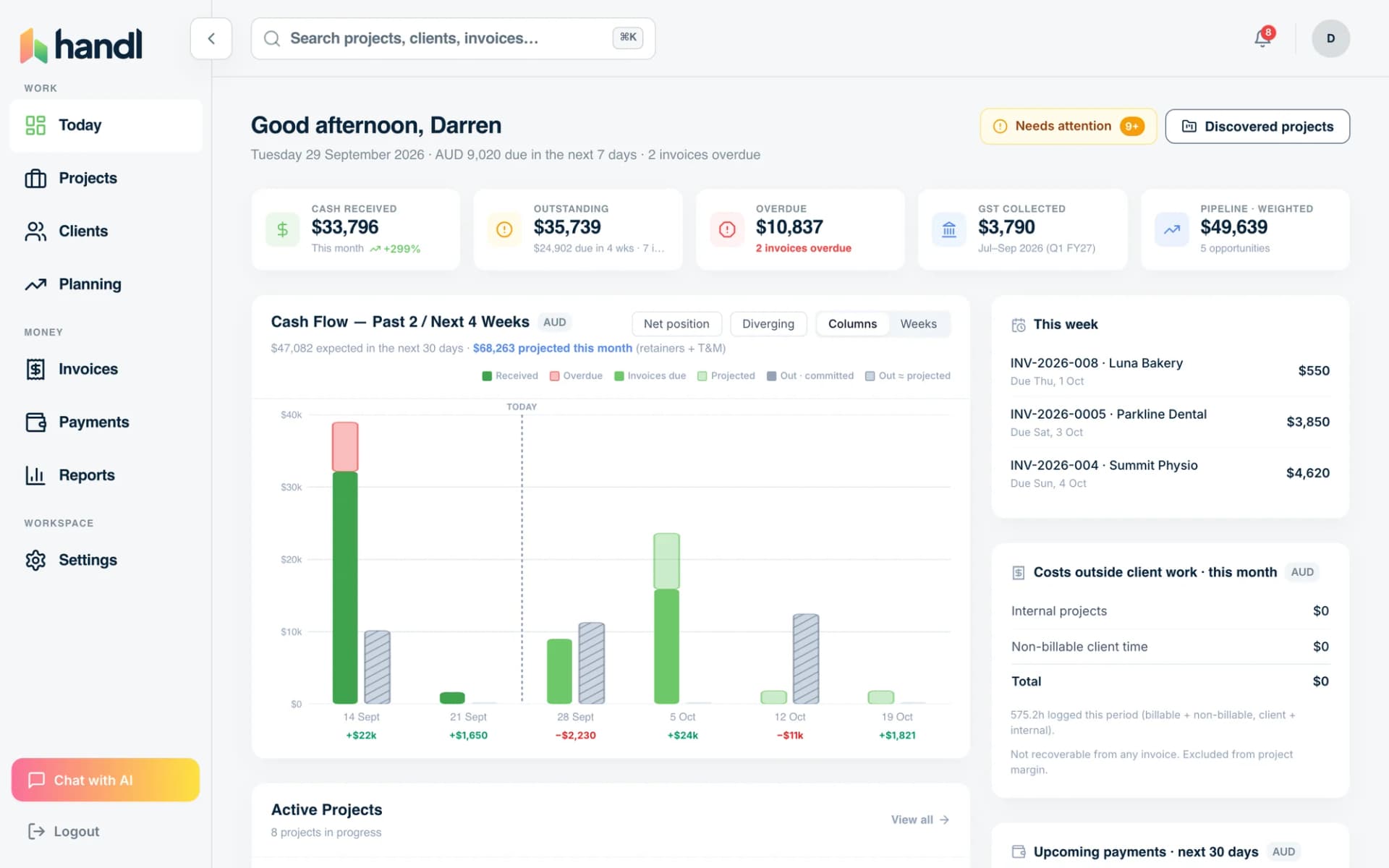
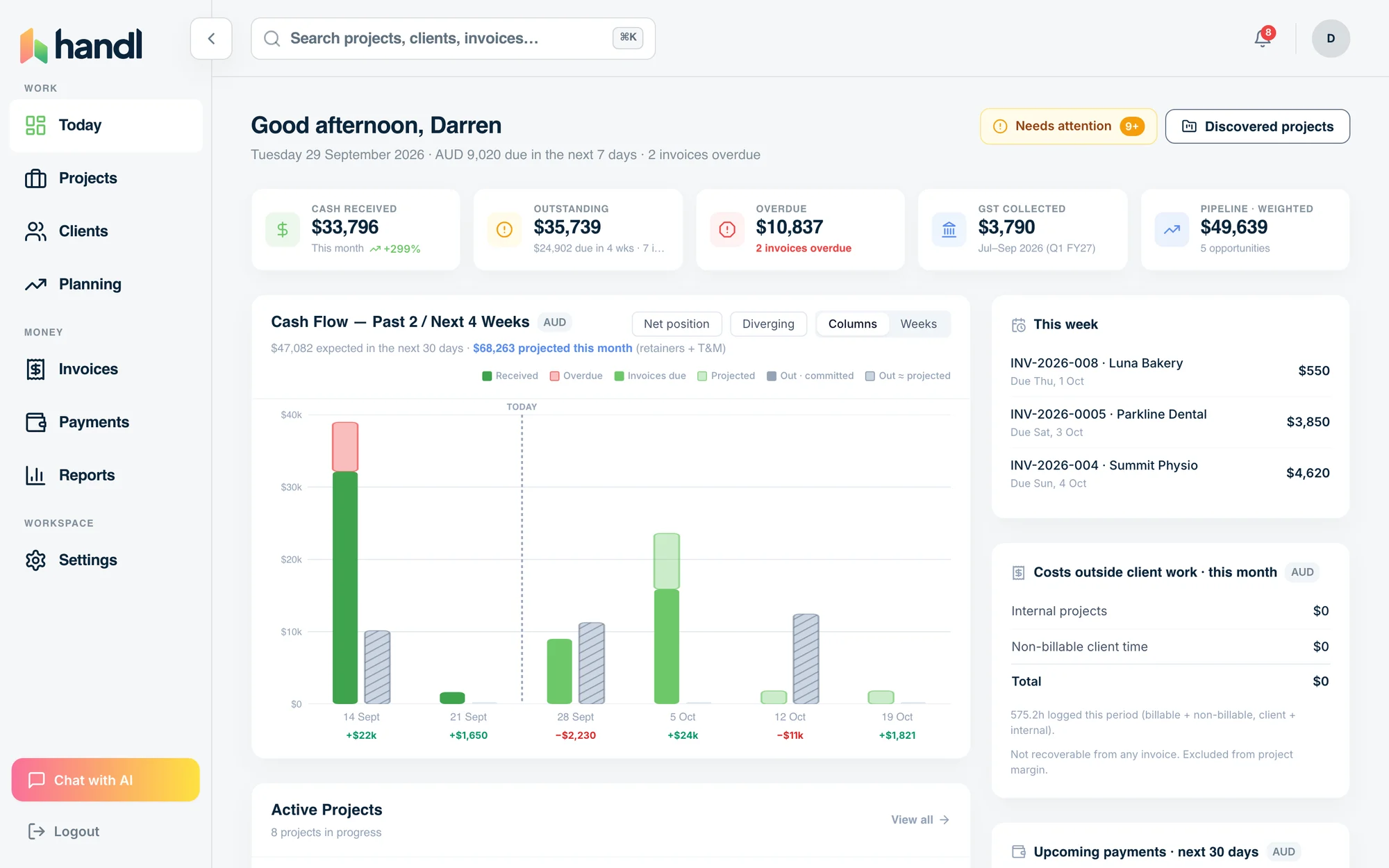
- Invoices created automatically when work completes
- Payment reminders that keep chasing until you’re paid
- Clients pay from a link — no client login required
Built by an agency owner, 20 years in. Plugs into the tools you already use.


Quick verdict
HoneyBook is the stronger pick if client onboarding and pipeline management is your bottleneck. Handl wins if late payments, and ongoing project billing is where you're losing time and money.
Side by side
How they stack up
Handl
Best for: Agencies and freelancers who need milestone billing, payment automation, and PM tool integrations once a project is running.
HoneyBook
$19–$79
per month
Best for: Solo creatives and service businesses who need a polished client onboarding experience with contracts, scheduling, and CRM.
- Starter: basic features
- Essentials: automation
- Premium: full suite
- Built-in contracts + e-sign
- Client portal
- Scheduling + booking
Feature by feature
Handl vs HoneyBook: feature comparison
| Feature |  |
HoneyBook |
|---|---|---|
| Milestone-based billing |  |
 |
| Automated payment reminders | AI-driven |
⚠️ Basic workflow reminders only |
| AI-native (not bolt-on) | |
|
| Client portal | |
|
| Quote / proposal builder | |
|
| Digital signatures | |
|
| Revenue forecasting | |
|
| PM tool integrations (Jira, Asana, Monday) | |
|
| Xero integration | |
|
| Time tracking integrations | Harvest, Hubstaff, Toggl |
|
| Multi-currency | |
⚠️ USD primary, limited |
| Project health scoring (AI) | |
|
| CRM / lead pipeline | Integrates with CRMs |
|
| Scheduling | |
|
| Free trial | 7-day free trial |
7 days, no credit card |
| Starting price | From $29/mo | $29/mo (annual) / $39/mo (monthly) |
| Per-seat pricing | Plan tiers — Agency $199/mo = unlimited users |
Flat rate per plan tier |
See it in action
What you get with Handl
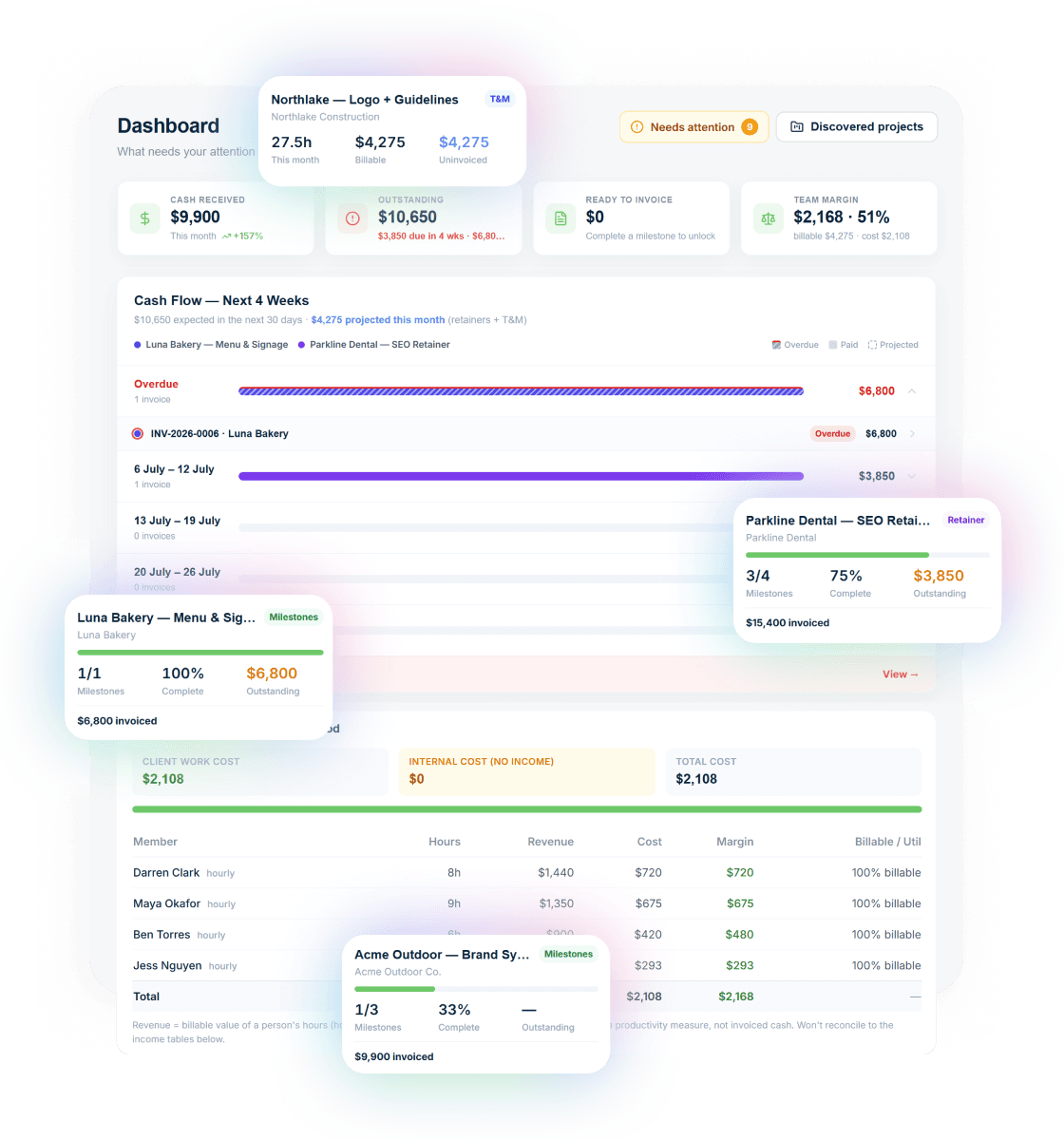
Including automated milestone billing and deliverables held until payment.
Ask your billing anything
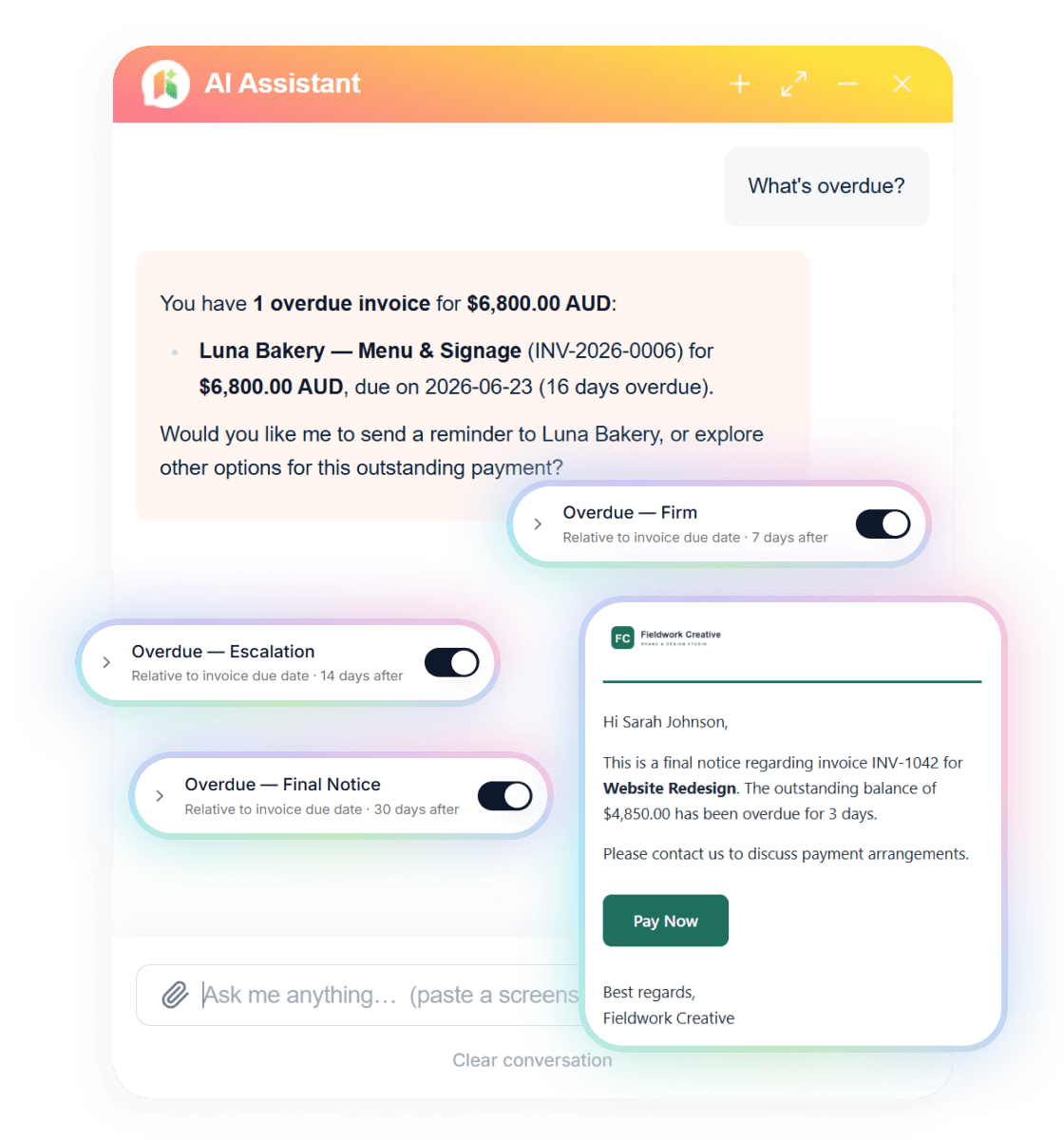
Type “What’s overdue?” and the AI assistant answers with the client, the invoice and the amount — then switches on reminder cadences in one click.
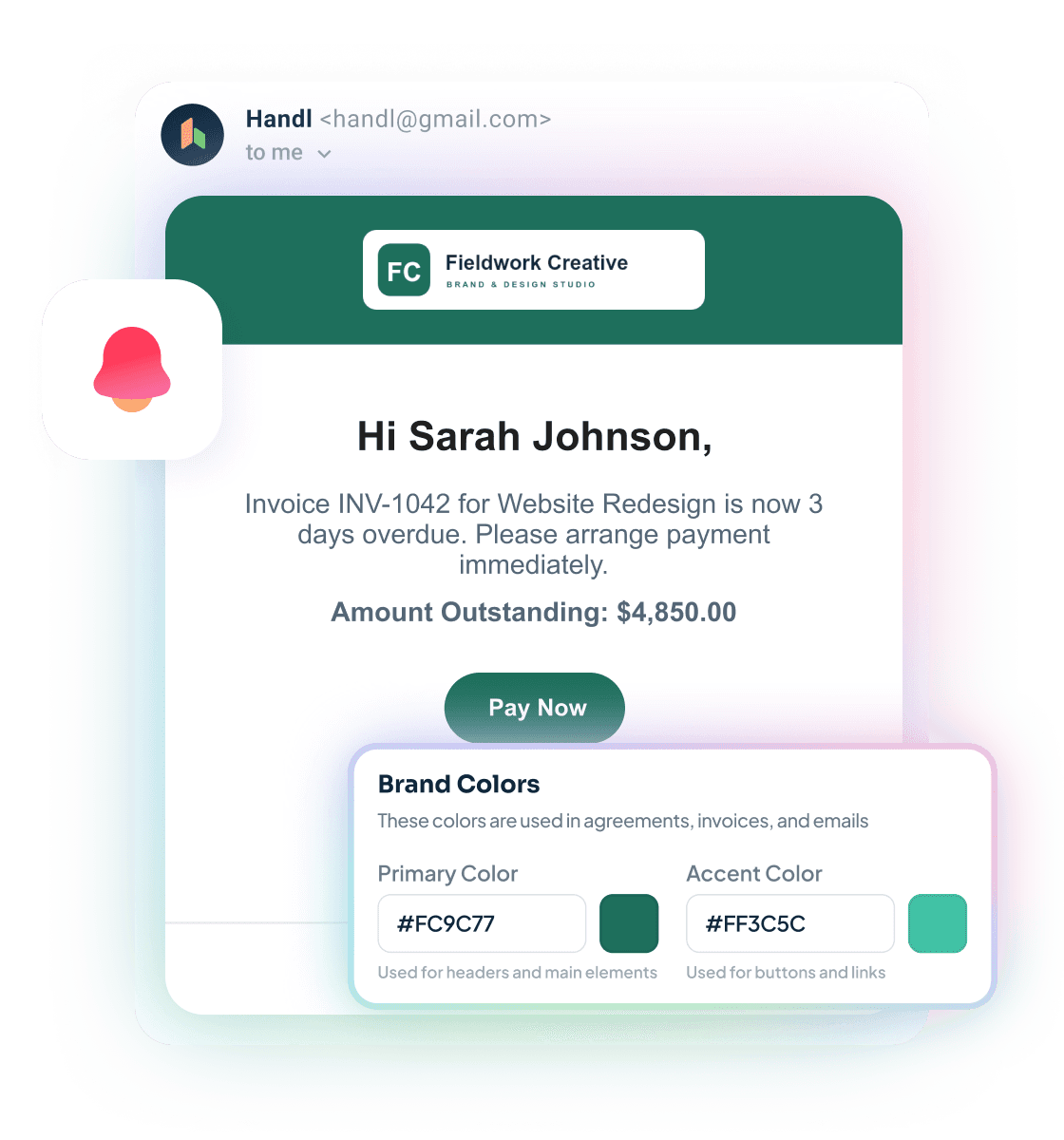
Reminders that send themselves
Branded emails escalate on your schedule — friendly nudge, firm follow-up, final notice — each with a Pay Now button. Clients see your brand, not ours.
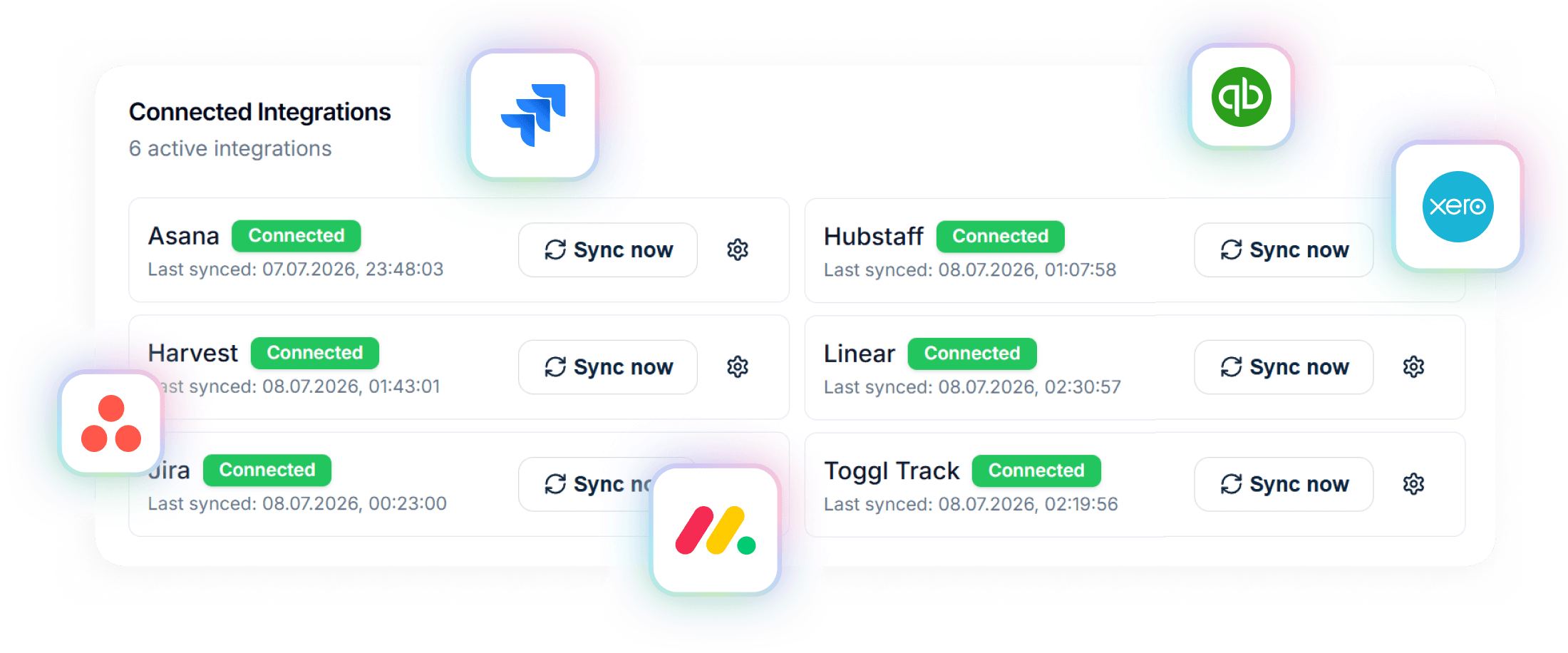
Connected to your stack
Project data in from Asana, Jira, Monday, Linear or ClickUp. Invoices out to Xero or QuickBooks. Time from Harvest, Hubstaff or Toggl.
A closer look at HoneyBook
HoneyBook launched in 2013 and built a loyal following among photographers, event planners, coaches, and solo creative businesses. The platform centres on the client experience before and at the point of signing: branded proposals, contract templates, a scheduling tool, and a CRM pipeline to track where every lead sits.
The client portal lets clients view and sign documents, pay invoices, and message you in one place. Automation workflows help trigger emails, tasks, and reminders based on project stage — useful for businesses that run the same client journey repeatedly.
Where HoneyBook gets thinner is ongoing project billing. There's no milestone-based invoicing — you're working with standard invoices or payment plans, not billing tied to project progress. There's no integration with PM tools like Jira, Asana, or Monday. And the AI features are limited; this isn't a platform built around intelligence, it's built around workflow templates.
HoneyBook is genuinely excellent at what it does. If you're a photographer or a coach running the same client flow 50 times a year, it's hard to beat. For agencies managing complex, multi-milestone projects with scope changes and PM tool data — it runs out of road fairly fast.
Strengths
What are our strengths?
- Milestone-based billing — bill clients as project phases complete, not just on a fixed schedule
- AI-driven payment reminders — Handl handles the awkward follow-up automatically, without you having to chase manually
- PM tool integrations — Jira, Asana, and Monday connect directly, so your billing reflects actual project progress
- Xero integration — proper accounting sync, not just an export
- Revenue forecasting — see what's coming in before it arrives
- Project health scoring — AI flags projects that are drifting before they become a problem
- Plan pricing from $29/month — no per-seat fees, and the Agency plan caps at $199/mo with unlimited team members, so no surprises as you grow
- Stronger client onboarding — HoneyBook's client experience from first contact to signed contract is genuinely polished
- Built-in scheduling — calendar booking included without needing a separate tool
- CRM pipeline — lead tracking and pipeline management is core to HoneyBook, not an afterthought
- Larger template library — years of community-built proposal and contract templates
- Brand reputation — well-established with strong community, lots of peer support available
- Automation workflows — powerful repeatable workflow builder for businesses running the same process repeatedly
Which one is for you?
When to choose each tool
Handl makes sense if your primary pain is what happens after the contract is signed.
If you're managing projects with multiple phases, you need billing to track with actual progress — not just send a fixed invoice on day one. If scope changes happen (and they do), you need a way to document and charge for that work without an awkward conversation. If chasing payment is eating into your week, you need automation that handles the follow-up so you don't have to.
Handl is also the better fit if you're already using project management tools like Jira, Asana, or Monday and want your billing layer to connect with them. And if you're on Xero, Handl integrates properly rather than forcing a workaround.
For multi-currency work or international clients, Handl handles that natively. And pricing is by plan, not per head — from $29 a month, capping at $199 for unlimited users — so there's no per-seat cliff as your team grows.
If late payments, and the ongoing billing relationship is where you're losing time and money — that's what Handl is built for.
HoneyBook is genuinely the better tool if client acquisition and onboarding is where your business is losing ground. If you're a photographer, coach, or event planner running a repeatable client journey — inquiry, proposal, contract, payment, delivery — HoneyBook's workflow automation is purpose-built for that. The scheduling tool, branded client experience, and CRM pipeline are all solid. If you need to look professional from first contact and your projects don't involve complex milestone billing or PM tool data, HoneyBook is a strong, well-supported choice.
Frequently asked questions
Can I use both Handl and HoneyBook?
Yes, though there is overlap. Some agencies use HoneyBook for lead capture and onboarding, then move to Handl once a project is signed for milestone billing and payment collection. It depends where your biggest pain is.
Does Handl have a CRM?
Handl focuses on billing and client payment ops rather than lead management. It integrates with CRM tools rather than trying to replace them.
Is HoneyBook better for freelancers?
HoneyBook is better for freelancers whose main challenge is winning and onboarding clients. Handl is better for freelancers whose main challenge is getting paid on time once work is underway.
Does Handl offer contract signing?
HoneyBook also includes contract signing as part of its onboarding flow.
Which has a longer free trial?
Handl offers a 14-day free trial with no credit card required. HoneyBook offers a 7-day free trial, also no credit card required.
The verdict
These are two tools that genuinely don't compete head-to-head for most buyers — they solve different phases of the client relationship.
HoneyBook wins the front end: getting leads in, looking professional, and getting contracts signed. It's earned its reputation with solo creatives and is well worth considering if that's your gap.
Handl wins the back end: billing in line with project progress, chasing payment without the awkward emails, managing scope changes, and keeping an eye on whether a project is going sideways before it does.
If you're a freelancer or small agency and late payments are your actual problem — clients paying slow, invoicing feeling manual and disconnected from your PM tool — Handl is built specifically for that. HoneyBook isn't.
Try Handl free for 7 days. See if it solves the problem.


Reclaim your time
Stop being your own debt collector.
Get paid faster with automated invoicing and reminders.