Billing models
Retainer invoicing, automated.
How Handl bills your retainers on time, every cycle — and tells you when you're giving the work away.
Free for 7 days, then flat plans from $29/mo.
- Invoices created automatically when work completes
- Payment reminders that keep chasing until you’re paid
- Clients pay from a link — no client login required
- Connects to Monday, Asana, Jira, Linear, ClickUp
The problem
Why retainers break most invoicing tools
Retainers look like the easy one. Same fee, same date, every month. So why does it go wrong? Because the invoice is the easy part. The hard part is everything around it. Most invoicing tools treat a retainer like a recurring charge and stop there — they'll fire out “$4,000, due net 14” on the 1st and call it a day. But a retainer isn't really a subscription. It's a promise to do a chunk of work for a fixed fee — and the whole thing only makes money if the work stays inside the fee.
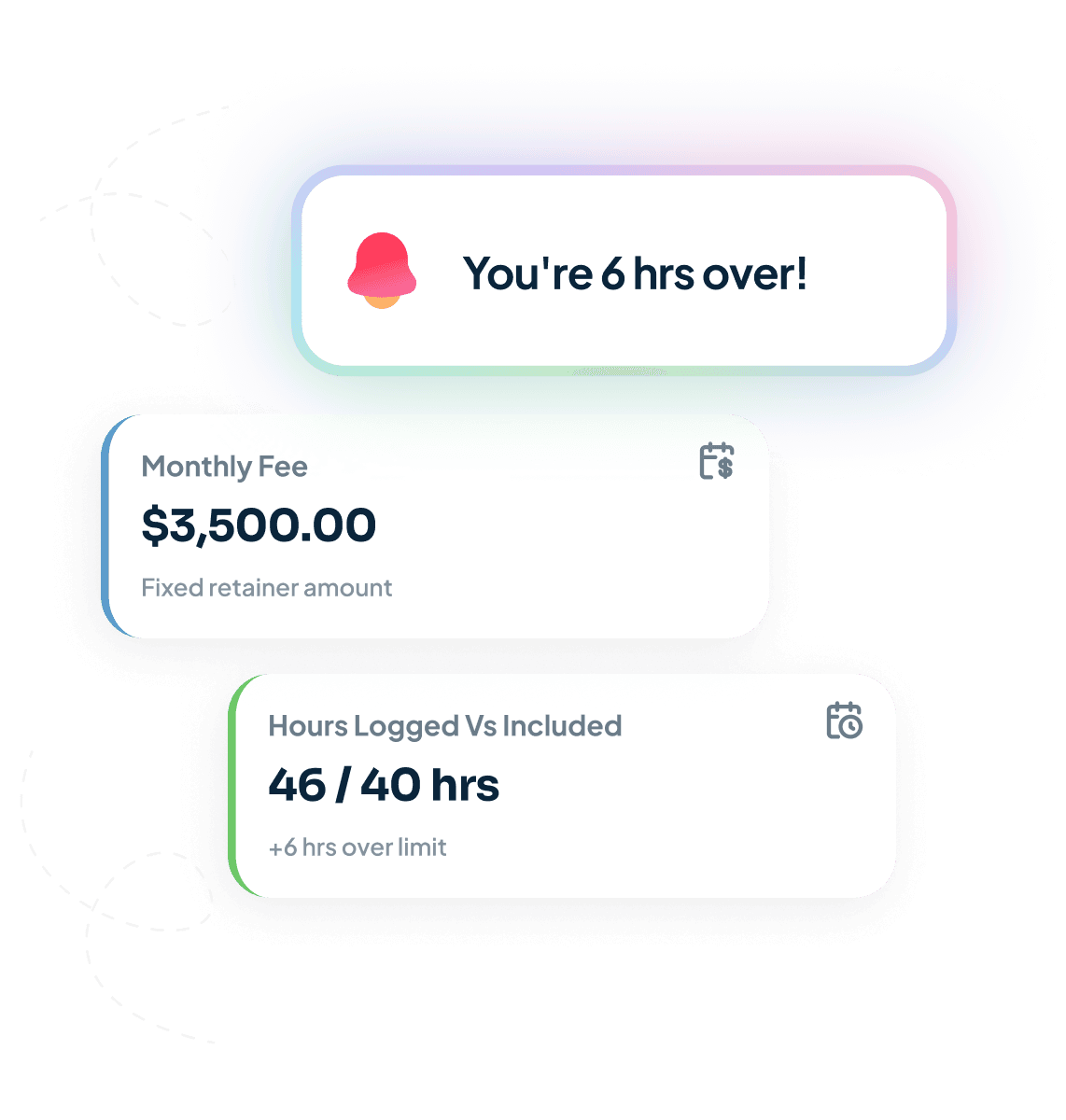
That's where it falls apart. The fee is fixed but the hours aren't. One month a client goes quiet and you're up. Next month they want three rounds of revisions, a last-minute deck and a “quick favour” — and you're 11 hours over without noticing. Your recurring-invoice tool can't see any of that. It doesn't know the work. It just bills the same number while your margin quietly bleeds out the side. The retainer that “runs itself” is usually the one losing you the most money.

“Hours delivered can quietly exceed the fee. That's the retainer trap in one line.”
How Handl handles it
Handl plugs into the place the work actually lives — so it doesn't just bill the calendar. It watches the work behind the fee.
Bills on the cycle, automatically
Set the fee and the date once. Handl raises and sends the invoice every cycle, pushes it to Xero or QuickBooks, and reconciles it against Stripe when it lands. You stop “remembering the 1st.”
Tracks hours against the fee in real time
Pulls logged time from your PM tool and shows included vs delivered as the month runs — not three weeks after you've already lost the margin. Amber flag when you're close, red when you're over.
Turns overage into a billed line, not an awkward email
When you blow past the included hours, Handl flags it and drafts the extra-hours line for you. One click and it's billed — instead of you eating it because the conversation felt too hard.
Chases the late ones for you
Retainer didn't clear? The AI billing agent sends the reminders on your schedule, in your tone, so you're not the bad guy every month.
This is the bit nobody else does. Your accounting tool holds the money but has no idea you went 11 hours over. Your PM tool knows you went over but can't bill a cent. Handl sits between them and connects the work you did to the money you're actually owed.
What is retainer management software?
Retainer management software is the tool that runs the ongoing, fee-based side of client work: it holds the agreement, raises the invoice every cycle, and tracks the hours delivered against the fee. The point of it is doing both halves — the billing and the work sitting behind the billing — in one place.
In practice that’s the fee and billing date per client, hours pulled in from your PM or time tracker and measured against what’s included, a flag when you’re over the fee or well under it, reminders that chase the invoice when it doesn’t clear, and a rough view of what’s landing next month. Plenty of tools will send a recurring invoice. Whether the fee still covers the work is the part you’re actually paying for.
How do you invoice clients for monthly retainers?
Three steps. One: agree the fee and the billing date in writing before any work starts. Two: raise the invoice on that cycle automatically — same day, every month, never a decision you have to make. Three: track hours against the fee as the month runs, so when you go past what’s included you can bill the extra while it’s still fresh.
Step three is the one everyone skips. The first two are easy and every tool does them. But a retainer only makes money while the work stays inside the fee, and you can’t tell whether it did if you’re checking three weeks after the month closed.
Longer version in the guide to retainer billing for agencies, and the step-by-step is in how to invoice clients for monthly retainers.
What should you do with unused retainer hours?
Pick a policy and put it in the agreement before it ever comes up. There are three that work: use-it-or-lose-it, where hours reset each month; rollover with a cap, where unused hours carry for a month or two and no further; or bank-and-review, where you log the underuse and have a proper conversation about resizing the retainer at quarter end.
None of them is clearly right. Use-it-or-lose-it is the cleanest to run and defensible — you reserved the capacity whether they used it or not — but some clients will push back hard. Rollover feels fairer and clients love it, right up until they’ve banked a stack of hours and call them all in during your worst month. That’s why the cap matters.
The one thing that always goes badly is having no policy. Then it’s a negotiation, every time, and you’ll lose it.
Mix and match
Works alongside your other billing models
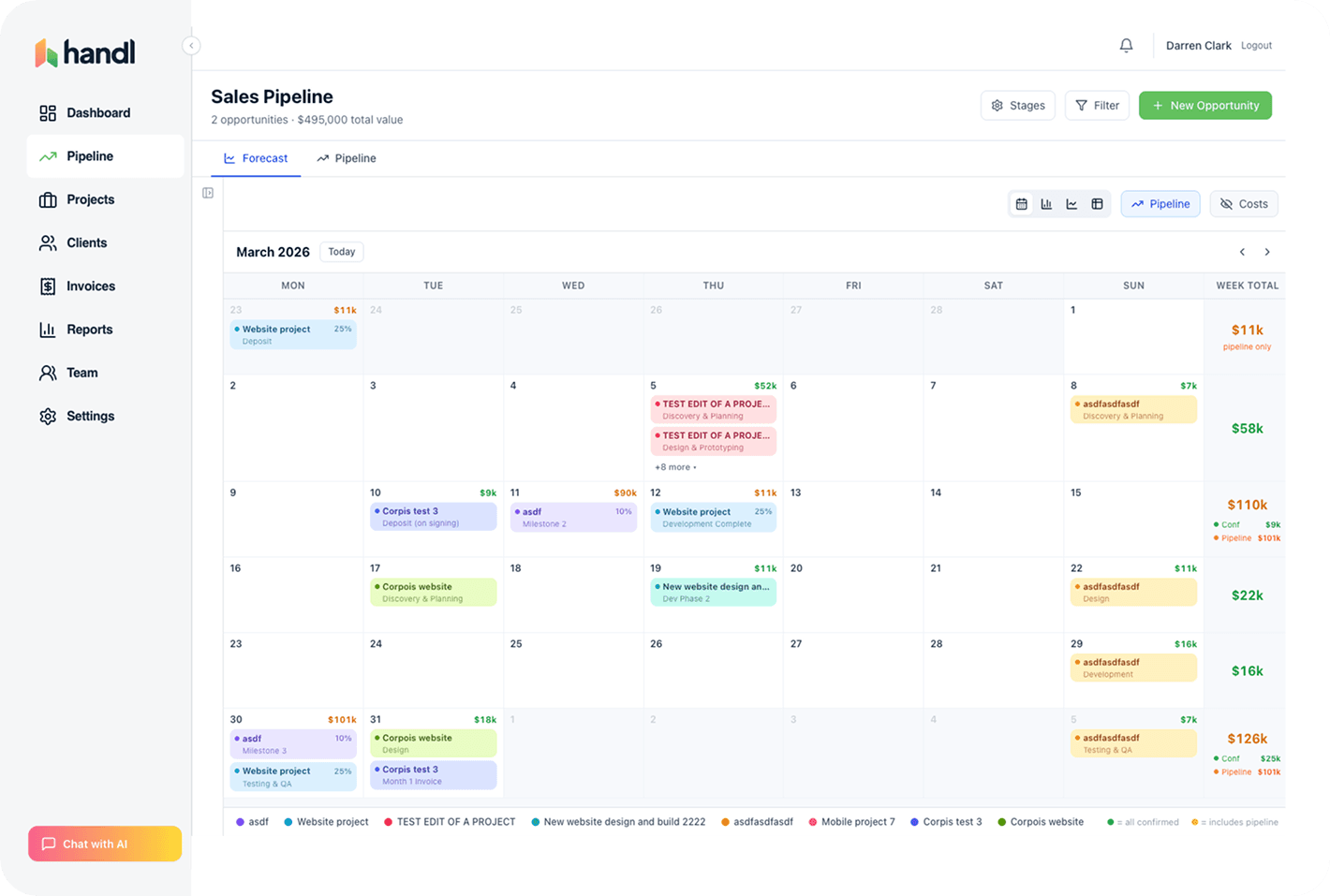
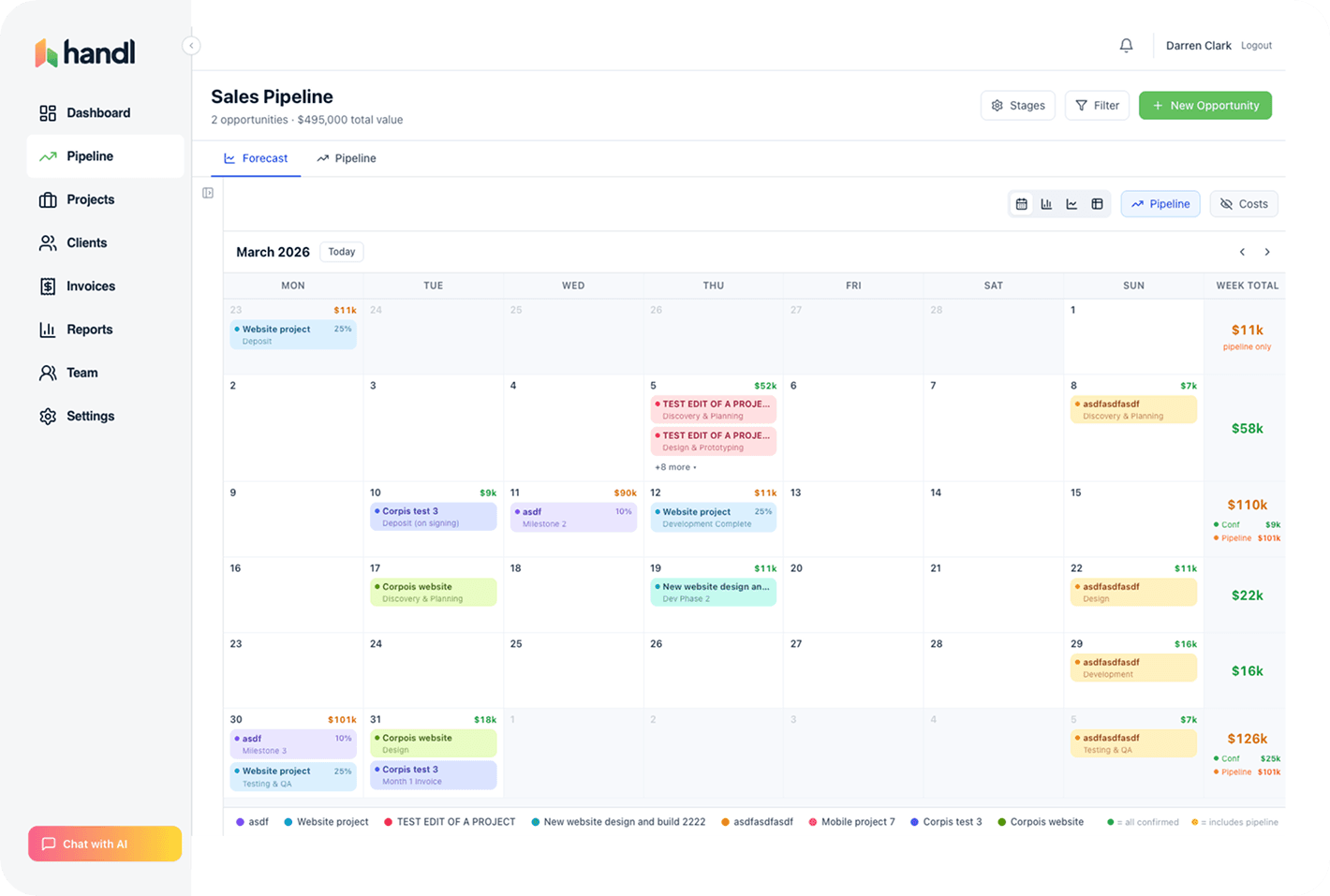
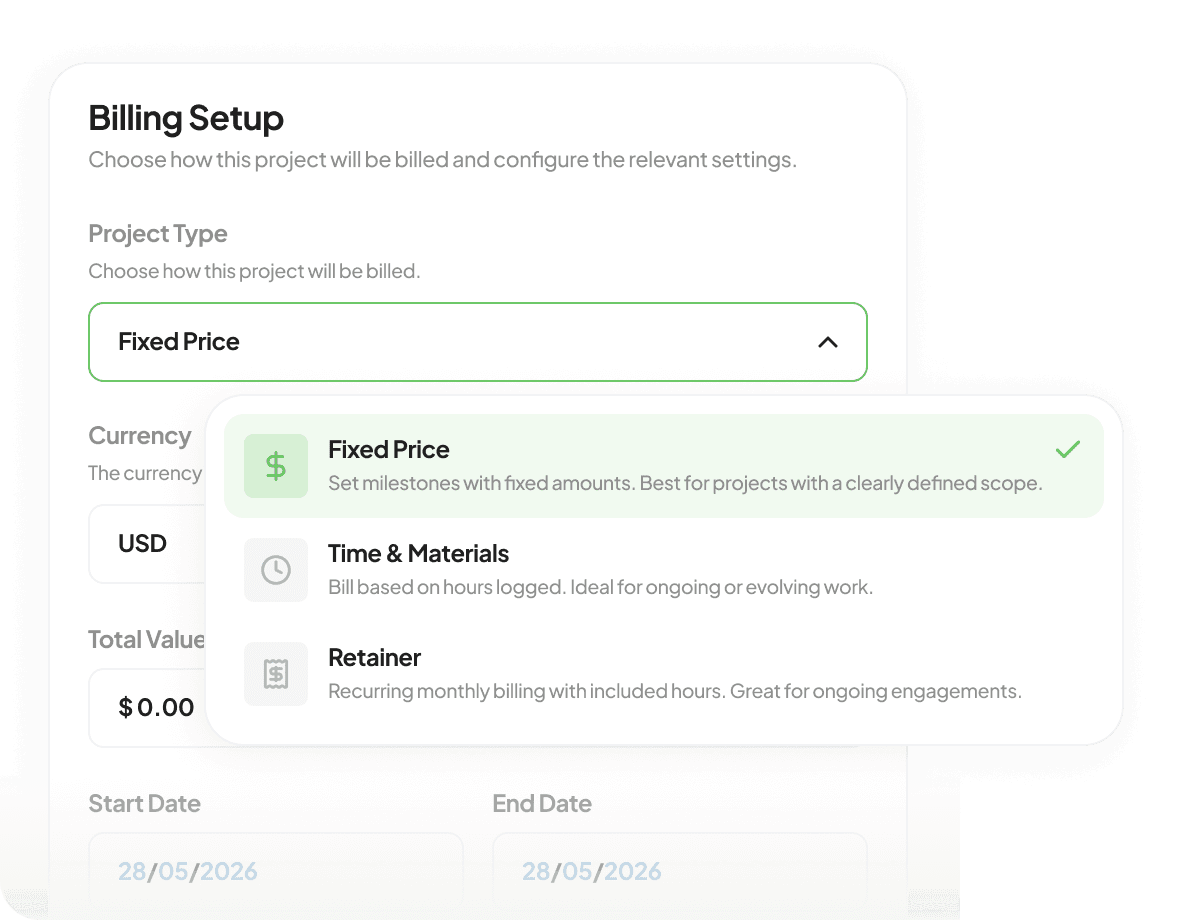
Most agencies don't run pure retainers. You've got a couple of retainer clients, a project on milestones, an hourly overflow client and the odd fixed-fee one-off. Handl runs all four at once — no separate tool, no separate logic.
Integrations
Works with the tools you already run.
Monday, Asana, Jira, ClickUp and Linear for the work. Xero or QuickBooks for the books. Stripe for the payments.


Questions, answered
What is the best software for retainer management and invoicing?
How does automated retainer invoicing work?
Can I run retainers and milestone projects side by side?
Pricing
From $29/mo. Unlimited retainers on every plan.
Unlimited retainers, unlimited clients, on every plan — solo at $29, up to 3 seats at $99, unlimited team at $199. No “contact us for the retainer module.” Most retainer tools that actually track hours charge per user — the bill grows with every account manager you add. Handl prices by plan, not per head, and the top one caps at $199/mo however big you get. A freelancer with two retainers pays $29. A 10-person studio running twenty knows exactly where the ceiling is. Talk to Darren →
Get started — $29/mo
Reclaim your time
Stop being your own debt collector.
Get paid faster with automated invoicing and reminders.