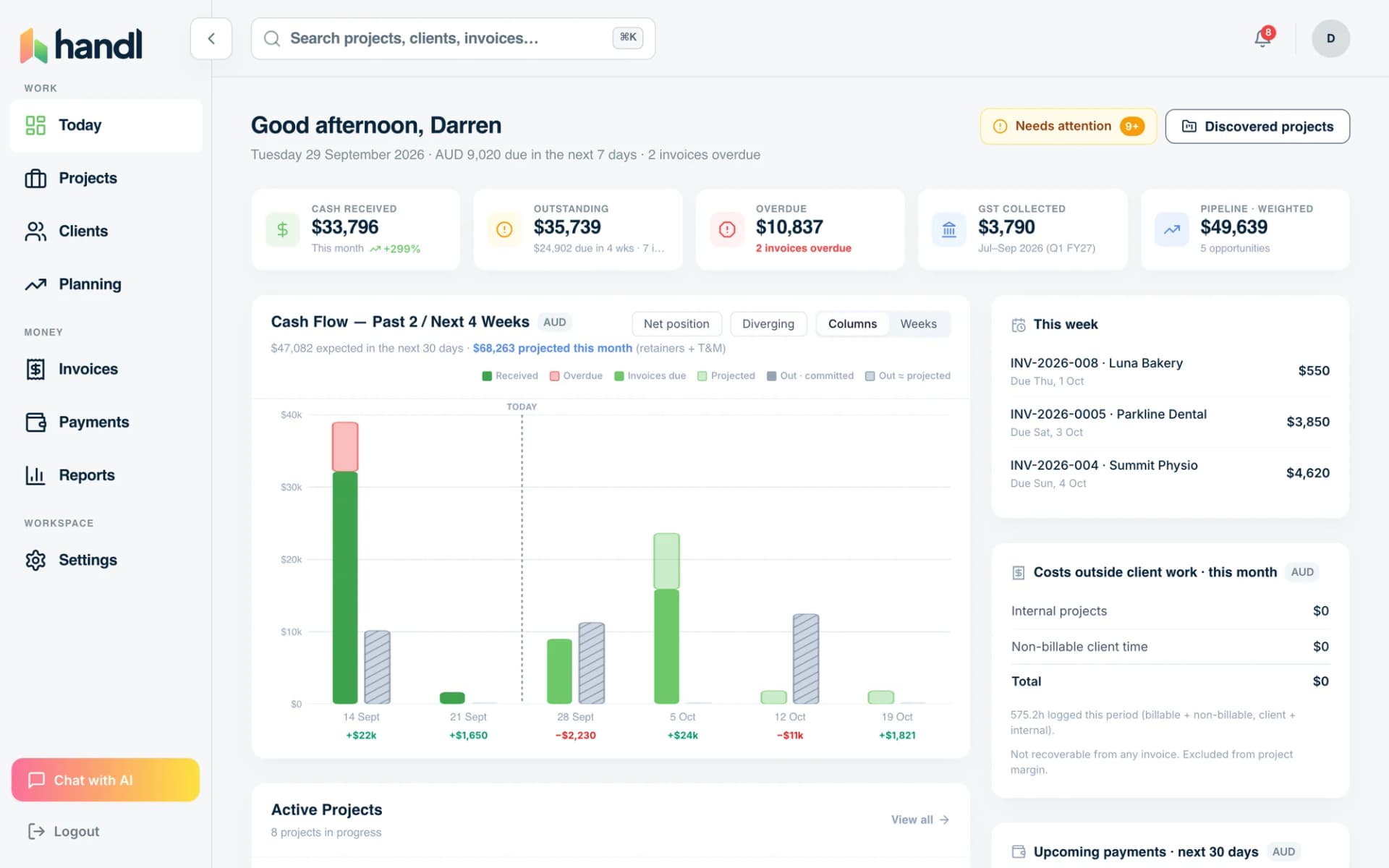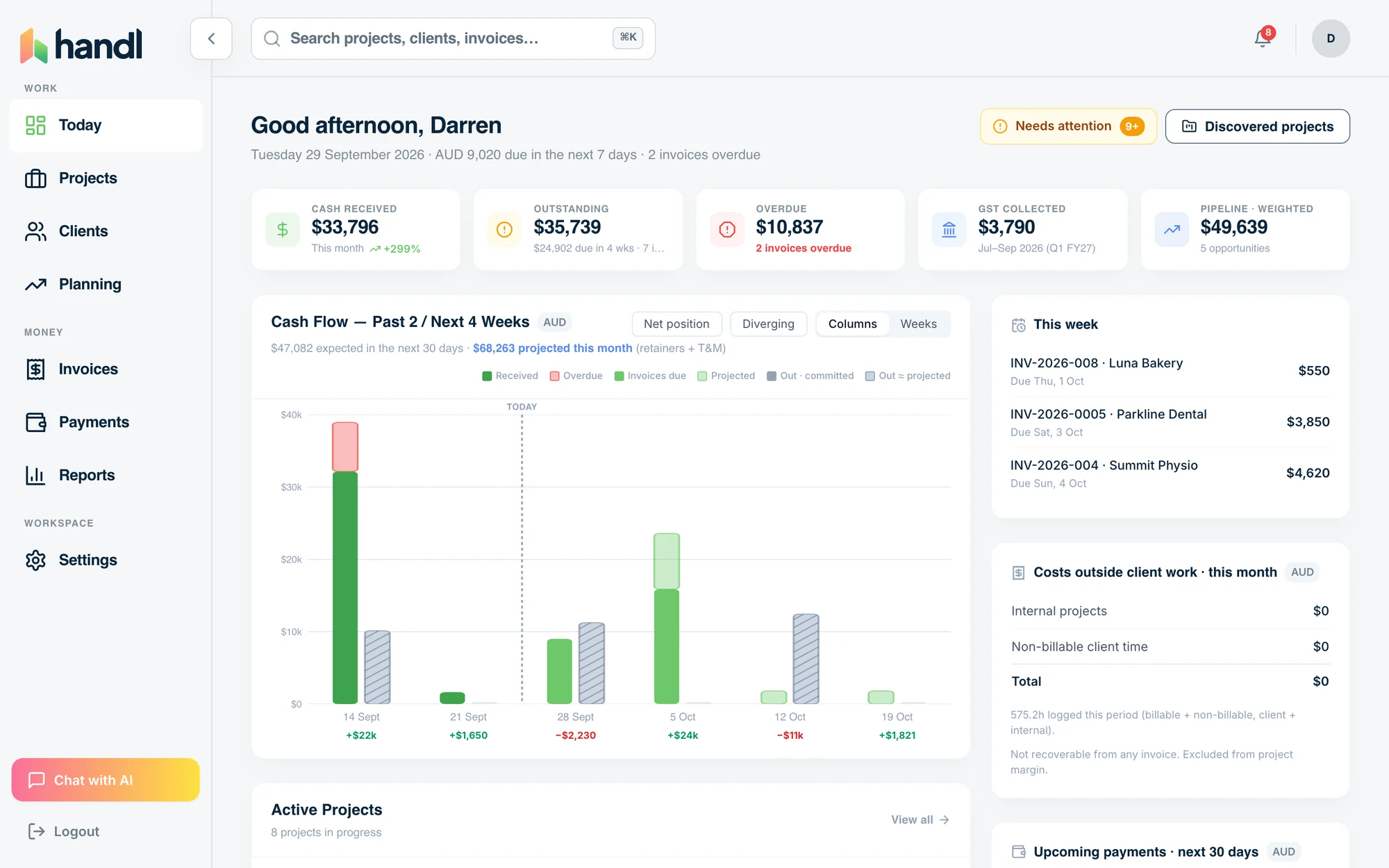
HOURLY AND TIME & MATERIALS
Tracked hours in. Invoice drafted.
Every hour your team logs ends up on an invoice.
Handl pulls time from Toggl, Harvest, Clockify or Hubstaff, prices every entry at the rate that applied that day, and drafts the invoice weekly or monthly.
Free for 7 days, then flat plans from $29/mo.
- Every entry at the right rate
- Unbilled hours caught
- Detail by person and day
- Every entry at the right rate
- Unbilled hours caught
- Detail by person and day
Questions this page answers
- Has anyone exported the Toggl hours yet?
- Rates changed mid-project. Which one applies?
- Did those Friday hours ever get billed?
How it runs
- Three time-tracker tiles feed one lime Handl tile reading 32.5 hours today.
Connect your time tracker.
Hours sync on their own through the day.
- Four hour bars of different lengths, each stamped with its rate: $180, $150, $150, $130.
Rates apply themselves.
Each entry carries the person's rate on the day it was logged.
- A week strip with Friday marked in lime, and a drafted invoice beneath it.
The invoice drafts on schedule.
Weekly or monthly, in arrears, grouped how you bill.
Try it, no sign-up
Unbilled hours calculator
How much billable work never made it onto an invoice, and what that costs a year. Result on the page, no sign-up.
Open the calculatorWhat you get
- One line per role, hours attached
- The rate that applied
- $4,275 before tax
Questions people ask first
Do I have to leave QuickBooks or Xero?
No. Drafts push straight into them.
Will it send without me?
Only if you switch auto-send on. It's off by default.
What if rates changed mid-project?
Each entry keeps the rate that applied when it was logged.
Can I leave some hours off?
Yes. Exclude any entry or waive it from the invoice.
What about hours on a project Handl doesn't know?
They show as "not in Handl yet" with the hours, until you import the project.
What does it cost?
From $29 a month. 7-day free trial on every plan.
Mix and match
Works alongside your other billing models
Almost nobody is hourly-only. Hourly for one client, retainer for another, a fixed-fee project running alongside. Handl runs all four in one place.
Paying contractors from those hours? One run, not twelve chases.
Integrations
Works with the tools you already run.
Monday, Asana, Jira, ClickUp and Linear for the work. QuickBooks or Xero for the books. Stripe for the payments.


See how QuickBooks and Xero connect. Paying contractors? Pay them from your own Wise or Airwallex balance.
The problem
Why hourly billing breaks most invoicing tools
Hourly should be the most honest model. You did the hours, you bill the hours. But it only works if every hour actually makes it onto an invoice — and that's where it leaks. The hours get logged in one place (a timer, a PM tool, a timesheet). The invoice gets raised in another. Somebody has to pull the time, total it per client, format it, and send it — every single billing cycle. It's tedious, it's manual, and it's exactly the kind of job that slips.
Time that isn't logged becomes profitability fiction. Time that's logged but never billed is just gone. Do the math: a 10-person team at $150/hr losing 2 hours each per week is around $150k a year. That's a senior hire, leaked out the side. Harvest and the time-trackers are great at the timer half. But logging time and billing time are two different jobs, and most tools only really do the first. You still end up exporting a CSV and rebuilding the invoice by hand.

How Handl handles it
Handl reads the time straight out of your time tracker and turns it into a drafted, priced, reconciled invoice — no export, no rebuild.
Logged time becomes an invoice automatically
Pull hours from Toggl, Harvest, Clockify or Hubstaff, group by client, draft the invoice. You review, you send. Or you let it run.
Catches the hours you're about to lose
Handl flags logged-but-unbilled time before the cycle closes, so nothing falls through. The $150k doesn't leak.
Bills against budget, not into the void
See time logged vs budget vs invoiced per client in real time — so you know the job's actually profitable, not just busy.
Pushes to your books
Each draft lands in QuickBooks or Xero when you send it, and your books stay reconciled.
vs Harvest: Harvest tracks the time beautifully and then hands you back the boring part. Handl connects the hours your team logged to the invoice you send. Tracking is table stakes. Billing every hour is the job.
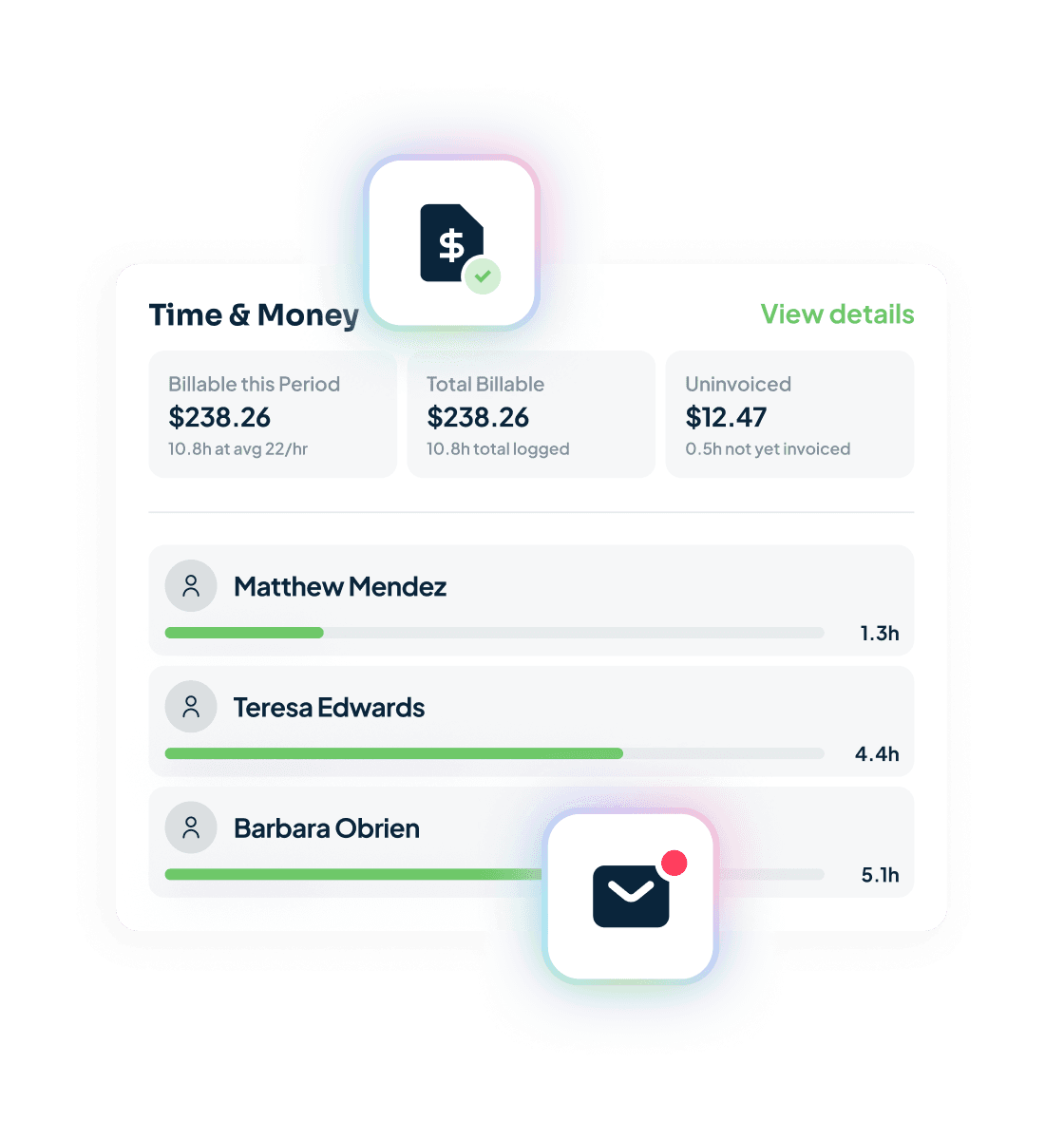
What is time and materials invoicing?
Time and materials invoicing bills a client for the hours actually worked, at agreed rates, instead of one fixed fee. Each line says who did the work, on which day and at what rate, so the invoice shows the work behind the number.
In Handl, hours arrive from Toggl, Harvest, Clockify or Hubstaff. Each entry keeps the rate that applied on the day it was logged, and the draft is grouped the way you bill. You can exclude or waive any entry before you send.
Pricing
From $29/mo. By plan, not per head.
Handl prices by plan, not per head — which matters more here than anywhere, because hourly tools love to charge per seat and your whole team logs time. Add ten people on Harvest and watch the bill climb with every one. On Handl the worst case is the Agency plan at $199/mo, unlimited team members. Solo, it’s $29. Three of you, $99. It never grows per hire. Talk to Darren →
Get started — $29/mo
Reclaim your time
Every hour your team logs ends up on an invoice.
Handl drafts it from the time they tracked. You press send.