Comparison guide
What Happened to AND.CO (Fiverr Workspace) — and What Now?
Workspace (AND CO): Which Is Right for You?
Free for 7 days, then flat plans from $29/mo.
Quick answer, since most people land here asking the same thing: Fiverr acquired AND.CO in 2018 and rebranded it as Fiverr Workspace in November 2021. Then, on March 1, 2026, Fiverr shut Fiverr Workspace down completely — accounts closed, data deleted.
What happened to AND.CO?
The timeline, in five lines:
- 2018 — Fiverr acquires AND.CO, the freelancer admin tool people genuinely loved.
- November 2021 — AND.CO is folded into the new Fiverr Workspace. Same bones, new name, new ecosystem.
- Late 2025 — Fiverr announces it's shutting Fiverr Workspace down.
- January 31, 2026 — last billing. Monthly subscriptions cancelled; annual plans refunded for unused months.
- March 1, 2026 — all access ends. Data permanently deleted after this date.
We wrote the full story — what actually changed after the rebrand, and where freelancers went next — in AND.CO became Fiverr Workspace.
So what's this page for now? A lot of former AND.CO folks are shopping for a new home for contracts, invoices and actually getting paid. Below is the honest comparison: what Fiverr Workspace did well while it existed, and how Handl covers that ground — built for project work with milestones, retainers, and clients who need chasing.
Written by Darren Clark — Founder of Handl. Ran digital agencies for over 20 years.
Last updated 19 August 2026
- Invoices created automatically when work completes
- Payment reminders that keep chasing until you’re paid
- Clients pay from a link — no client login required
Built by an agency owner, 20 years in. Plugs into the tools you already use.


Quick verdict
Fiverr Workspace shut down on March 1, 2026, so it's no longer an option — this comparison is here for the thousands of freelancers deciding where to move. If your work is project-based (milestones, retainers, scope that moves), Handl was built for exactly that.
Side by side
How they stack up
Handl
Best for: Freelancers and small agencies running project-based work with milestone billing and ongoing client relationships
AND CO / Fiverr Workspace
Free / ~$18
free plan available, Pro ~$18/mo
Best for: Historically: independent freelancers who wanted a clean, free tool for contracts, invoicing, and time tracking — no longer available since March 2026
- Free plan genuinely useful
- Built-in time tracking
- Expense tracking
- Digital contracts + proposals
- Client portal (basic)
- Fiverr ecosystem integration
Feature by feature
Handl vs AND CO / Fiverr Workspace: feature comparison
| Feature |  |
Fiverr Workspace (pre-shutdown) |
|---|---|---|
| Milestone-based billing |  |
 |
| Automated payment reminders (AI-driven) | |
Manual only |
| AI-native (not bolt-on) | |
|
| Client portal | |
Basic |
| Quote / proposal builder | |
|
| Digital signatures | |
|
| Revenue forecasting | |
|
| PM tool integrations (Jira, Asana, Monday) | |
|
| Xero integration | |
|
| Time tracking integrations (Harvest, Hubstaff, Toggl) | |
Built-in time tracking |
| Multi-currency | |
|
| Project health scoring (AI) | |
|
| Expense tracking | |
|
| Still operating | |
Shut down March 1, 2026 |
| Starting price | From $29/mo, 7-day free trial | — (was free / ~$18/mo Pro) |
| Per-seat pricing | Plan tiers — Agency $199/mo = unlimited users |
Flat rate |
See it in action
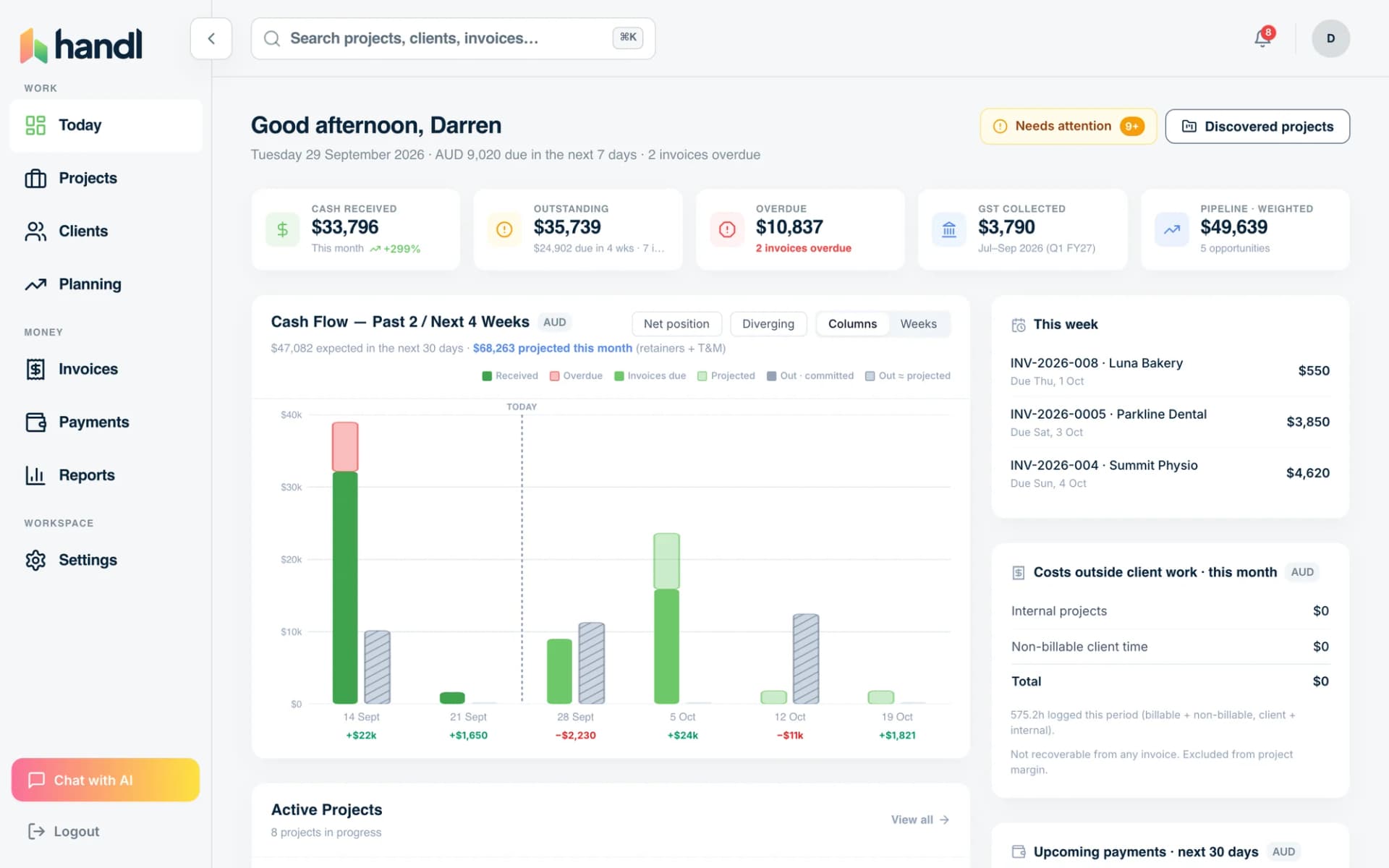
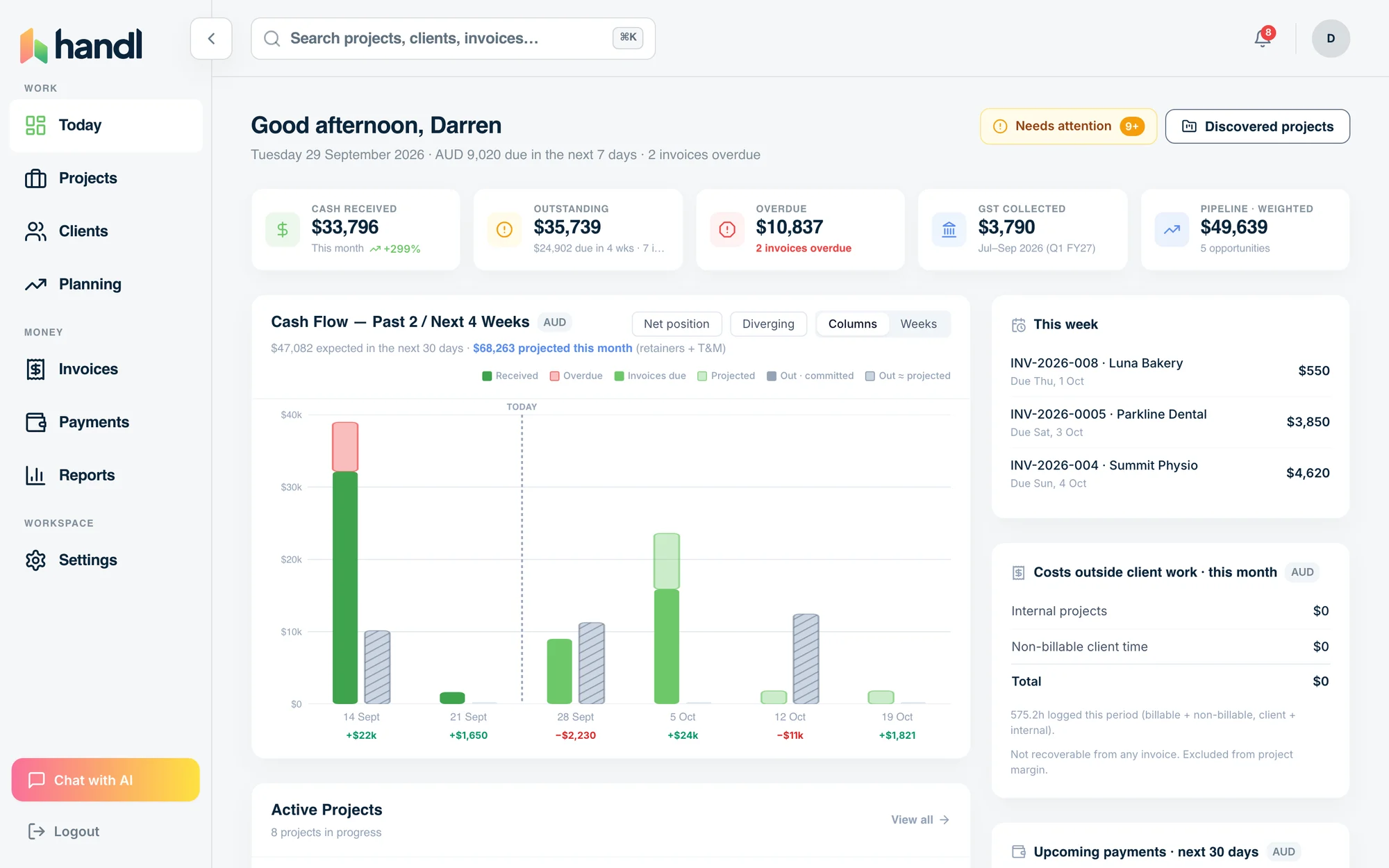
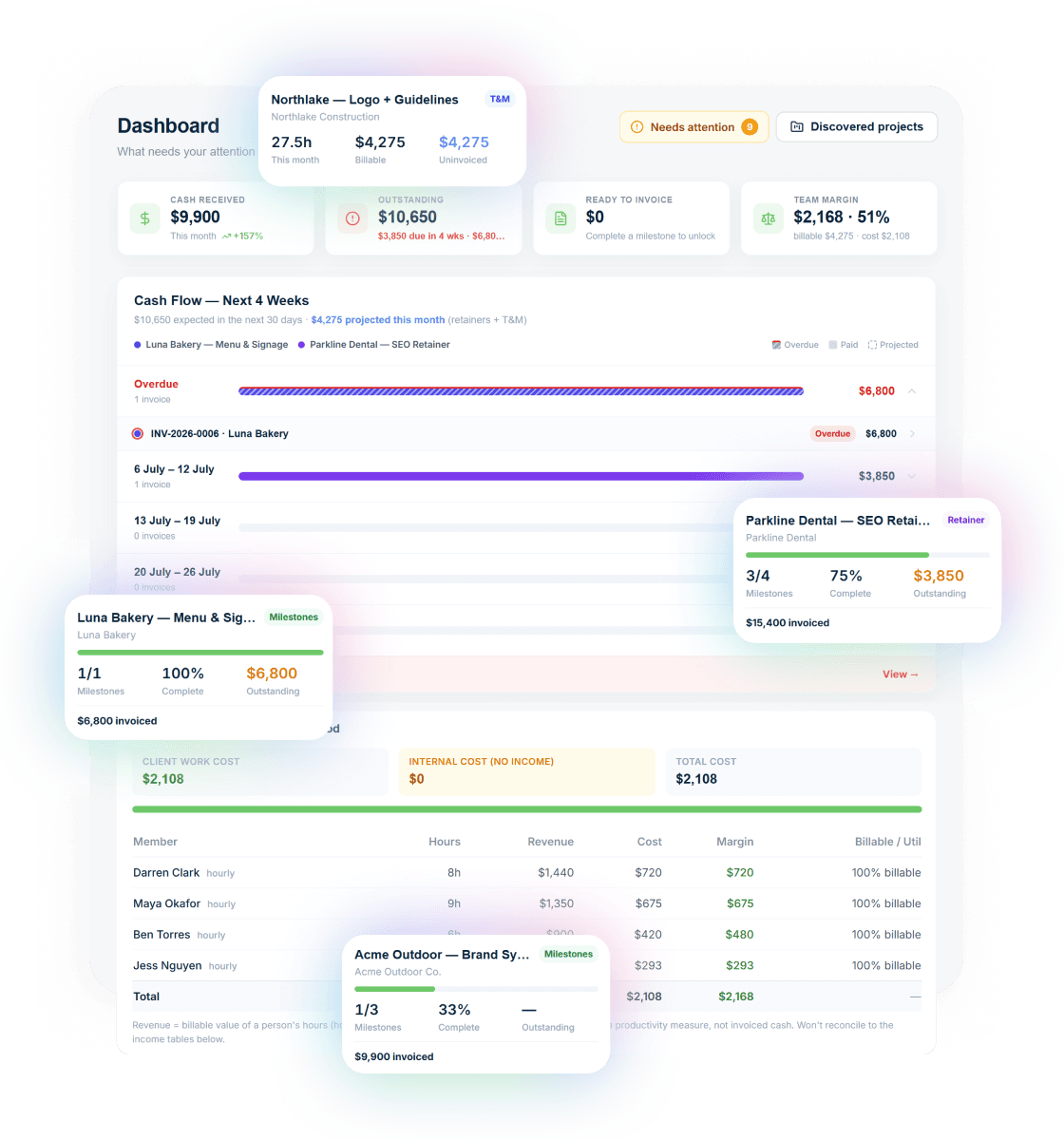
What you get with Handl
Including automated milestone billing and deliverables held until payment.
Ask your billing anything
Type “What’s overdue?” and the AI assistant answers with the client, the invoice and the amount — then switches on reminder cadences in one click.
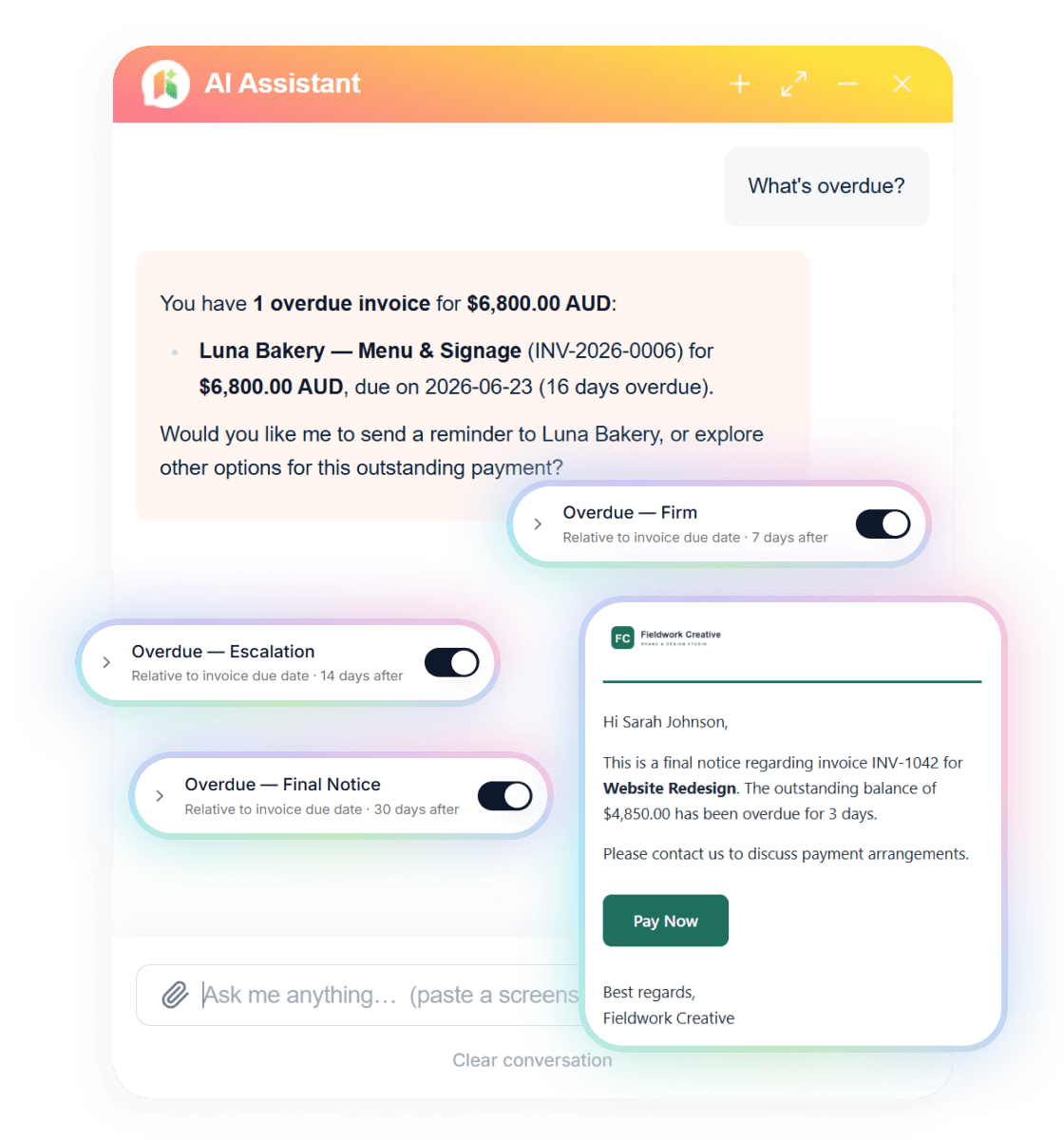
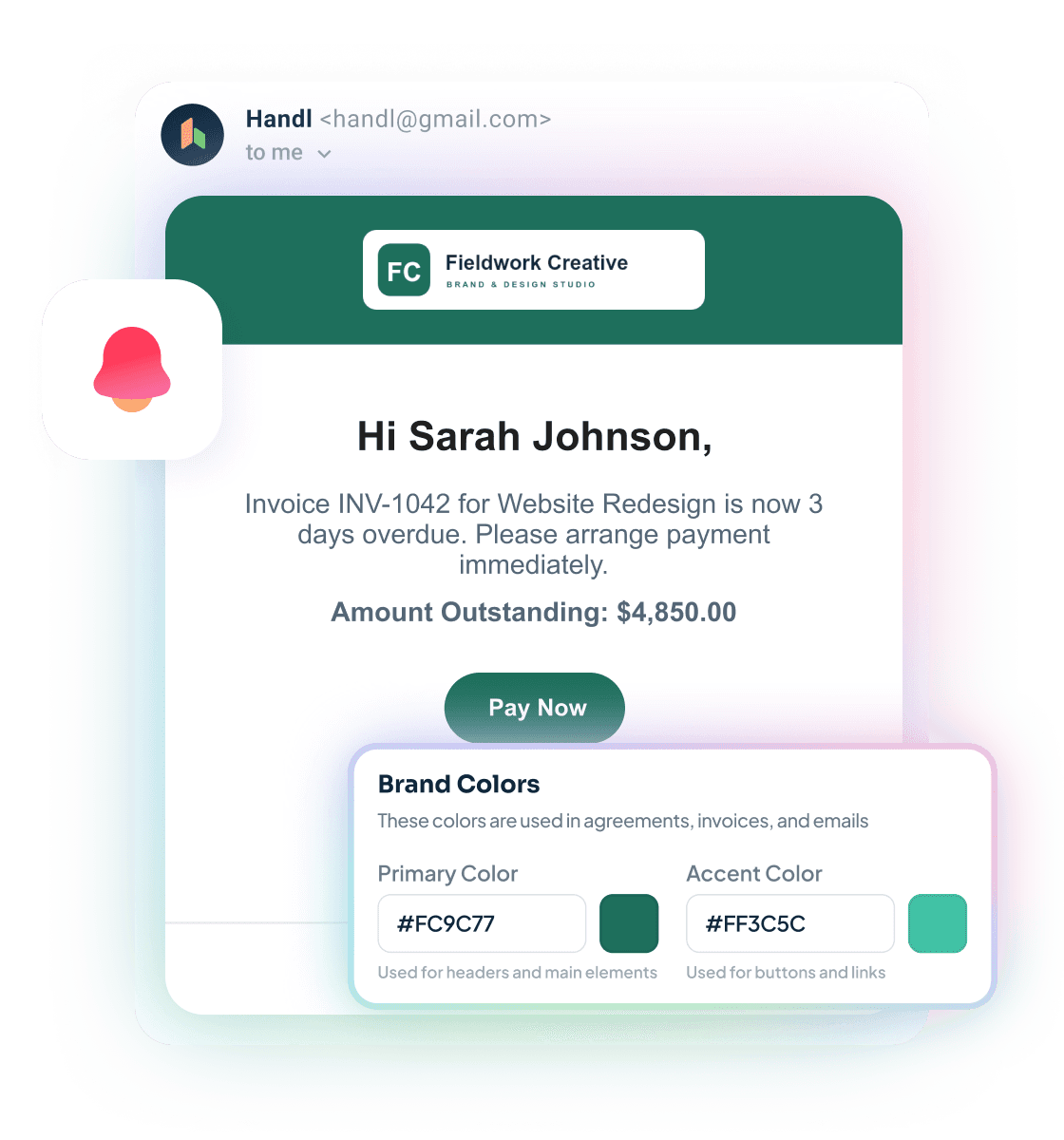
Reminders that send themselves
Branded emails escalate on your schedule — friendly nudge, firm follow-up, final notice — each with a Pay Now button. Clients see your brand, not ours.
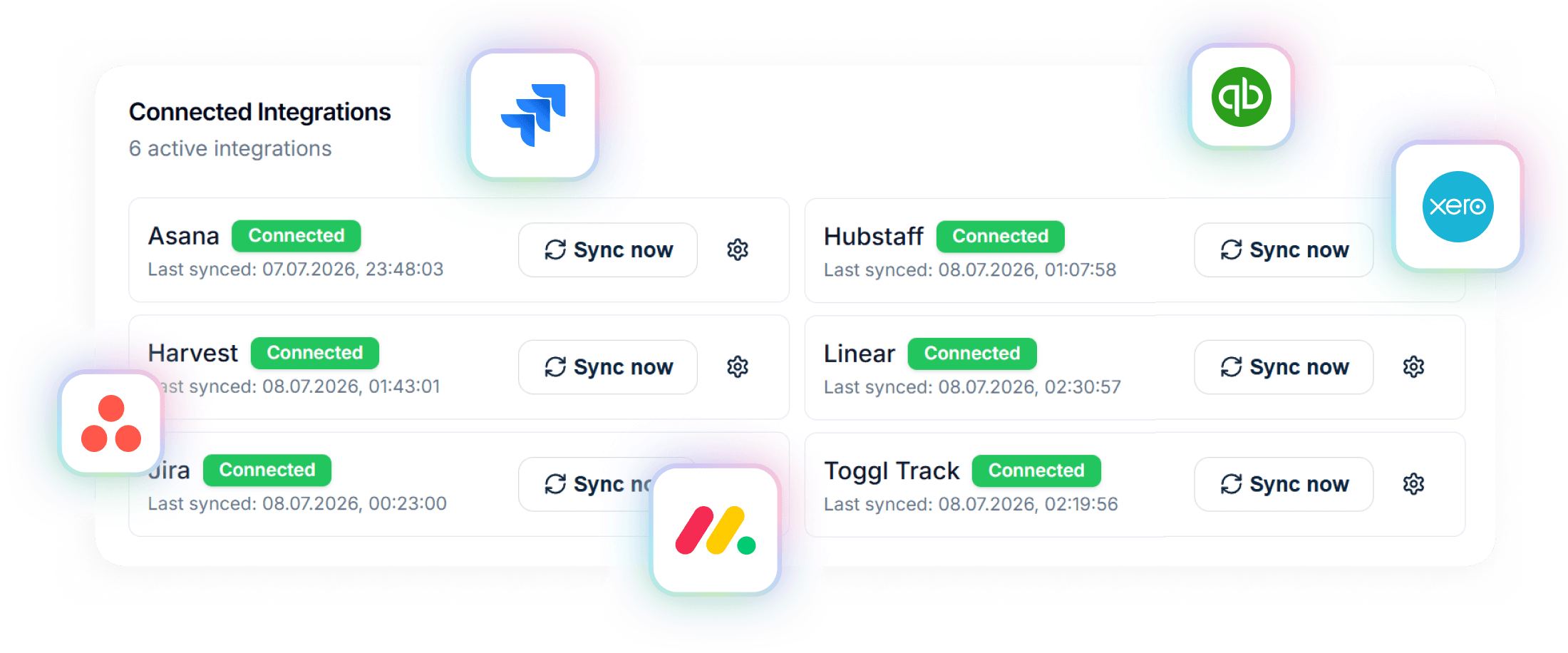
Connected to your stack
Project data in from Asana, Jira, Monday, Linear or ClickUp. Invoices out to Xero or QuickBooks. Time from Harvest, Hubstaff or Toggl.
A closer look at AND CO / Fiverr Workspace
Fiverr Workspace (formerly AND CO) was a freelancer admin platform that covered the basics well: contracts with e-signatures, proposals, invoicing, expense tracking, and time tracking. The UX was clean, onboarding was fast, and the free plan was genuinely useful — for a solo freelancer doing fixed-price or hourly work, it handled a lot of the paperwork overhead that usually falls through the cracks.
The 2018 Fiverr acquisition brought resources but also a question mark — the platform became part of the Fiverr ecosystem, which made sense if you sourced clients through Fiverr and felt misaligned if you didn't. Development slowed after the 2021 rebrand, and the gaps never closed: no native milestone billing, no AI anywhere in the product, and no integrations with project management tools like Jira, Asana, or Monday.com.
In late 2025 Fiverr announced the shutdown, and on March 1, 2026 Fiverr Workspace went dark for good — with all user data permanently deleted after that date. Fiverr partnered with HoneyBook to offer migrating users a year free on an annual plan, and the rest of the market picked up the pieces.
If you're one of the people still looking for a new home: the comparison below is kept honest. It's what Fiverr Workspace offered against what Handl does — so you can judge whether Handl covers what you actually used.
Strengths
What are our strengths?
- Milestone-based billing built in — no workarounds needed for multi-phase projects
- AI-driven payment reminders that adapt to client behaviour, not just scheduled nudges
- Native integrations with Jira, Asana, Monday.com — billing connects to where the work actually lives
- Revenue forecasting and project health scoring give you a real view of the business
- Xero integration for proper accounting handoff
- Priced by plan, not per head — from $29/month, and the Agency plan caps at $199/mo with unlimited team members
- Free plan was genuinely useful, not crippled
- Built-in time tracking (no third-party integration needed)
- Built-in expense tracking
- Clean, approachable UX — fast to get started
- Digital contracts and proposals in one place
- Was popular and well-supported in the US freelance market
- Made sense if you used Fiverr for client acquisition — until the March 2026 shutdown
Which one is for you?
When to choose each tool
If you're running project-based work — fixed-scope projects with milestones and retainers with deliverables. The automated payment reminders aren't just "send an email on day 14" — they're adaptive and they take the awkwardness out of chasing. The PM integrations mean your billing isn't living in a separate universe from where the actual work is tracked. If AND.CO was your invoicing home and your work has grown past simple invoice-and-go, this is the natural next step — and if milestone billing is new to you, start with how milestone invoicing works.
You can't anymore — Fiverr Workspace shut down on March 1, 2026, and Fiverr pointed migrating users at HoneyBook with a year free on an annual plan. If what you loved about AND.CO was the simplicity and the price, tools like HoneyBook and Bonsai are the closest spiritual successors for solo invoice-and-go work — we compare the field honestly in our Bonsai alternatives guide. If what you actually need now is billing that follows the work — milestones, retainers, reminders that send themselves — that's the gap Handl fills.
Frequently asked questions
When did AND.CO become Fiverr Workspace?
Fiverr acquired AND.CO in 2018 and rebranded it as Fiverr Workspace in November 2021. The product kept the AND.CO bones — contracts, proposals, invoicing, time tracking — under the new name, inside the Fiverr ecosystem.
Is Fiverr Workspace (AND.CO) discontinued?
Yes. Fiverr announced the shutdown in late 2025, billing stopped on January 31, 2026, and the platform closed entirely on March 1, 2026. Data was permanently deleted after that date.
Can I still get my AND.CO / Fiverr Workspace data?
Not from the platform — the export window closed on March 1, 2026, and Fiverr's shutdown notice said data would be permanently deleted after that. If you missed the export, contact Fiverr support, but treat anything you didn't download as gone.
What should former AND.CO users switch to?
Depends on the work. For simple invoice-and-go freelancing, HoneyBook (Fiverr's official migration partner) or Bonsai are the closest matches. For project-based work — milestones, retainers, scope changes, payment chasing — Handl was built for exactly that, from $29/month with a 7-day free trial.
The verdict
AND.CO's story ended the way a lot of acquired tools do: bought in 2018, rebranded into Fiverr Workspace in 2021, and switched off on March 1, 2026 — with user data deleted after the deadline. If you're still holding invoices and contracts from it, that data is gone from the platform; the lesson a lot of freelancers took away is that your billing system shouldn't depend on a bigger company's strategy staying the same.
Where you go next depends on the work. Simple invoice-and-go with a pretty client experience — HoneyBook or Bonsai will feel familiar. Project-based work where scope moves, milestones matter, and clients need chasing — that's what Handl was actually built for. Pricing starts at $29/month by plan rather than per seat — the Agency tier caps at $199/mo with unlimited users — and the 7-day free trial makes it easy to test with a real project before you commit.

Reclaim your time
Stop being your own debt collector.
Get paid faster with automated invoicing and reminders.