
Billing for freelancers
You complete the work. You shouldn’t have to chase the money too.
Handl automates invoicing and payment reminders for freelancers. Connect your project management tool, set your milestones, and when the work is done, Handl drafts the invoice for you to send. No awkward follow-ups. No “just checking in on that invoice” emails. You just do the work.
Free for 7 days, then flat plans from $29/mo.
- Invoices created automatically when work completes
- Payment reminders that keep chasing until you’re paid
- Clients pay from a link — no client login required
- Connects to Monday, Asana, Jira, Linear, ClickUp
85%
85% of freelancers experience late payment. The average invoice takes 39 days to get paid. That’s not a client problem. That’s a system problem.
Source: Jobbers Global Payment Delay Report 2026
We get it
Why getting paid is still the hardest part of freelancing
You finish the work. Then you wait.
The job’s done. The files are delivered. And then... nothing. No payment. No ETA. Just you, refreshing your bank app and wondering if they’ve even looked at your invoice.
You’re acting as an interest-free bank
Net 30. Net 60. “Our accounts payable is on a cycle.” Meanwhile, your rent isn’t on a cycle. The average freelancer loses 102 hours a year chasing payments — that’s $5,100 at $50/hr, gone. Not because the client can’t pay. Because no one reminded them.
Scope keeps creeping. You keep absorbing it.
“Just one more thing.” “Should be easy.” “Our last designer included that.” Sound familiar? Only 1% of freelancers successfully bill for all out-of-scope work. The rest do the extra hours and hope goodwill turns into repeat business.
The approval stage becomes the stall tactic
Clients use revision requests to delay the final payment milestone. “Done” becomes a moving target. When there’s no structure around approvals, the work never officially ends — and neither does the invoice chase.

How it works
How Handl works with your freelance workflow
Connect Handl to the project management tool you already use. Set which milestones trigger an invoice. After that, the drafts arrive on their own.
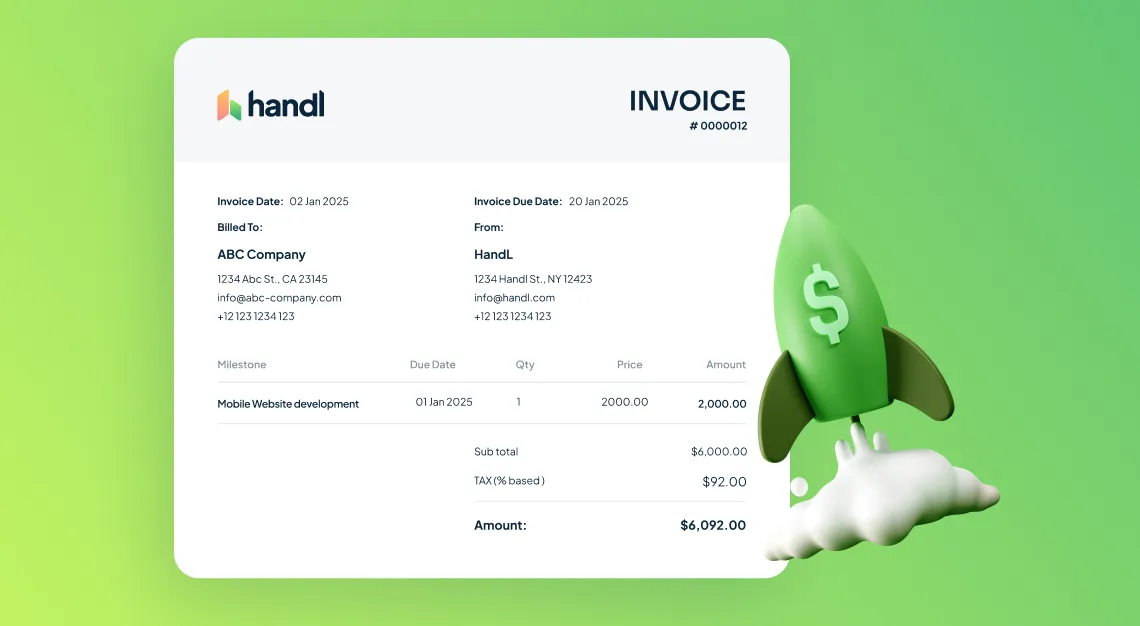
Invoices drafted when work is done — not when you remember
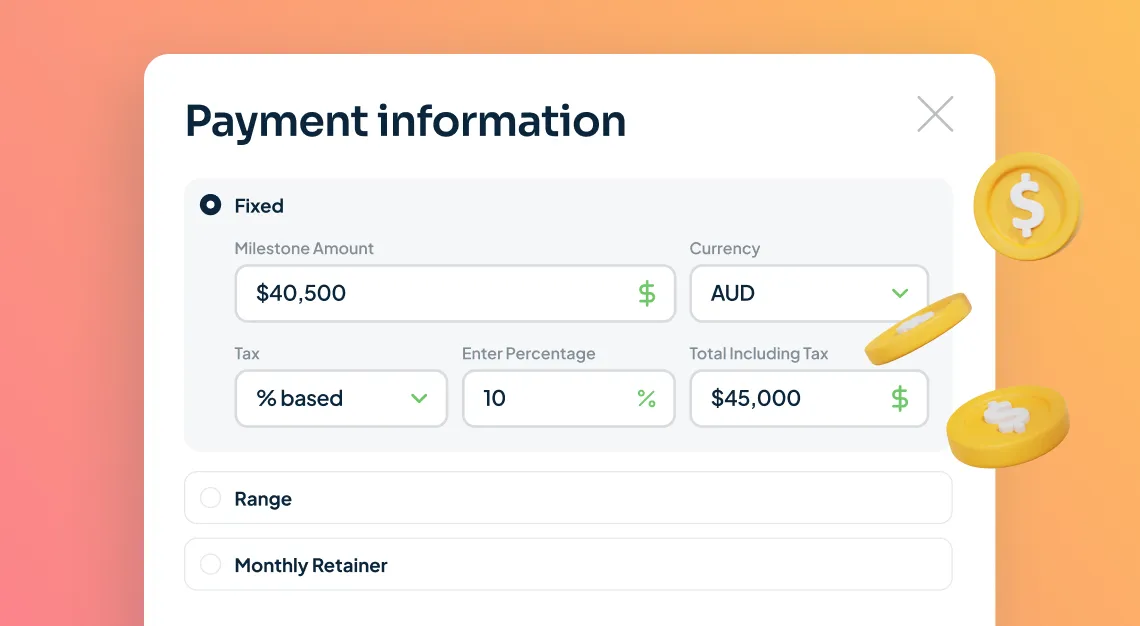
Payment reminders that send themselves
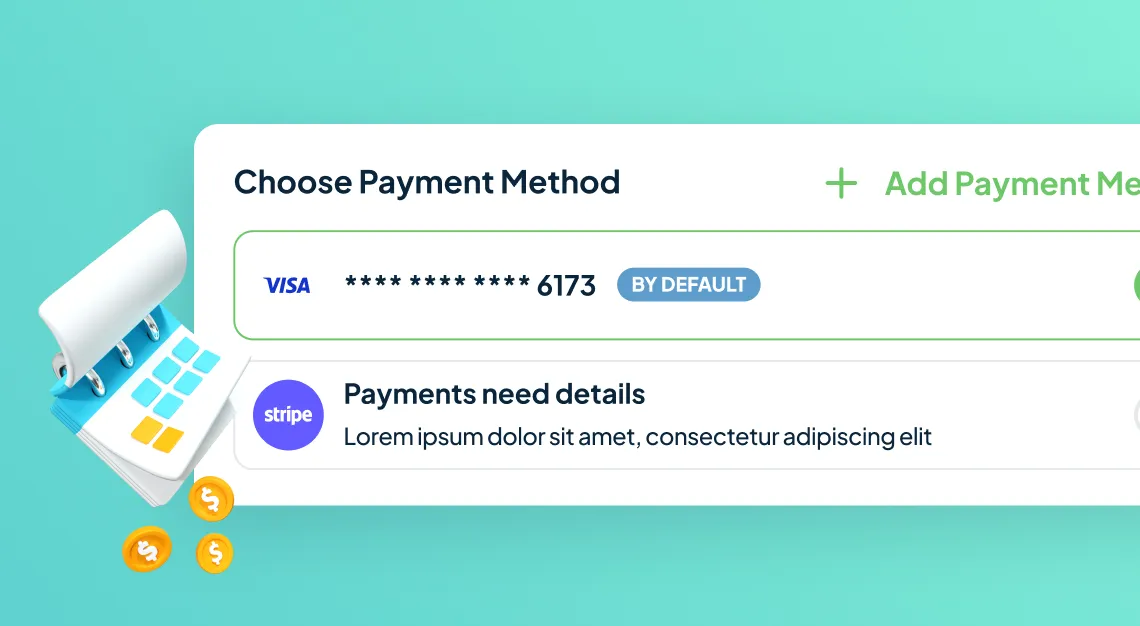
A client portal they’ll actually use
Integrations
Integrate with your stack and accounts.
Handl connects with the tools you already love. Sync milestones, track progress, and automate billing without jumping between tabs.


You didn’t start freelancing to spend your Fridays following up on invoices.
Pricing
Built for freelancers. $29/month.
The Freelancer plan includes:
- Automated milestone invoicing
- Payment reminder sequences
- Client payment portal
- No setup fees. Cancel any time.
$29/month + 0.5% per card payment

Common questions
Does my client need to create an account to pay?
What if I don’t use a project management tool?
How is this different from just using FreshBooks or Wave?
What if my client is on Net 30 or Net 60 terms?

Stop being the person who has to ask for their own money
Free tools
Take something with you

Reclaim your time
Stop being your own debt collector.
Get paid faster with automated invoicing and reminders.
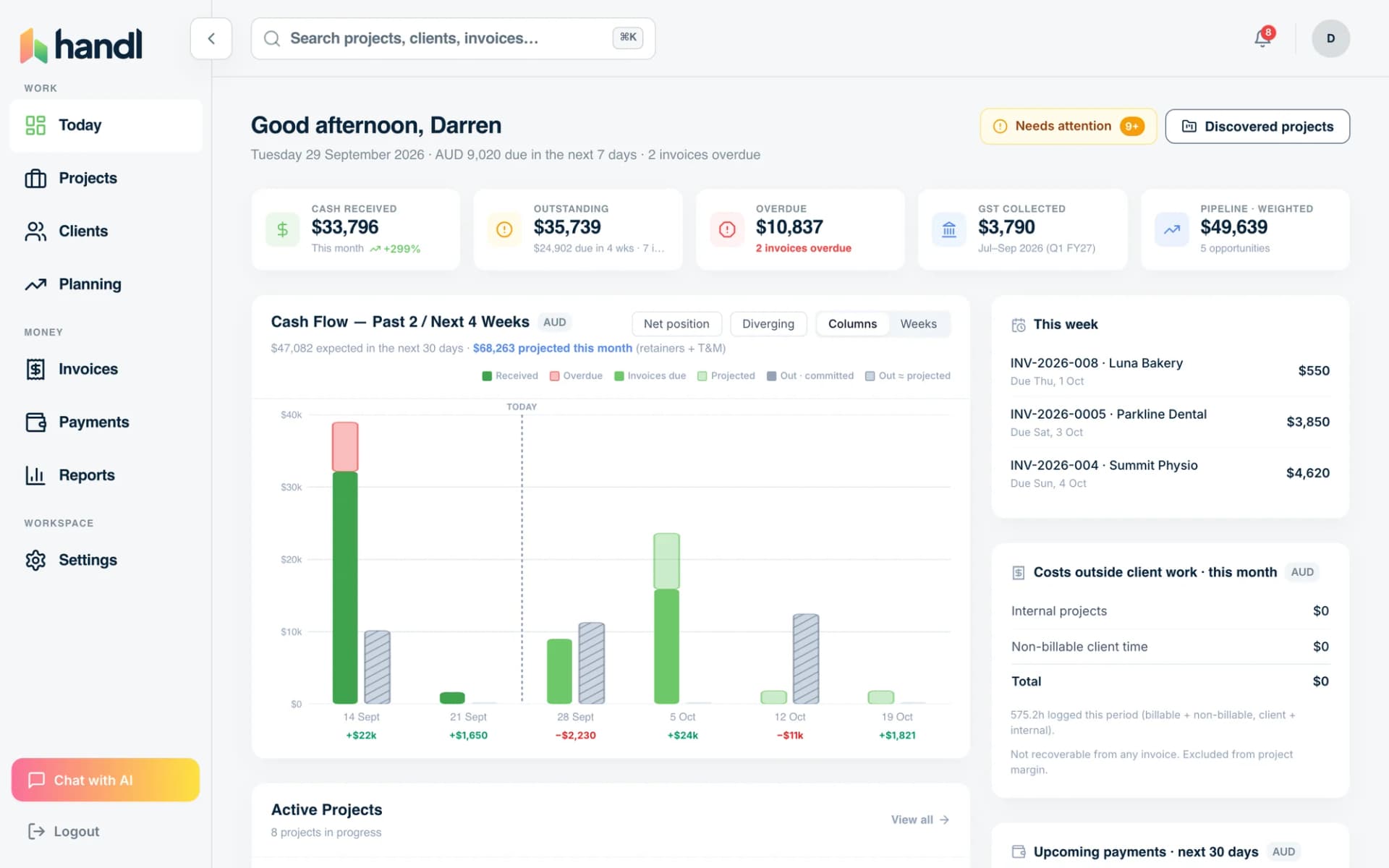
See how it compares