How it works
Four steps from work done to money in.
No new way of working to learn. Handl plugs into the tools you already use, then handles the part you hate.
You’re not here because invoicing is hard. You know how to send an invoice. You’re here because the actual problem starts afterthe invoice goes out. The chasing. The “just checking in” emails. The spreadsheet of who owes you what that’s already out of date. The bit where you become your own debt collector.
That’s the part Handl does. Here’s how it actually works — four steps, real screens, no magic.
Step 1
Connect your tools
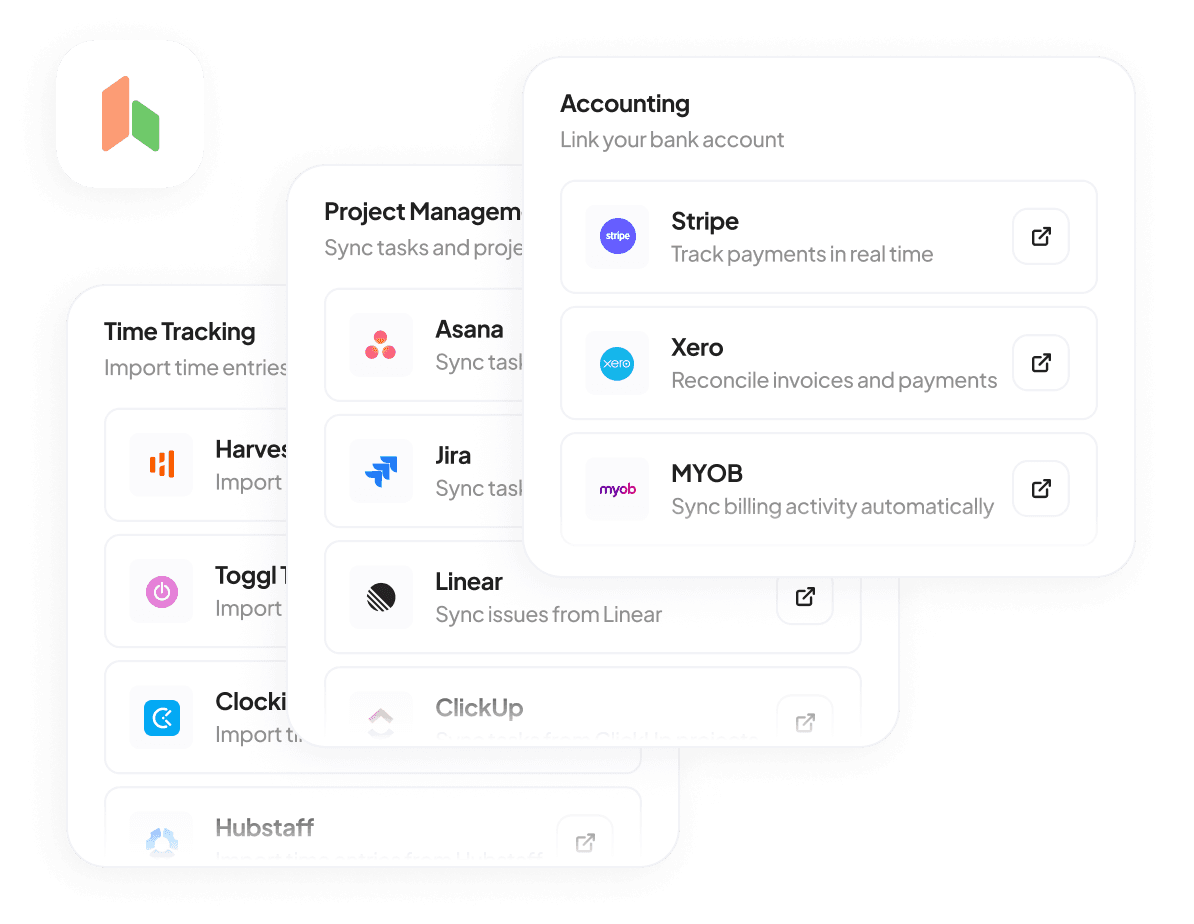
This is a five-minute job, not a migration project. Plug Handl into the PM tool where your work actually lives — Monday, Asana, Jira, ClickUp, Linear — and the accounting tool you already run on, Xero. Then Stripe, for payments, so clients can pay by card. Done.
You don’t move your projects into Handl. You don’t rebuild your workflow. Handl sits in the middle and reads what’s already happening, so you keep working exactly how you work now.
Connect your PM tool — one click, OAuth, no CSV exports
Connect Xero or QuickBooks so invoices land straight in your books
Connect Stripe so clients pay from a link
Import your existing projects and clients if you want a head start
If you've ever spent a weekend “setting up a new system,” this is the opposite of that. It reads your existing setup. It doesn't replace it.
Step 2
Tell Handl how you bill
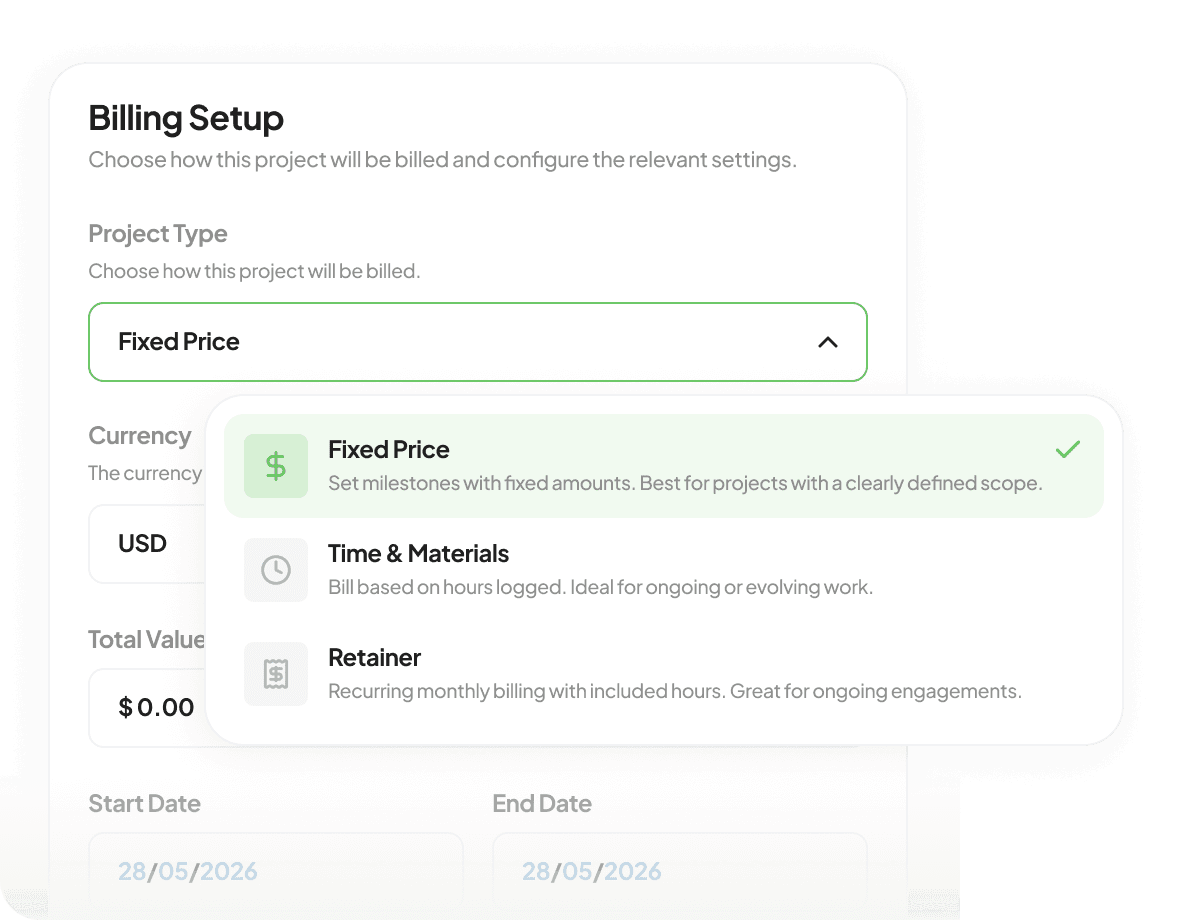
Most billing tools assume you bill one way. Real agencies don’t. You’ve got one client on a monthly retainer, another on a fixed-fee build with milestones, a third paying hourly for overflow work, and a fourth that’s somehow all three at once. Handl handles all four — for the same client, at the same time.
You set the rules once. What triggers an invoice, how often, what it includes. After that you stop thinking about it.
Milestones — invoice fires when a milestone gets ticked off in your PM tool
Retainers — recurring billing on a cycle, with overage tracking when they go over
Hourly — pulls tracked time from Harvest, Toggl or Hubstaff and bills the unbilled hours
Fixed fee — split the total however the contract says, automatically
This is the bit other tools get wrong. They make you pick a lane. Handl lets one client be three kinds of billing at once, because that's how agency work actually is.
Step 3
Work gets done, invoice goes out
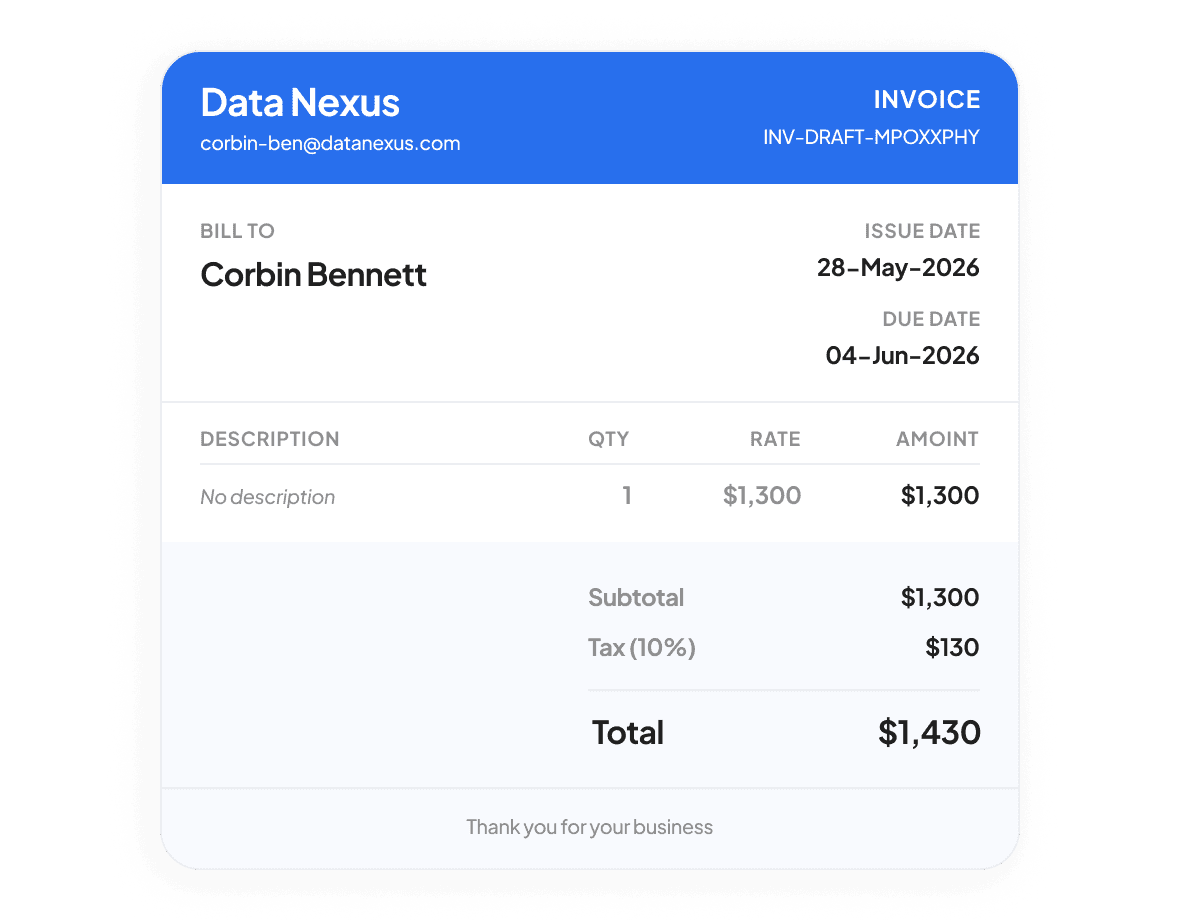
This is the part that changes everything. You don’t write the invoice. You don’t remember to send it. You just do the work. When a milestone gets marked complete, a retainer cycle hits, or hours accrue, Handl writes the invoice and sends it — with the line items and context a client can actually read without emailing you back asking “what’s this for?”
The AI watches the project. It knows what was delivered, what was agreed, and what’s billable. So the invoice that lands is the right invoice, at the right time, with no bill shock at the other end.
Invoice generated the moment the work is done — not “when you get around to it”
Line items written in plain English, tied to the actual deliverable
Pushed to Xero or QuickBooks automatically, so your books are never behind
You approve it before it sends — or set it to send on its own. Your call.
No more “I'll invoice them Friday.” No more month-end where you realise you forgot to bill half of March. Work done, invoice out. Same day, every time.
Step 4
Handl chases. You get paid.
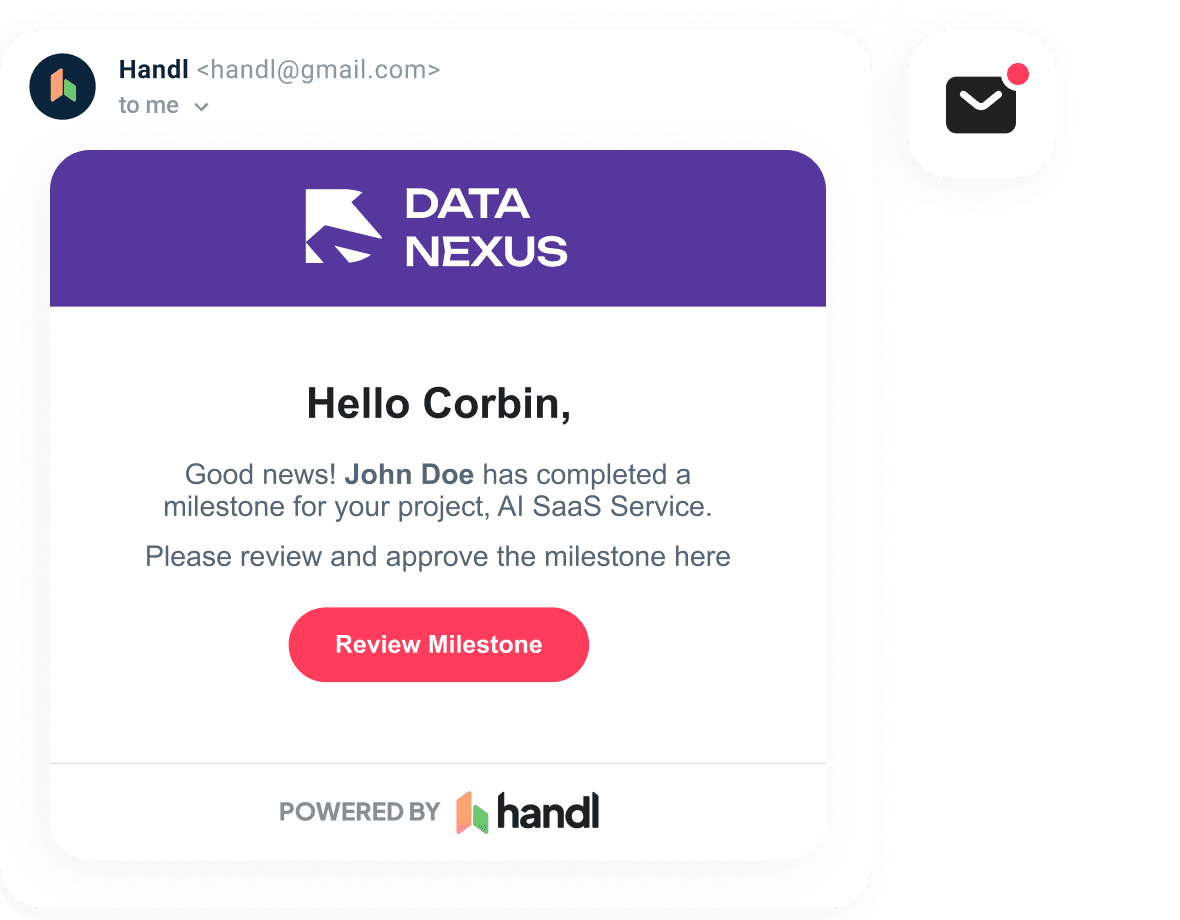
Here’s where you stop being the bad guy. Reminders go out on a schedule you set, escalating politely as things go overdue — without you having to write a single awkward email. The client pays from a link, no login, no account, no friction. Some clients turn on auto-pay and you never chase them again.
And because Handl handles the money conversation, you’re not the one sending the third “hey, just following up on this 🙂” email through gritted teeth. The AI does it. Professionally. Every time.
Reminders send themselves on schedule, escalating as invoices age
Clients pay from a link — card payment, no account needed
Auto-pay means the regulars never need chasing at all
Status updates live: Sent → Viewed → Paid, with timestamps so you know exactly where every dollar is
This is the whole point. The money lands in your account and you didn't have to nag anyone to make it happen.
And then — you can see it all coming
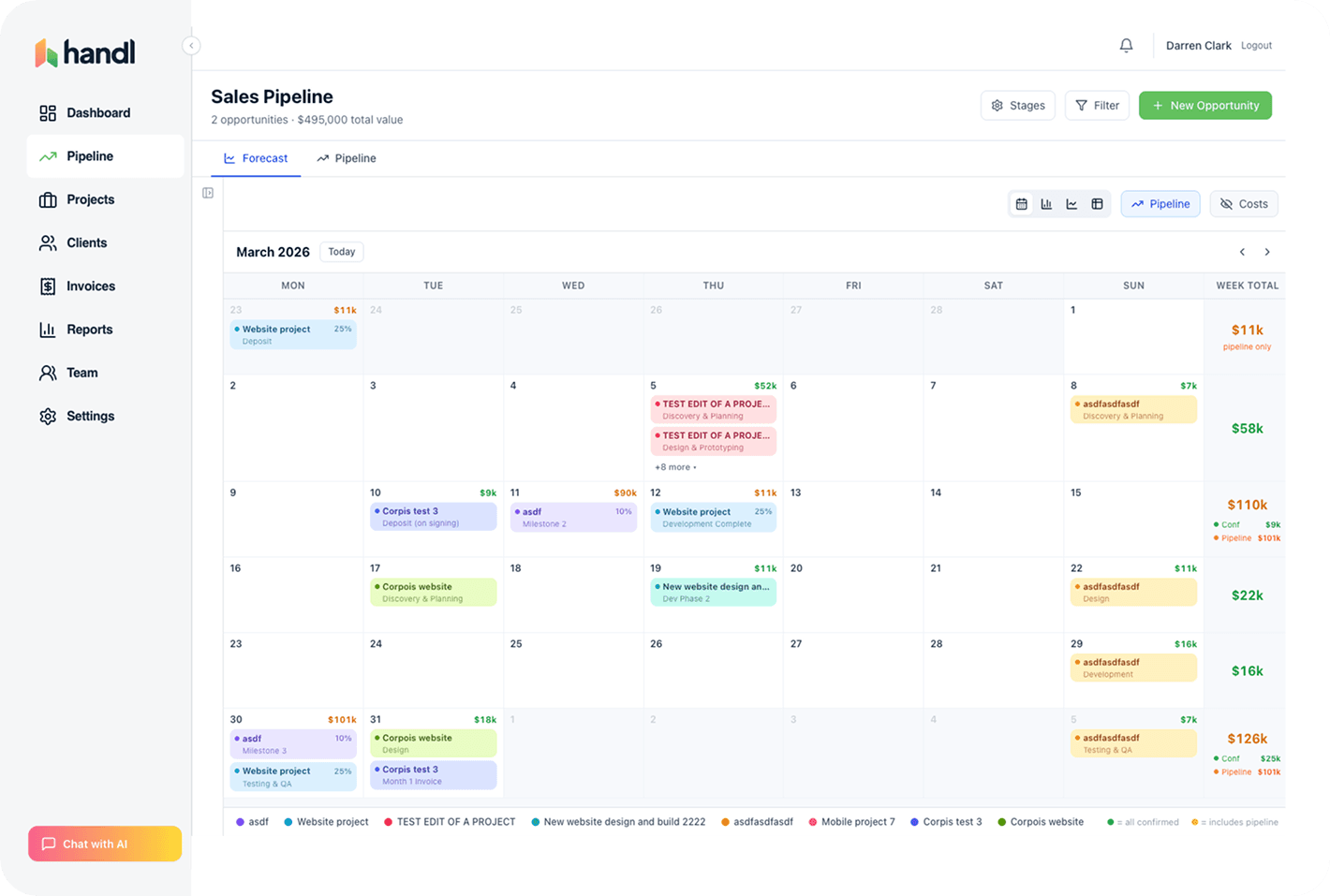
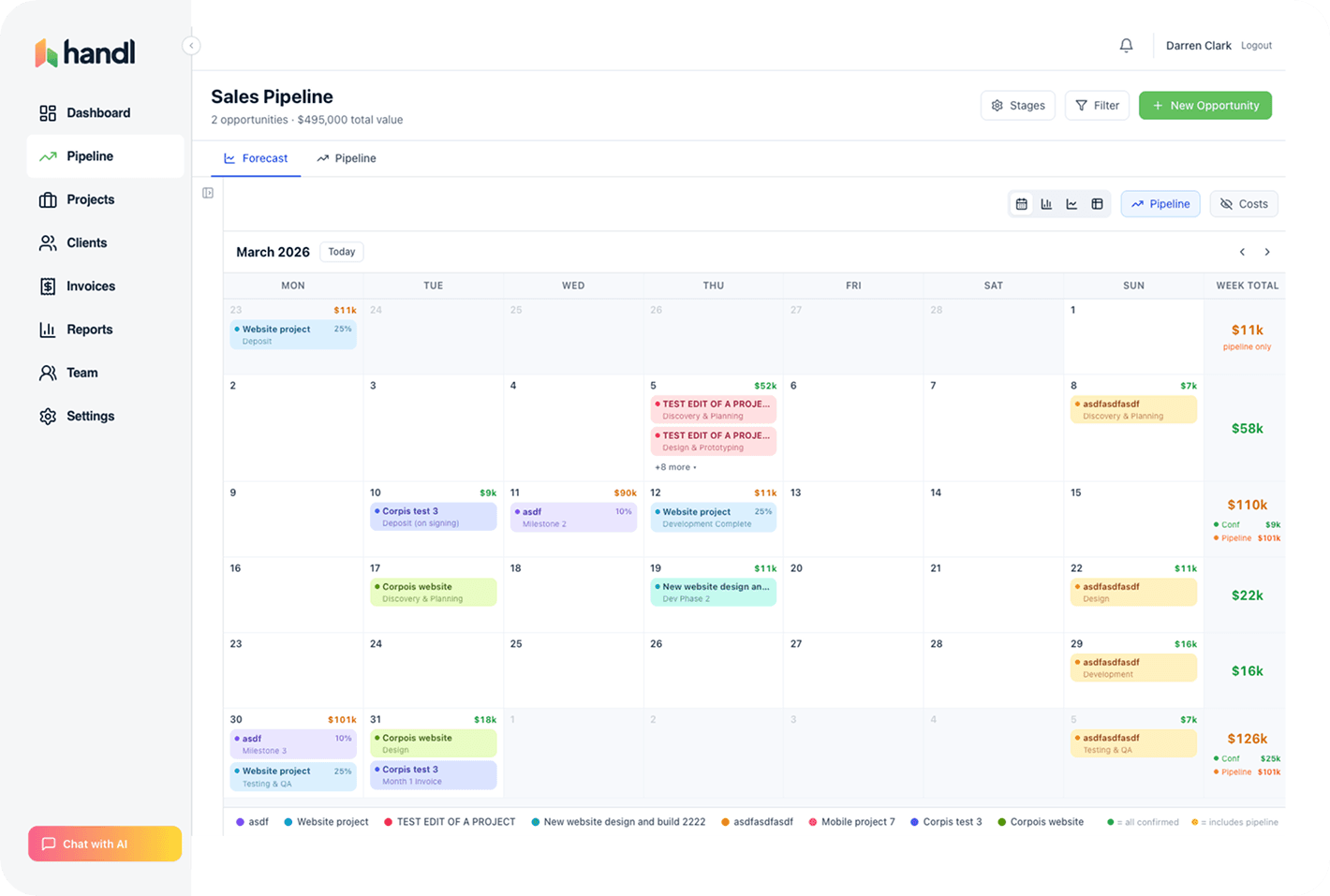
Every invoice Handl sends feeds your cash flow forecast. So you don’t just get paid faster — you know when you’re getting paid, before it happens. That’s the bit nobody else connects. The work, the invoice, the payment, and the forecast — one thread, end to end. See cash flow forecasting →
And the final handover?
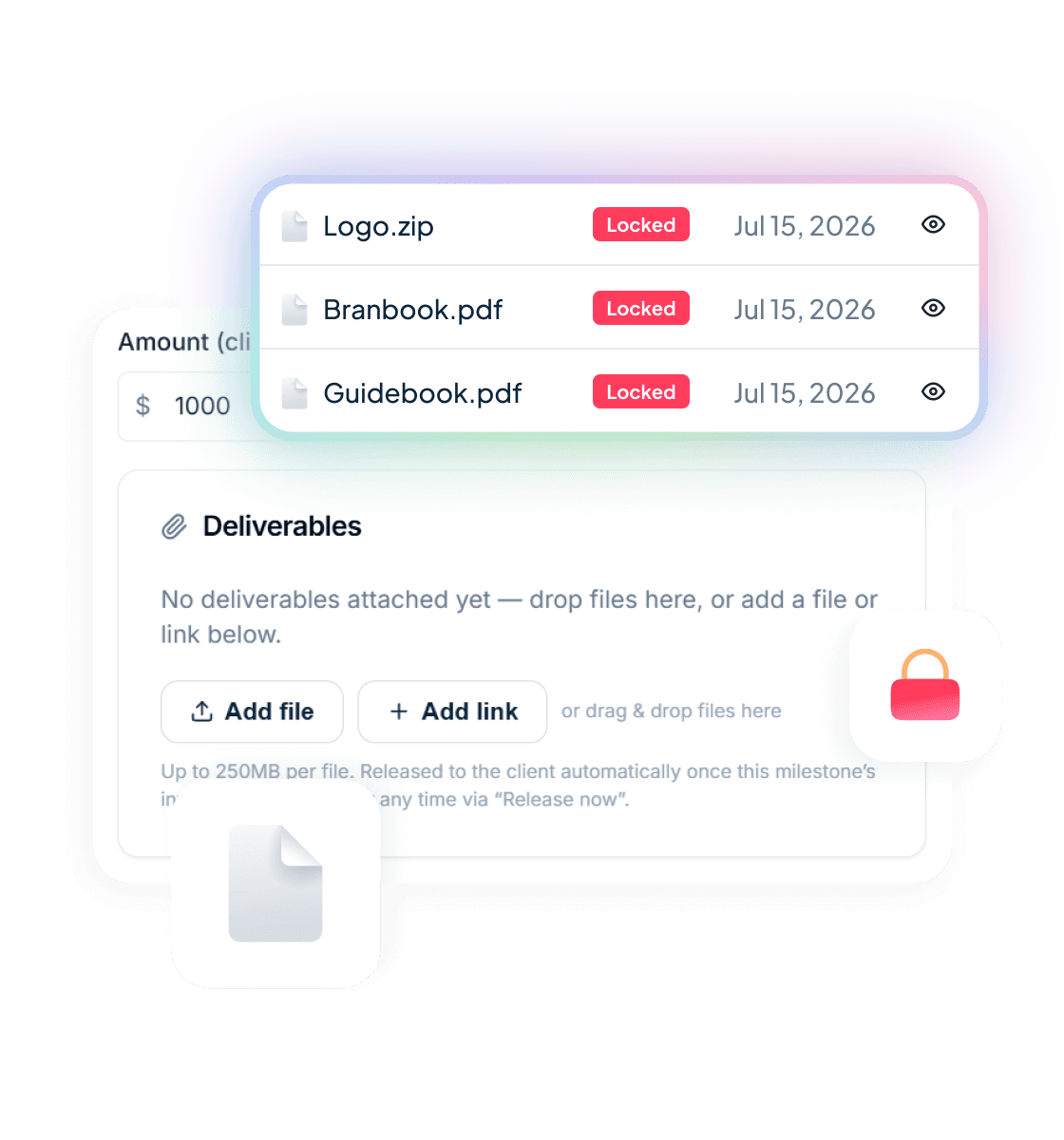
The last invoice is the one with no leverage left — unless the files are attached to it. Deliverables held until payment lets you attach the final files, links, or a repo snapshot to that invoice, locked. The client sees exactly what they’re getting, and the moment it’s paid in full, everything unlocks. No “payment first, please” email required. See payment-gated file delivery →
Pricing
That's it. That's the product.
Connect your tools. Set how you bill. Do the work. Get paid. No new platform to live in. No team to retrain. Just the gap between “work done” and “money in” — closed. GDPR compliant · PCI DSS via Stripe.
Get started — $29/mo
Reclaim your time
Stop being your own debt collector.
Get paid faster with automated invoicing and reminders.