Comparison guide
Handl vs Zoho Invoice: Free Invoicing or AI-Native Project Billing?
Free Invoicing vs Smart Billing
Free for 7 days, then flat plans from $29/mo.
Zoho Invoice is free. Completely free. For most freelancers who just need to send professional invoices and get paid, that's a hard offer to argue with. Handl starts at $29/month and makes no apologies for it — because it's solving a different problem. It's not just invoicing. It's the full billing relationship for agencies and freelancers running project-based work: milestone billing, AI-driven payment reminders, scope change management, PM tool integrations, and project health scoring. This page breaks down the honest difference between free professional invoicing and purpose-built project billing automation — so you can pick the right tool for where you are.
Written by Darren Clark — Founder of Handl. Ran digital agencies for over 20 years.
Last updated 6 July 2026
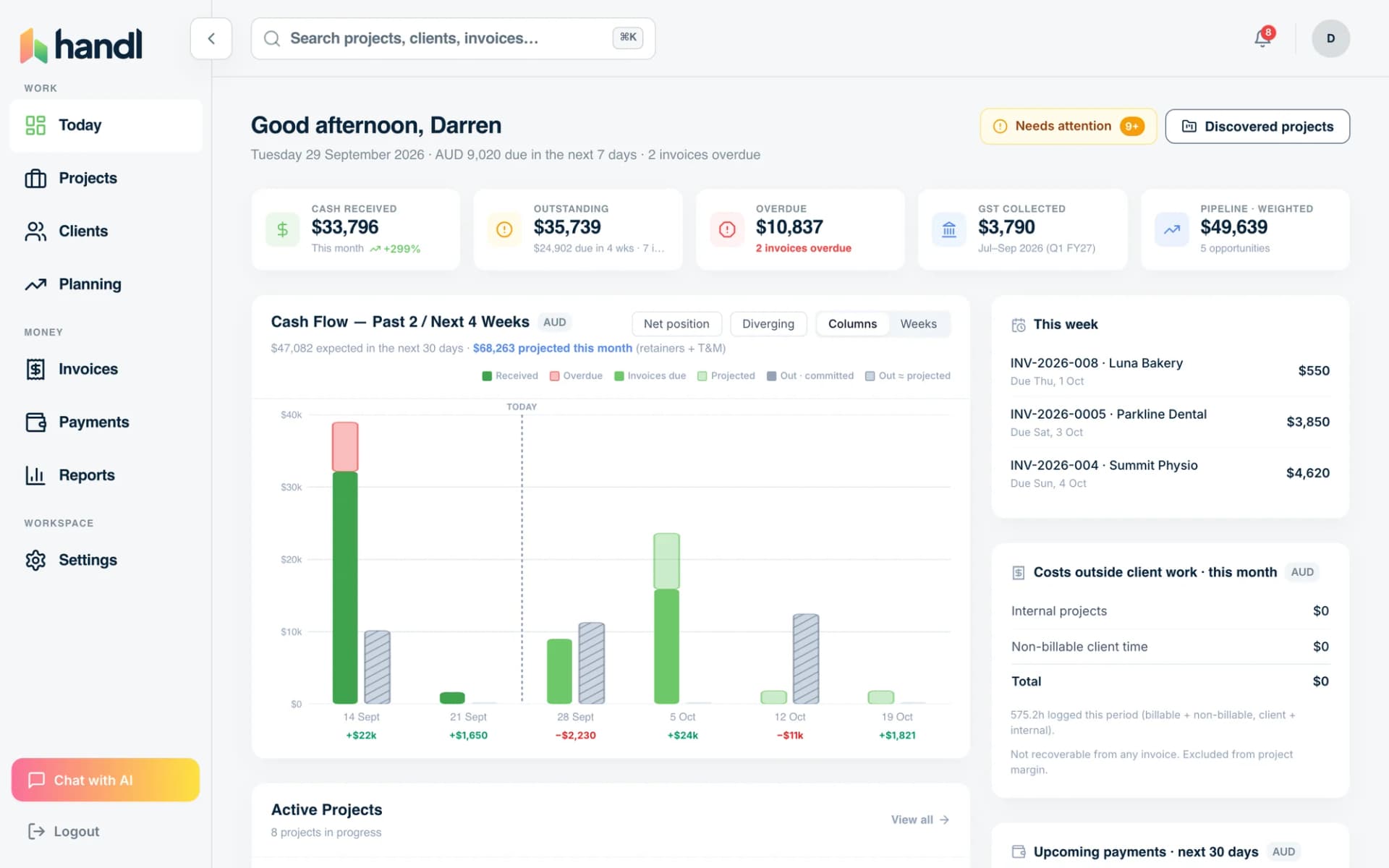
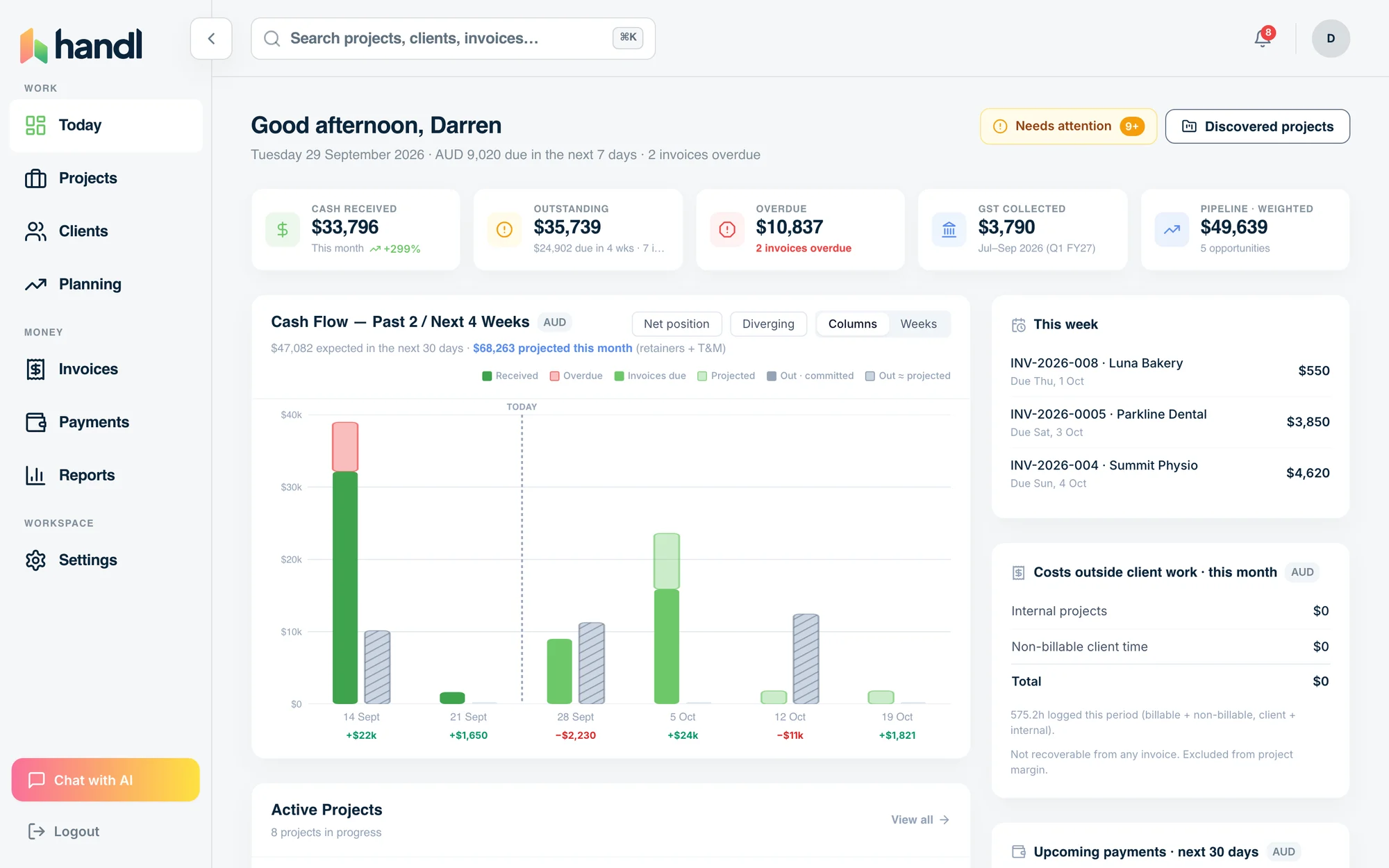
- Invoices created automatically when work completes
- Payment reminders that keep chasing until you’re paid
- Clients pay from a link — no client login required
Built by an agency owner, 20 years in. Plugs into the tools you already use.


Quick verdict
Zoho Invoice is genuinely excellent free invoicing.
Side by side
How they stack up
Handl
Best for: Freelancers and small agencies running complex project work who need milestone billing, automated payment chasing, and PM tool integration
Zoho Invoice
Free
part of Zoho ecosystem
Best for: Freelancers and small businesses who need professional invoicing at zero cost and are happy within the Zoho ecosystem
- Free for up to 1000 invoices/year
- Automated payment reminders
- Multi-currency support
- Client portal
- Time tracking
- Zoho ecosystem integrations
Feature by feature
Handl vs Zoho Invoice: feature comparison
| Feature |  |
Zoho Invoice |
|---|---|---|
| Milestone-based billing |  |
 |
| Automated payment reminders (AI-driven) | |
⚠️ Basic scheduled reminders only |
| AI-native (not bolt-on) | |
|
| Client portal | |
Basic |
| Quote / proposal builder | |
Estimates only |
| Digital signatures | |
|
| Revenue forecasting | |
|
| PM tool integrations (Jira, Asana, Monday) | |
|
| Xero integration | |
(Zoho Books for accounting) |
| Time tracking integrations (Harvest, Hubstaff, Toggl) | |
⚠️ Built-in basic time tracking only |
| Multi-currency | |
|
| Project health scoring (AI) | |
|
| Expense tracking | |
|
| Recurring invoices | |
|
| Stripe Connect payments | |
Multiple payment gateways |
| Free trial | 7-day free trial |
Free plan (limits apply) |
| Starting price | From $29/mo | Free |
| Per-seat pricing | Plan tiers — Agency $199/mo = unlimited users |
(1 user on free plan) |
See it in action
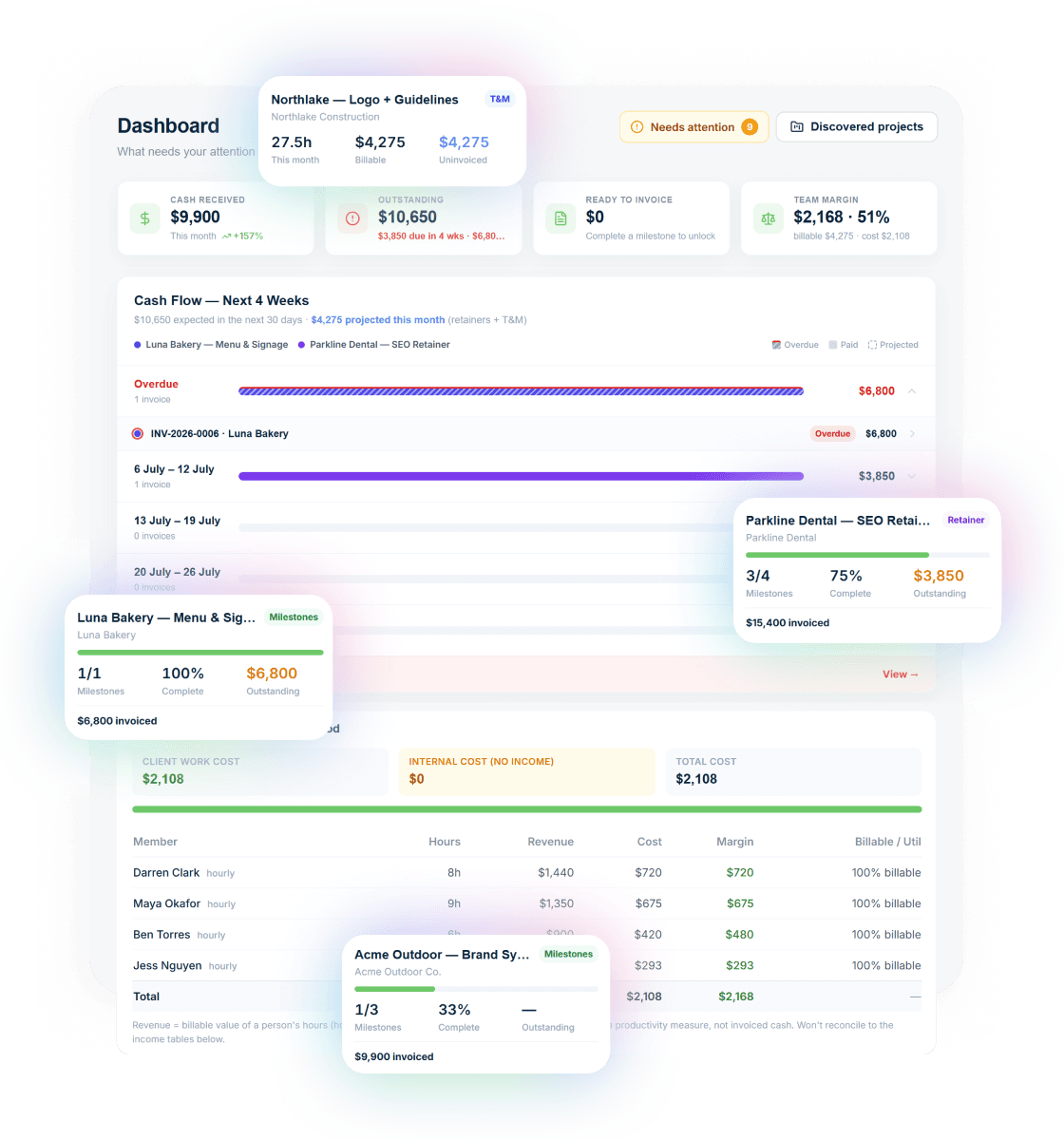
What you get with Handl
Including automated milestone billing and deliverables held until payment.
Ask your billing anything
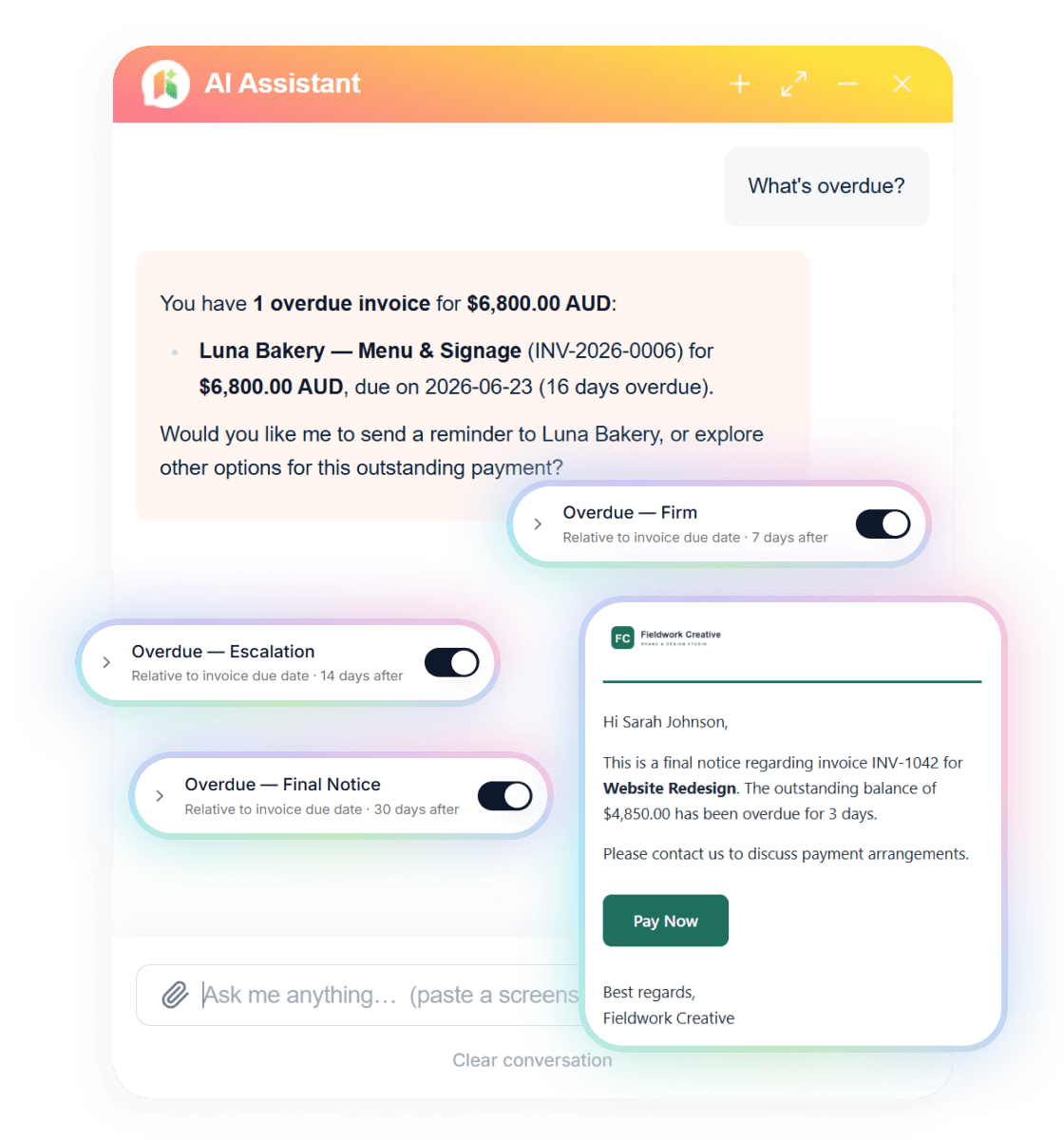
Type “What’s overdue?” and the AI assistant answers with the client, the invoice and the amount — then switches on reminder cadences in one click.
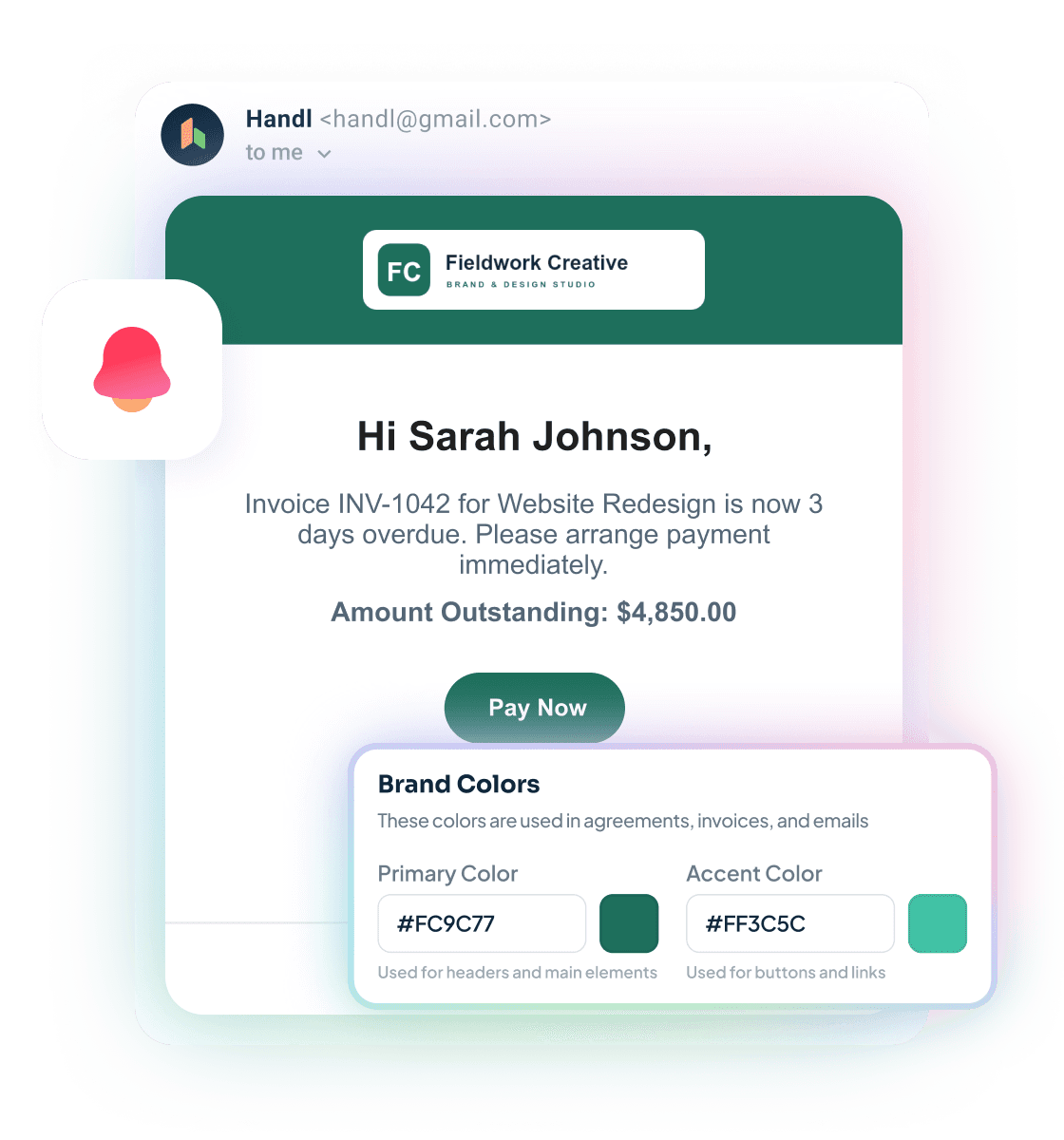
Reminders that send themselves
Branded emails escalate on your schedule — friendly nudge, firm follow-up, final notice — each with a Pay Now button. Clients see your brand, not ours.
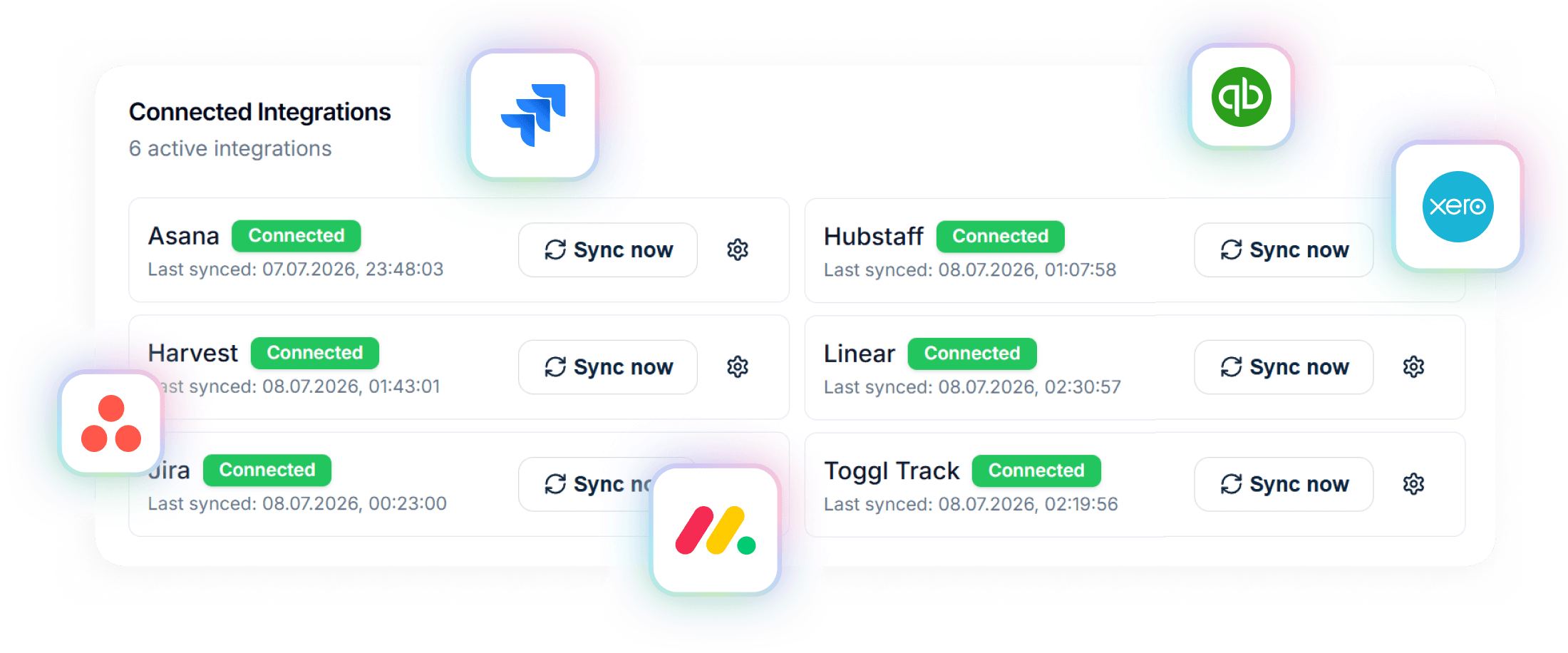
Connected to your stack
Project data in from Asana, Jira, Monday, Linear or ClickUp. Invoices out to Xero or QuickBooks. Time from Harvest, Hubstaff or Toggl.
A closer look at Zoho Invoice
Zoho Invoice is part of the sprawling Zoho ecosystem — a suite of business apps covering CRM, accounting, HR, and more. The Invoice product was made free in 2021 and remains free as of 2026, which makes it an unusually strong option for freelancers and micro-businesses who need to get invoices out without paying for software.
The feature set is solid for the price: recurring invoices, basic payment reminders, multi-currency, client portal, expense tracking, and time tracking. If you're in the Zoho ecosystem already — using Zoho Books for accounting or Zoho CRM for client management — the integration between products is a genuine strength.
Where it runs out of road is project-based work. There's no milestone billing, no AI anywhere in the product, and no integration with PM tools like Jira, Asana, or Monday.com. The payment reminders are basic — scheduled nudges, not adaptive automation. And for agencies with more than a handful of active projects, the 1,000 invoice/year limit on the free tier can become a real constraint.
Zoho Invoice is a great answer to "how do I send professional invoices for free." It's not the answer to "how do I manage billing across a portfolio of project-based clients with evolving scope."
Strengths
What are our strengths?
- Milestone-based billing designed for multi-phase project work
- AI-driven payment reminders that adapt to client behaviour — not just "send email on day 14"
- Quote and proposal builder with digital signatures — close projects in one flow
- Revenue forecasting and project health scoring give you real business visibility
- Integrates with Jira, Asana, Monday.com — billing connects to where work is actually tracked
- Integrates with Xero for proper accounting handoff
- Integrates with Harvest, Hubstaff, and Toggl for time-to-invoice workflows
- Plans from $29/month — no invoice volume limits, and the Agency tier is $199/mo with unlimited users
- Completely free for up to 1 user and 1,000 invoices/year — hard to beat on price
- Solid professional invoicing with recurring invoice support
- Multi-currency built in
- Basic client portal and payment reminder functionality
- Good expense tracking
- Strong option if you're already in the Zoho ecosystem (Zoho Books, Zoho CRM)
- Multiple payment gateway integrations out of the box
- Well-supported, stable product from a large company with a long track record
Which one is for you?
When to choose each tool
If you're running project-based work — fixed-scope projects, retainers, milestone-gated billing — and you've felt the pain of late payments, or manually tracking what's been invoiced against what's been delivered, Handl is built for that. The AI-driven reminders mean you stop being the person who has to send the awkward "just following up" email. And the PM integrations mean your billing doesn't live in a separate universe from your project management. Handl's plan pricing also removes the per-seat penalty — the Agency tier caps at $199/month with unlimited users, so growing the team doesn't keep growing the bill.
Zoho Invoice is the right call if you need professional invoicing and your budget for tooling is zero. If your work is relatively straightforward — hourly or fixed-price projects, clients who generally pay on time, no complex milestone structures — Zoho Invoice handles it cleanly. It's also worth staying on Zoho Invoice (or graduating to Zoho Books) if you're already deeply embedded in the Zoho ecosystem and the cross-product integration matters to you. For a solo freelancer in the early stages of building their client base, free is often exactly the right price.
Frequently asked questions
Can I use Handl with Zoho Books?
Handl integrates with Xero for accounting. Direct Zoho Books integration is not currently available. If you use Zoho Books, you would need to manage the data flow manually or via Zapier.
Is Zoho Invoice really free?
Yes, for businesses under $50K annual revenue with up to 1000 invoices per year. Above that threshold, you need a paid plan starting at $15/month.
Does Zoho Invoice have milestone billing?
No. Zoho Invoice supports standard line-item invoicing, recurring invoices, and time-based billing. There is no way to tie an invoice to a project deliverable or phase.
Which has better payment reminders?
Handl uses AI-driven reminders that adapt timing based on client behaviour. Zoho Invoice has rule-based reminders that you configure manually with fixed schedules.
Can I switch from Zoho Invoice to Handl?
Yes. You can import your client list and outstanding invoices during the 14-day free trial. The onboarding team can help with the transition.
The verdict
Zoho Invoice and Handl are solving different problems at different stages of a freelancer or agency's growth. Zoho Invoice is the right answer to "I need to send professional invoices and I don't want to pay for software." That's a legitimate use case, and Zoho does it well.
The inflection point is usually when basic invoicing stops being the bottleneck and the bigger problem becomes: clients paying late, scope expanding without being billed, and too much mental overhead tracking what's owed across multiple projects. That's when the $29/month for Handl pays for itself quickly — often in the first recovered invoice. Start with the 7-day free trial and see how fast it changes the workflow.

Reclaim your time
Stop being your own debt collector.
Get paid faster with automated invoicing and reminders.