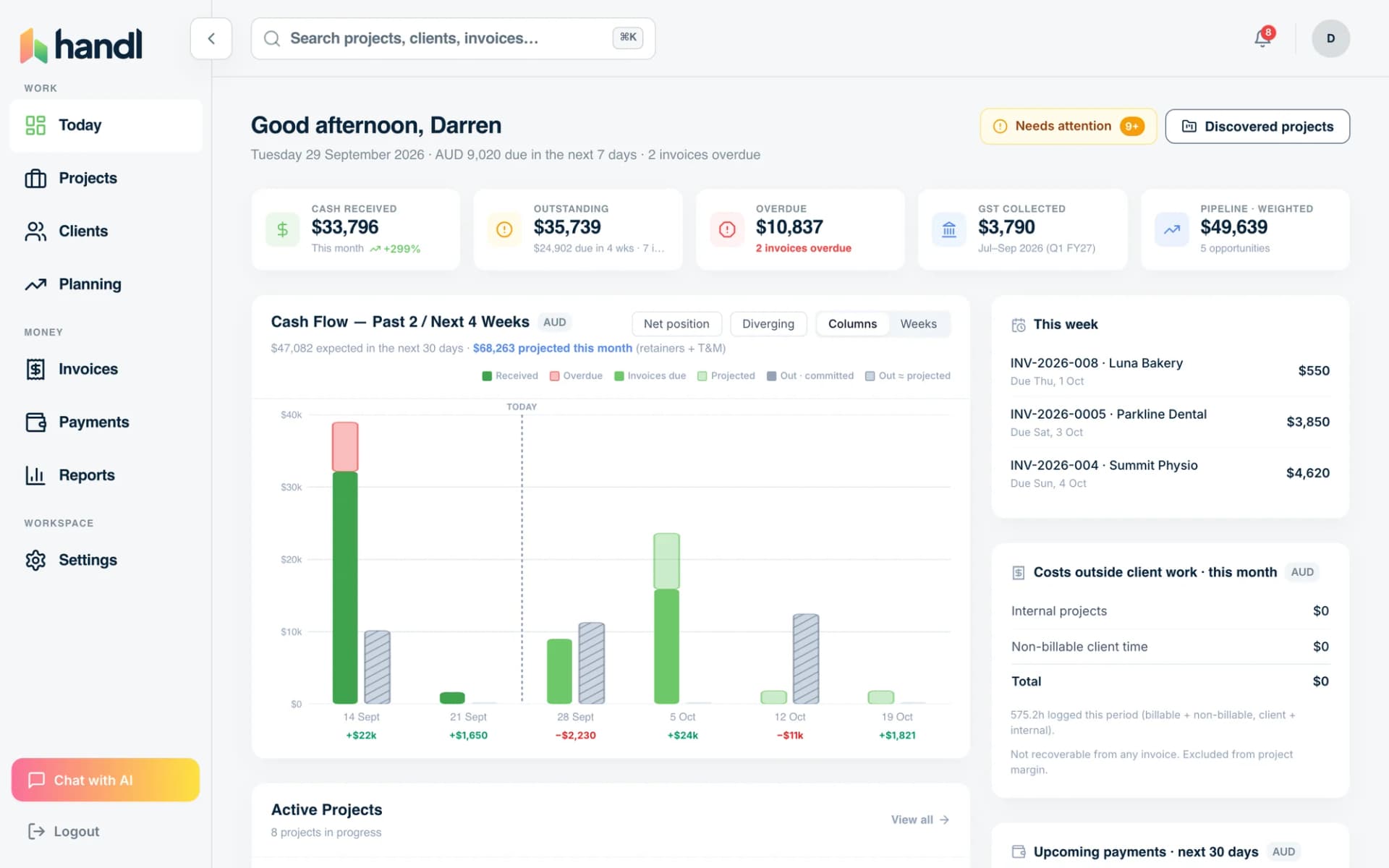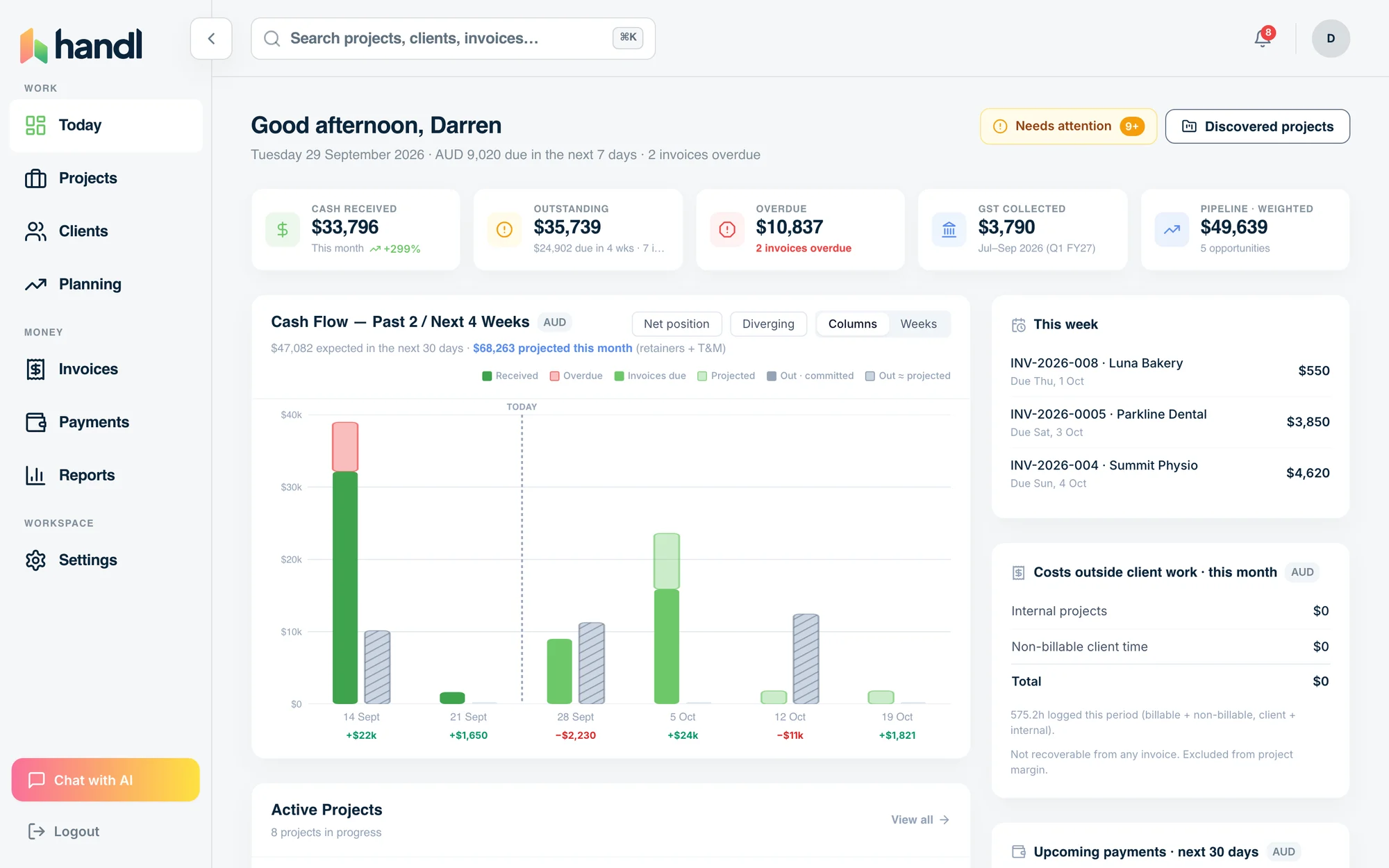
Comparison guide
Handl vs Paymo: Which Is Right for Your Agency?
Depth vs Breadth
Free for 7 days, then flat plans from $29/mo.
Paymo bundles project management and invoicing into one tool. Handl does something different — it integrates with the PM tools you already use (Jira, Asana, Monday) and focuses entirely on making the billing side smarter. If you're a freelancer or small agency that already has a workflow and just wants to stop chasing invoices... those are two very different products. Paymo is strong on task management and time tracking. Handl is strong on getting you paid — automatically, with less awkwardness. Here's an honest look at both.
Written by Darren Clark — Founder of Handl. Ran digital agencies for over 20 years.
Last updated 6 July 2026
- Invoices created automatically when work completes
- Payment reminders that keep chasing until you’re paid
- Clients pay from a link — no client login required
Built by an agency owner, 20 years in. Plugs into the tools you already use.


Quick verdict
If you need project management and invoicing bundled together and you're starting from scratch, Paymo is solid. If you already use a PM tool and want AI-driven billing that actually chases clients for you, Handl is built for that.
Side by side
How they stack up
Handl
Best for: Freelancers and agencies (1–20 people) who want AI-automated billing on top of their existing PM stack
Paymo
$9.90–$28.90
per user, per month
Best for: Small teams that want project management, time tracking, and invoicing all in one place
- Starter: basic PM + invoicing
- Small Office: + resource scheduling
- Business: + Gantt + portfolio
- Built-in time tracking
- Task management
- File proofing
Feature by feature
Handl vs Paymo: feature comparison
| Feature |  |
Paymo |
|---|---|---|
| Milestone-based billing |  |
(via time billing) |
| Automated payment reminders | AI-driven |
 |
| AI-native (not bolt-on) | |
|
| Client portal | |
⚠️ Limited |
| Quote / proposal builder | |
|
| Digital signatures | |
|
| Revenue forecasting | |
|
| PM integrations (Jira, Asana, Monday) | |
(IS the PM tool) |
| Xero integration | |
Xero only |
| Time tracking integrations | Harvest, Hubstaff, Toggl |
Built-in |
| Multi-currency | |
|
| Project health scoring (AI) | |
|
| Free trial | 7-day free trial |
15 days |
| Starting price | From $29/mo | $5.90/user/mo |
| Per-seat pricing | Plan tiers — Agency $199/mo = unlimited users |
Per user |
See it in action
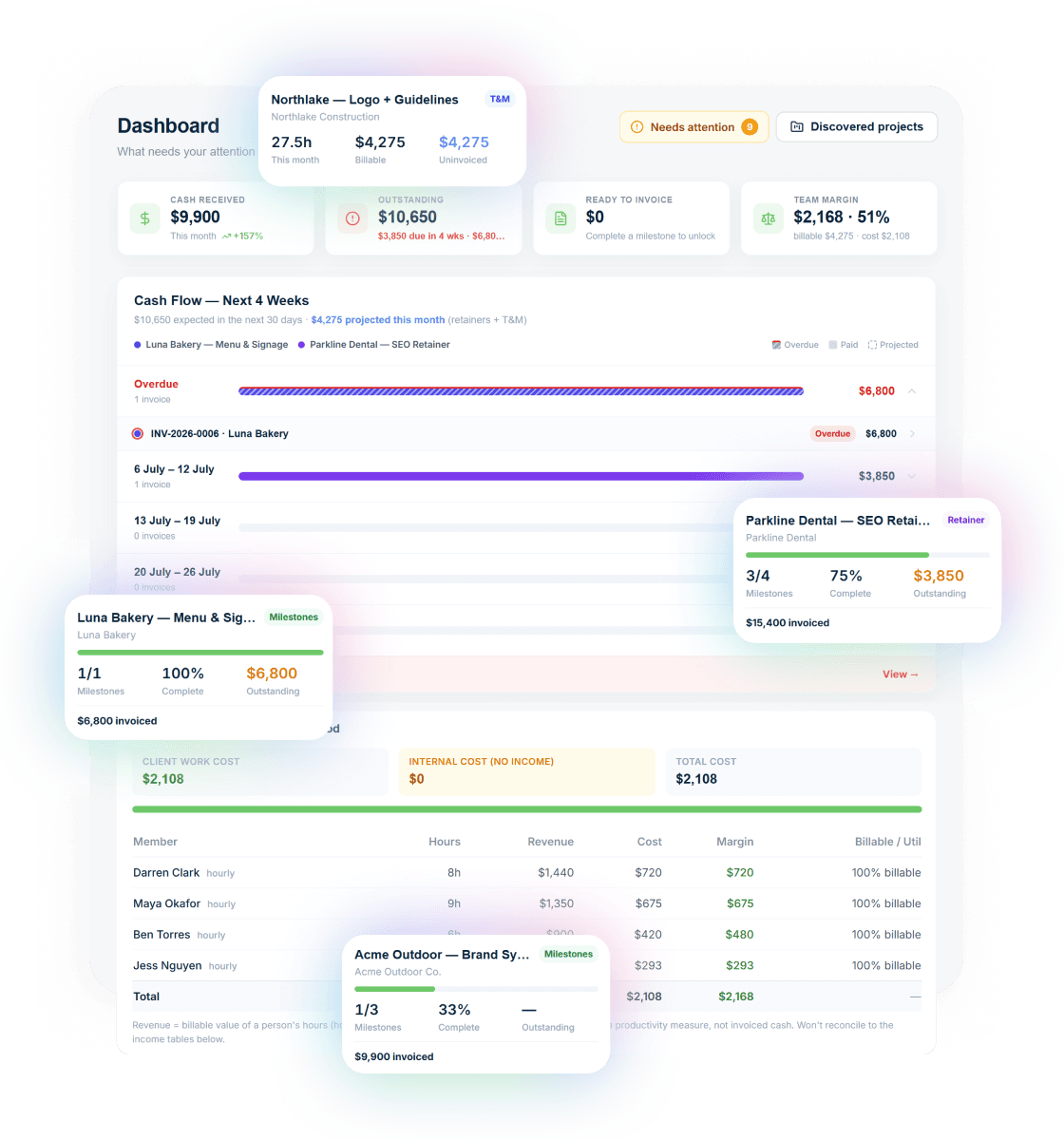
What you get with Handl
Including automated milestone billing and deliverables held until payment.
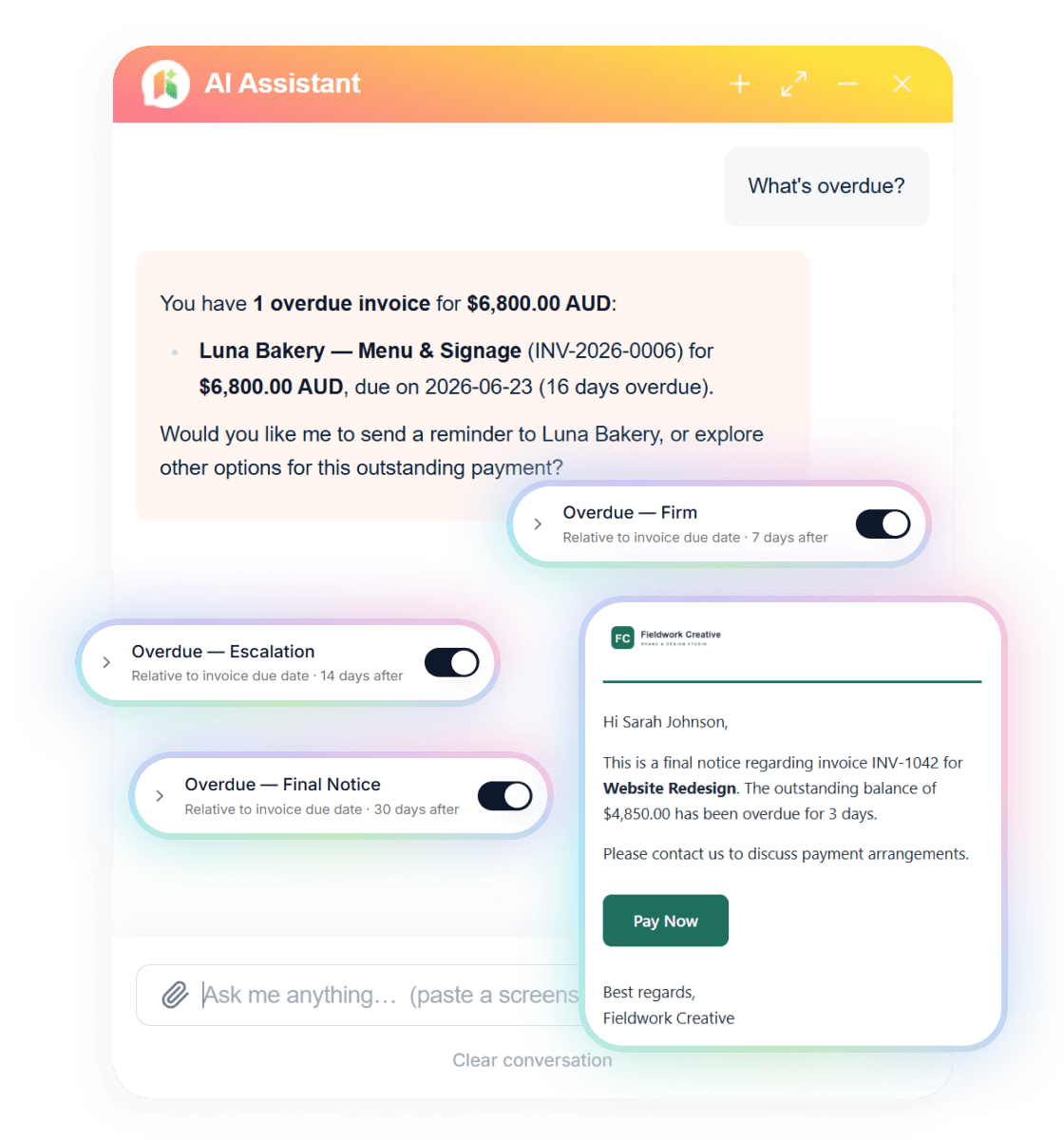
Ask your billing anything
Type “What’s overdue?” and the AI assistant answers with the client, the invoice and the amount — then switches on reminder cadences in one click.
Reminders that send themselves
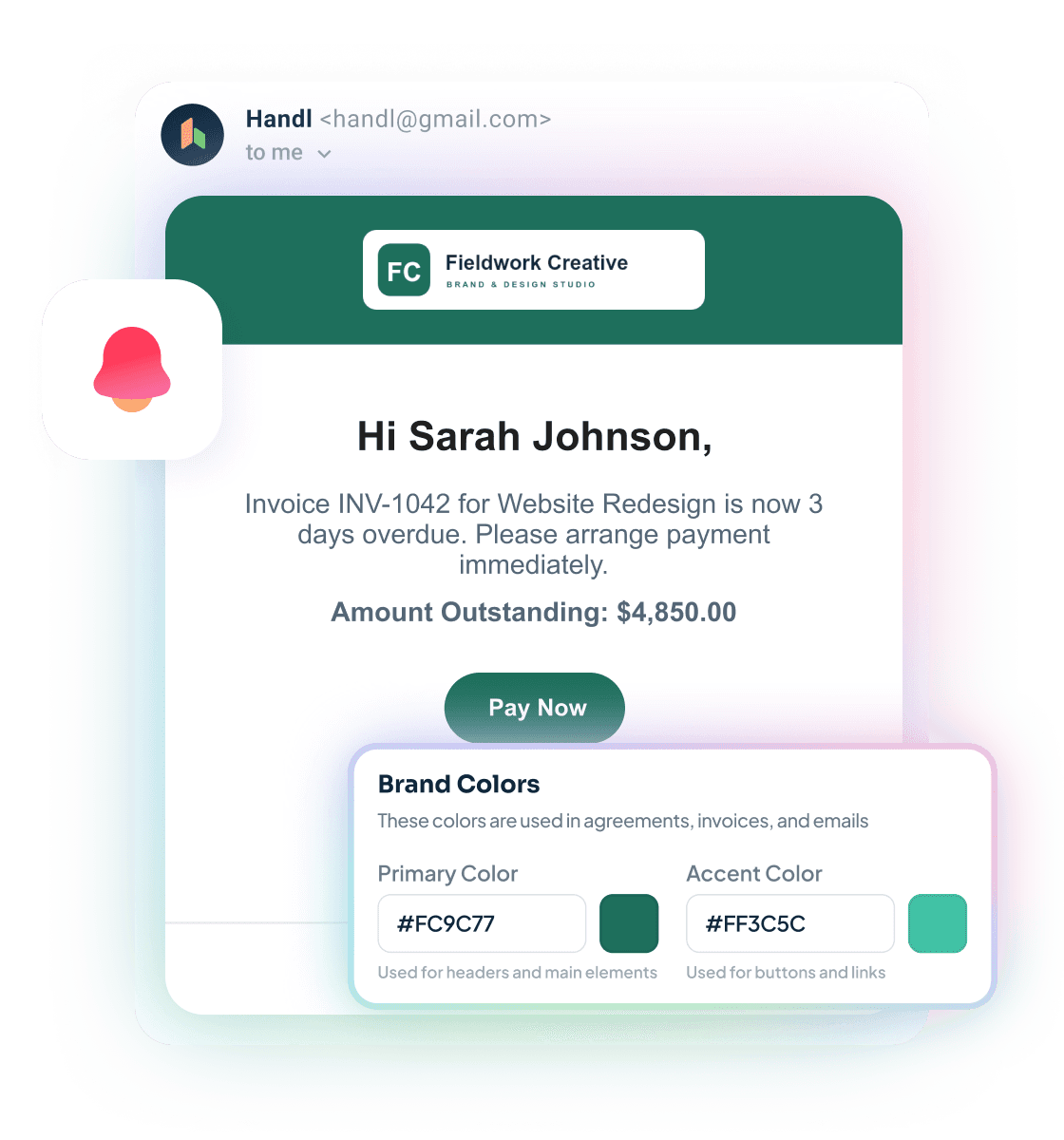
Branded emails escalate on your schedule — friendly nudge, firm follow-up, final notice — each with a Pay Now button. Clients see your brand, not ours.
Connected to your stack
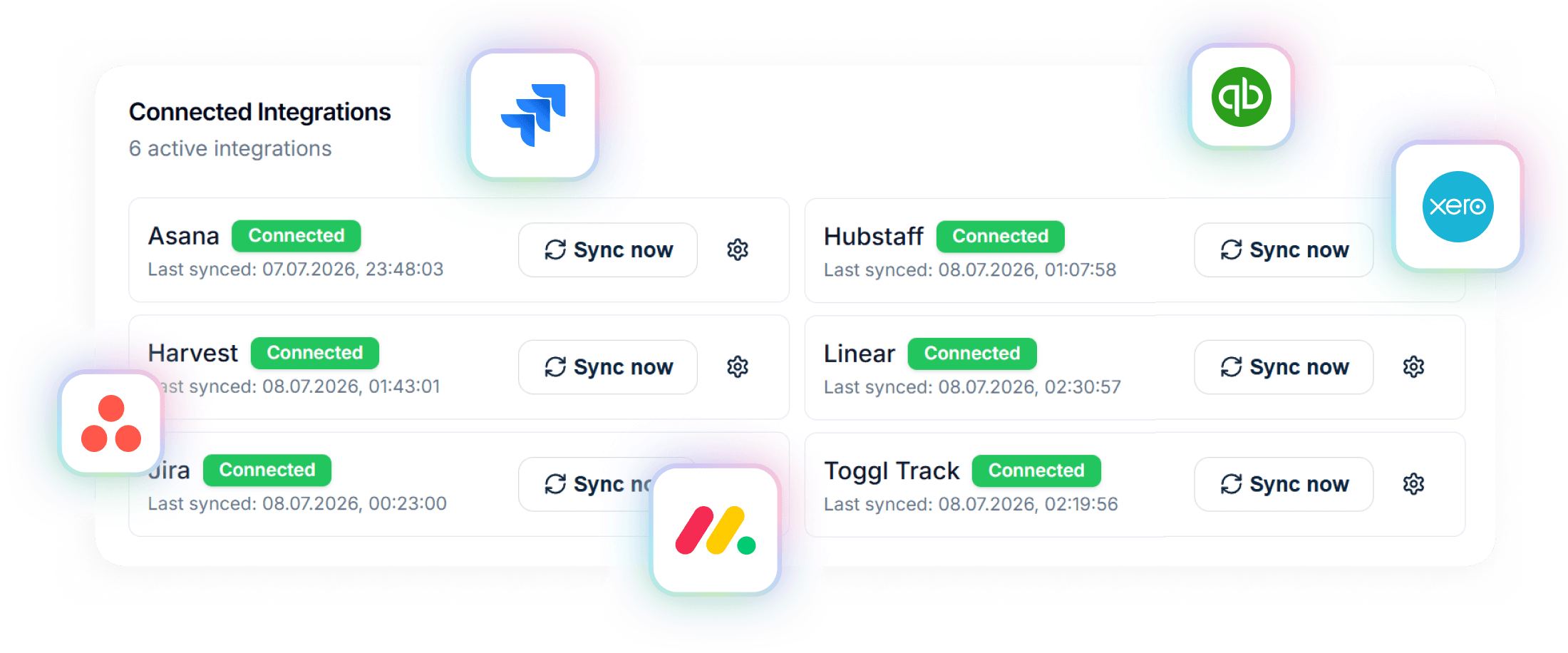
Project data in from Asana, Jira, Monday, Linear or ClickUp. Invoices out to Xero or QuickBooks. Time from Harvest, Hubstaff or Toggl.
A closer look at Paymo
Paymo has been around since 2008 and has built a genuinely capable product. It combines Gantt chart project management, task tracking, time tracking, and invoicing in a single tool. For small teams that want to consolidate tools and don't already have a PM workflow locked in, it makes a lot of sense.
The invoicing side of Paymo is functional — you can create invoices from tracked time, set up recurring invoices, and accept payments. But billing is clearly the secondary capability here. It was built to round out the project management core, not to be the hero feature.
That gap shows up in a few places. There are no automated payment reminders. There's no AI anywhere in the product. The client portal is limited. And integrations with external tools are narrower than you'd expect — which makes sense, because Paymo wants to be the tool, not integrate with other tools.
For a freelancer or small agency that wants one app to rule them all and is happy to change their PM workflow to fit Paymo, it's a reasonable choice. For agencies already on Jira or Asana that just want smarter billing on top, Paymo will feel like overkill in the wrong direction.
Strengths
What are our strengths?
- AI-powered payment reminders that go out automatically — you stop being the bad guy
- Plan pricing from $29/mo — no per-seat costs, and the Agency plan caps at $199/mo with unlimited users
- Integrates with Jira, Asana, and Monday instead of replacing them
- Digital signatures on proposals and quotes
- Revenue forecasting and project health scoring (AI)
- Client portal gives clients visibility without the back-and-forth emails
- 7-day free trial on every plan
- Built-in project management — tasks, Gantt charts, dependencies
- Built-in time tracking — no third-party integration needed
- Strong value per seat at the Starter tier
- Well-established product with a long track record (since 2008)
- Invoicing directly from tracked time is seamless
- Free plan available for solo users
Which one is for you?
When to choose each tool
Handl makes sense if you're already using a PM tool and love it. If your team is on Jira, Asana, or Monday and that's not changing — then you don't need another PM tool. You need billing that actually works on top of what you already have.
Handl is also the right call if late payments are the problem. Automated AI-driven reminders go out before and after the due date, so you don't have to write that awkward "just following up" email at 11pm. The client gets a professional reminder, a payment link, and you get paid faster. That feature alone pays for the plan for most agencies.
If you're billing across multiple milestones, managing scope changes, or sending proposals that need sign-off — Handl handles all of that in one place, without charging you per seat.
Paymo is worth considering if you're starting fresh and want project management, time tracking, and invoicing all in one tool — especially at the free or Starter tier for solo users. If your team is small (2–3 people), doesn't have a PM tool yet, and wants a single consolidated app, Paymo delivers real value. It's also a good fit if built-in Gantt charts and task management are non-negotiable for your workflow.
Frequently asked questions
Can I use Handl and Paymo together?
There is no direct integration between them. If you use Paymo for PM, you would use Handl separately for billing. Most agencies find it cleaner to use a dedicated PM tool (Jira, Asana, Monday) that integrates directly with Handl.
Does Handl have time tracking?
Handl integrates with time tracking tools like Harvest, Hubstaff, and Toggl rather than building it in. This lets you keep your existing time tracker.
Is Paymo good for agencies?
Paymo works for small agencies (2-5 people) who want one tool for everything. Larger agencies typically outgrow it and need specialised tools for PM, billing, and accounting.
Does Paymo have milestone billing?
No. Paymo invoicing is based on time entries and manual line items. There is no way to tie an invoice to a project deliverable or phase.
Which is cheaper for a team of 10?
Handl at $29/month flat. Paymo Business at $23.90/user would be $239/month for 10 users — over 8x more expensive.
The verdict
Paymo and Handl solve adjacent but different problems. Paymo is a project management tool that includes invoicing. Handl is a billing platform that integrates with your project management tool.
If you care most about chasing less, getting paid faster, and having AI handle the awkward payment reminders — Handl wins. If you want an all-in-one app that includes task management and Gantt charts and you're happy to adopt it as your PM workflow, Paymo is a solid option.
The pricing models are different too. Paymo bills per seat, so the cost climbs with every hire. Handl prices by plan — from $29/mo solo, capping at $199/mo for unlimited users. For bigger teams, that cap gets harder to ignore.
Worth trying both. Handl's free trial runs 7 days.

Reclaim your time
Stop being your own debt collector.
Get paid faster with automated invoicing and reminders.