
Deliverables held until payment
The final handover is where all your leverage disappears
You did the work. It's good. The invoice is out. And now you're stuck in the worst moment of any project — the client has the invoice, you have the finished files, and someone has to move first.
The standoff
Nobody wants to wire money for a mystery.
Send the files and you’ve got nothing left. No leverage, no reason for them to hurry, just you refreshing your bank feed and drafting a “just checking in” email you hate writing. Hold the files hostage with an awkward “payment first, please” and you look petty on the last touchpoint of the whole relationship — the one they’ll remember.
The client isn’t being difficult either. They don’t want to pay for a folder they can’t see inside. Fair. Nobody wants to wire money for a mystery.
So you both freeze. That standoff has nothing to do with trust and everything to do with who’s holding what.
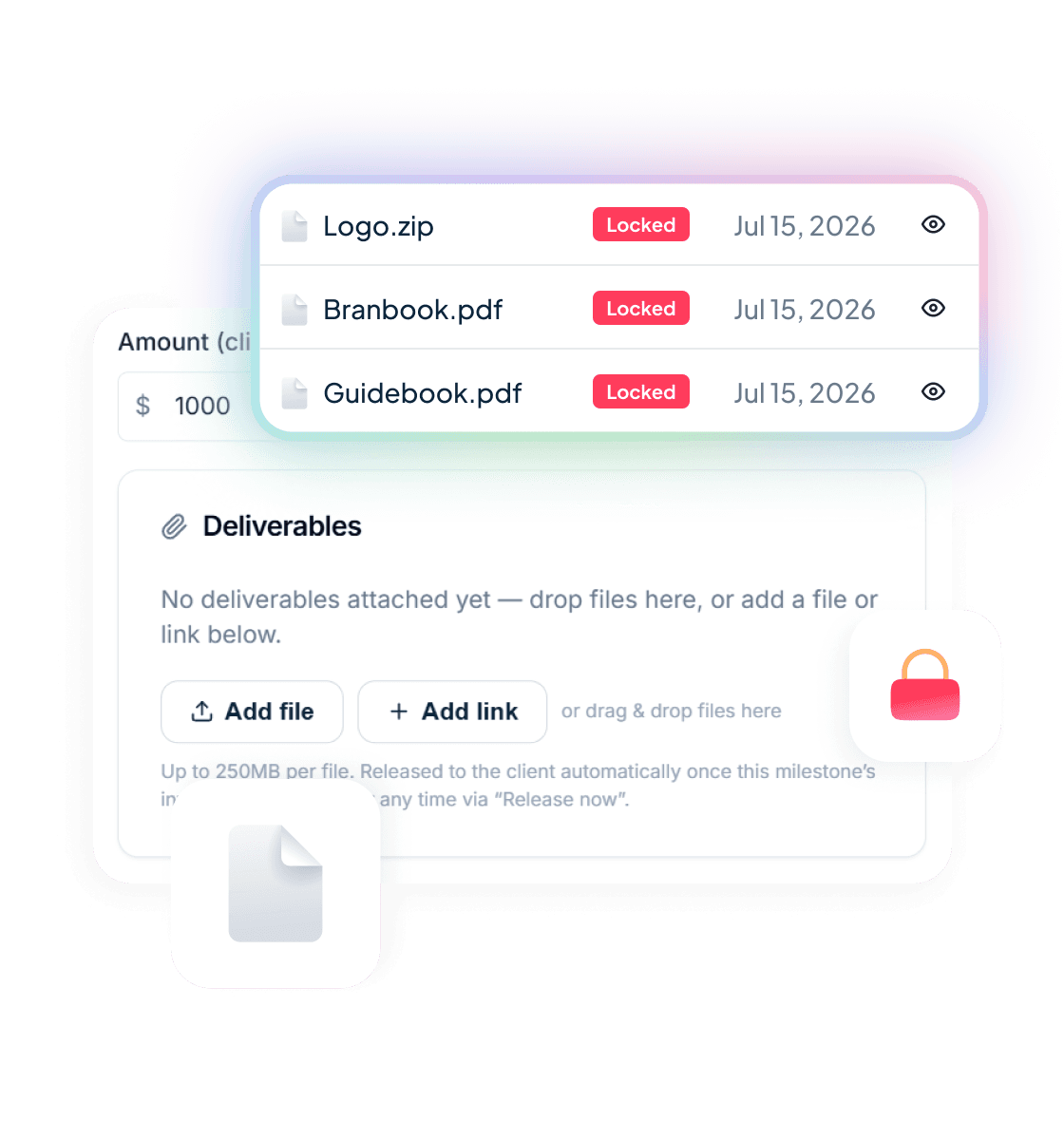
Deliverables held until paymenttakes the standoff off the table. You attach the finished work to the milestone or invoice. The client sees exactly what they’re paying for — every file name, type and size — locked. The second the invoice is paid in full, it all unlocks. No email, no chasing, no first move.
Four steps
How it works
Four steps. Most of it happens without you.
Attach the work.
Drop files onto the milestone or the invoice — any file type, up to 250MB each. Add links, or a snapshot of your GitHub repo. Group related items into packages so a handover reads as “Brand kit”, “Final logos”, “Source files” instead of forty loose rows.
Send the invoice.
Nothing else to configure. The deliverables ride along with the invoice you were already sending.
The client sees what's waiting.
On the pay page they get the full manifest — names, types, sizes — all locked, with one line under it: “Released as soon as this invoice is paid.” They know precisely what they're buying before a cent moves.
They pay, it unlocks.
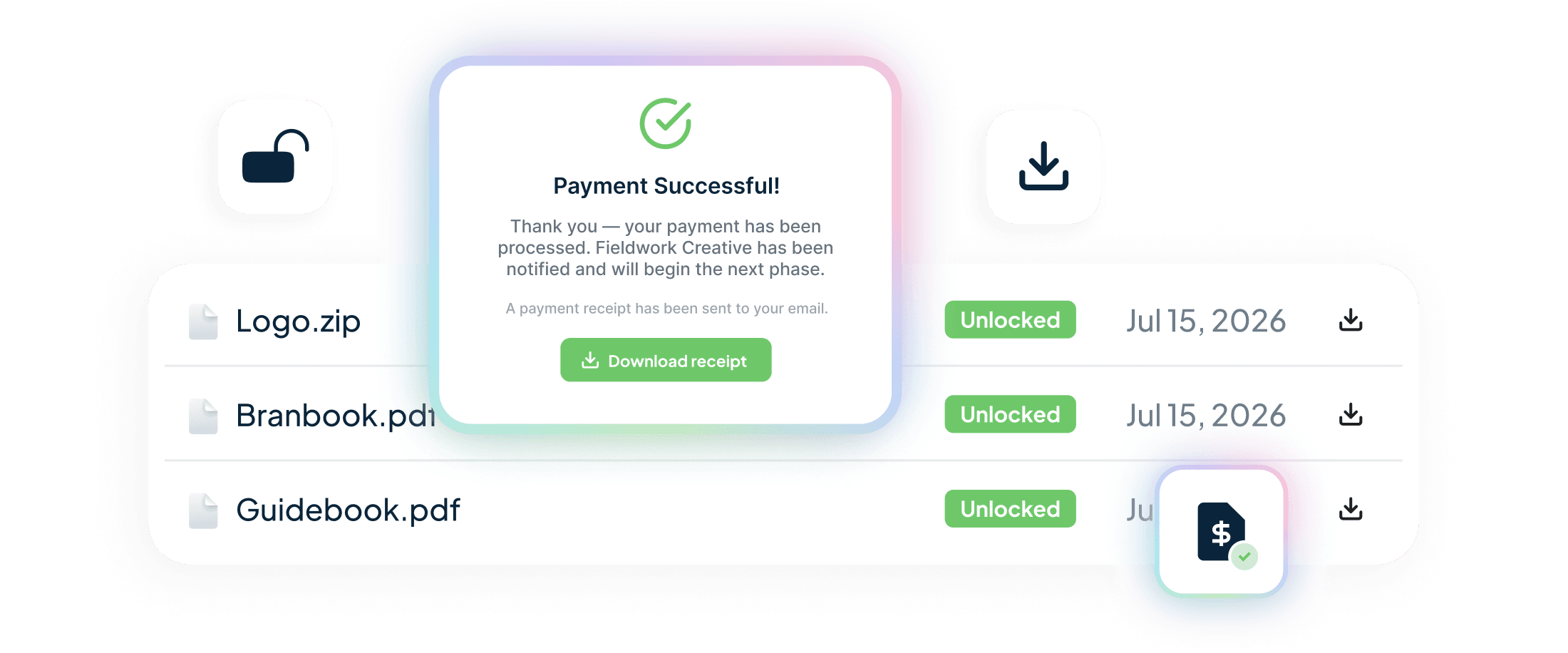
Paid in full, everything opens automatically. The client downloads straight from the pay page or their portal, and the receipt email lists every file that just landed. You don't send anything. You don't do anything.
Trust
Trust cuts both ways
Most “pay to unlock” ideas protect the agency and quietly screw the client. This one has to work for both sides or it doesn’t work at all.
The client sees exactly what they’re buying — before paying.
Not a vague “final assets” line item. The actual manifest. Ten files, here are their names, here’s how big they are. That visibility is the whole reason a client is comfortable paying before they’ve downloaded — they can see it’s all there.
You never chase after handing over.
Because you never hand over first. The work sits locked next to the invoice, doing the asking for you. When the money lands, the files land. You’re out of the awkward middle entirely — no “did you get a chance to look at the invoice?”, no re-sending a Dropbox link for the third time.
The system is the one holding the line, not you. That’s the point. You get to stay the person who did great work, not the person nagging about money on the way out the door.
For dev shops
Ship the repo, not a zip you forgot to update
If your deliverable is code, the handover problem is worse. Send the repo too early and it’s copied before you’ve been paid. Send a zip and it’s stale the moment you cut it.
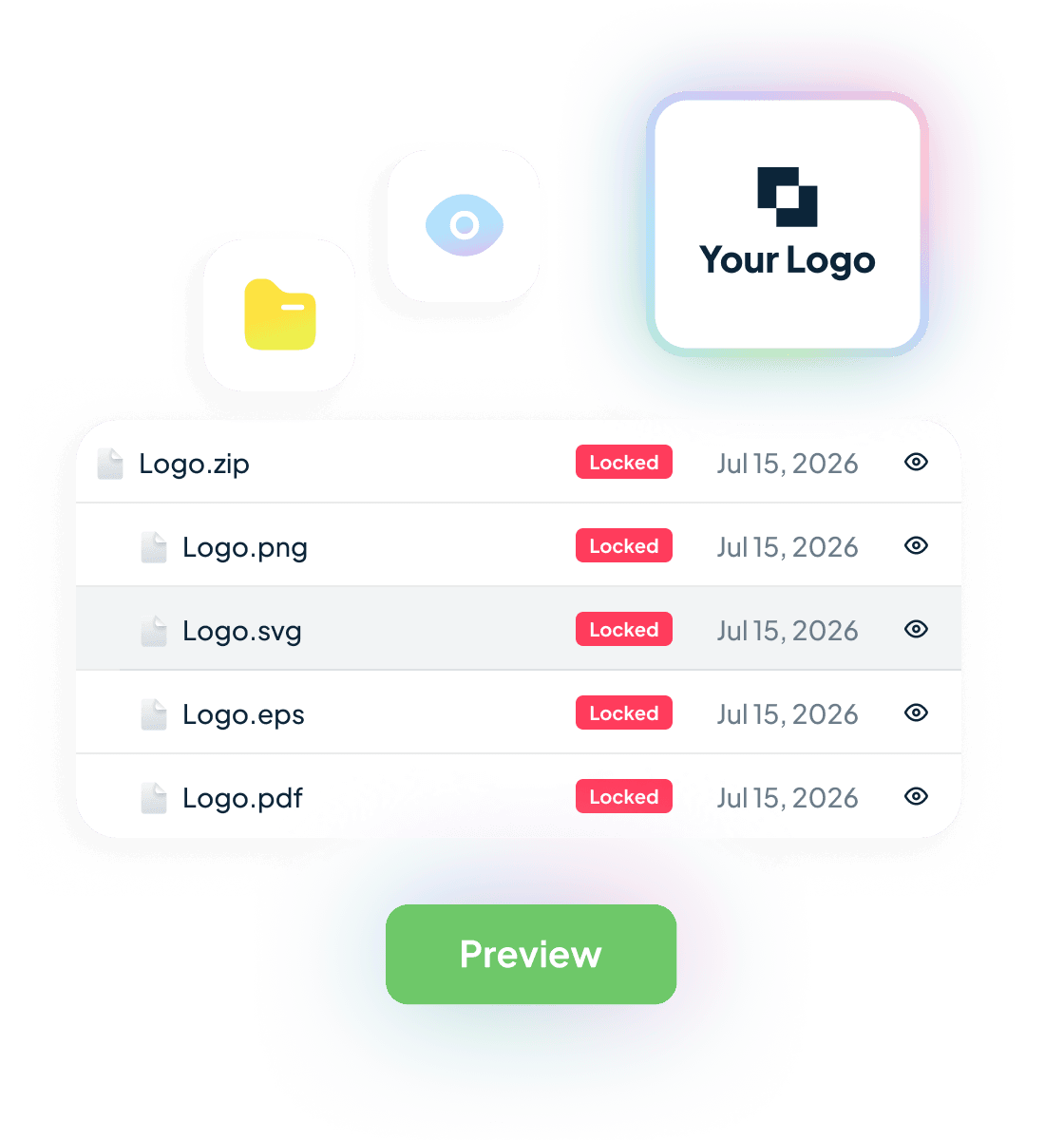
Handl captures a snapshot of your GitHub repo at the moment you send the invoice— the exact commit the client approved — and holds it as a tarball. When the invoice clears, they download that exact commit. No “which version did we agree on”, no scrambling to re-export, no handing over your live repo before the money’s in.
GitHub only, and it’s a snapshot for download — not a transfer of the repo itself. More on the mechanics in ship the repo when the invoice clears.
Frequently asked questions
Is this escrow?
Can I release the files early?
What about refunds or disputes?
Do I have to use this on every project?
What can I attach?
Does the client need a Handl account?
Free tools
Take something with you
Payment Health Check
Nine questions, two minutes. You get a score and the three things hurting your cash flow most. No call, no pitch.
Get it freeGet out of the middle
Stop handing over first
The last impression a client gets shouldn’t be you chasing money. Let the work hold the line, and get out of the middle.
Want the full playbook first? Read how to hand over final files without getting ghosted.