Billing models
Milestone invoicing, automated.
How Handl bills the moment a stage is signed off — not three weeks later when you remember.
Free for 7 days, then flat plans from $29/mo.
- Invoices created automatically when work completes
- Payment reminders that keep chasing until you’re paid
- Clients pay from a link — no client login required
- Connects to Monday, Asana, Jira, Linear, ClickUp
The problem
Why milestone billing breaks most invoicing tools
Milestone billing is meant to protect your cash. Bill at kickoff, bill at design sign-off, bill at launch — money comes in as the work moves. Clean on paper. The problem is the trigger. The thing that's supposed to fire the invoice — “stage 2 approved” — happens in your project tool, in a Slack thread, in someone's head. It does not happen in your invoicing tool. So the deliverable gets signed off on a Tuesday, everyone moves on to the next fire, and the invoice sits unraised until someone notices a fortnight later.
So you get the worst of both worlds. The protection of milestone billing only works if you actually bill on the milestone. Miss the trigger and you're funding the next phase out of your own pocket, then sending a stale invoice for work that finished weeks ago. Clients pay slower when the invoice arrives late and out of context, too.

“The invoice trigger lives in the work, not in the billing tool — and most tools can't see the work at all.”
How Handl handles it
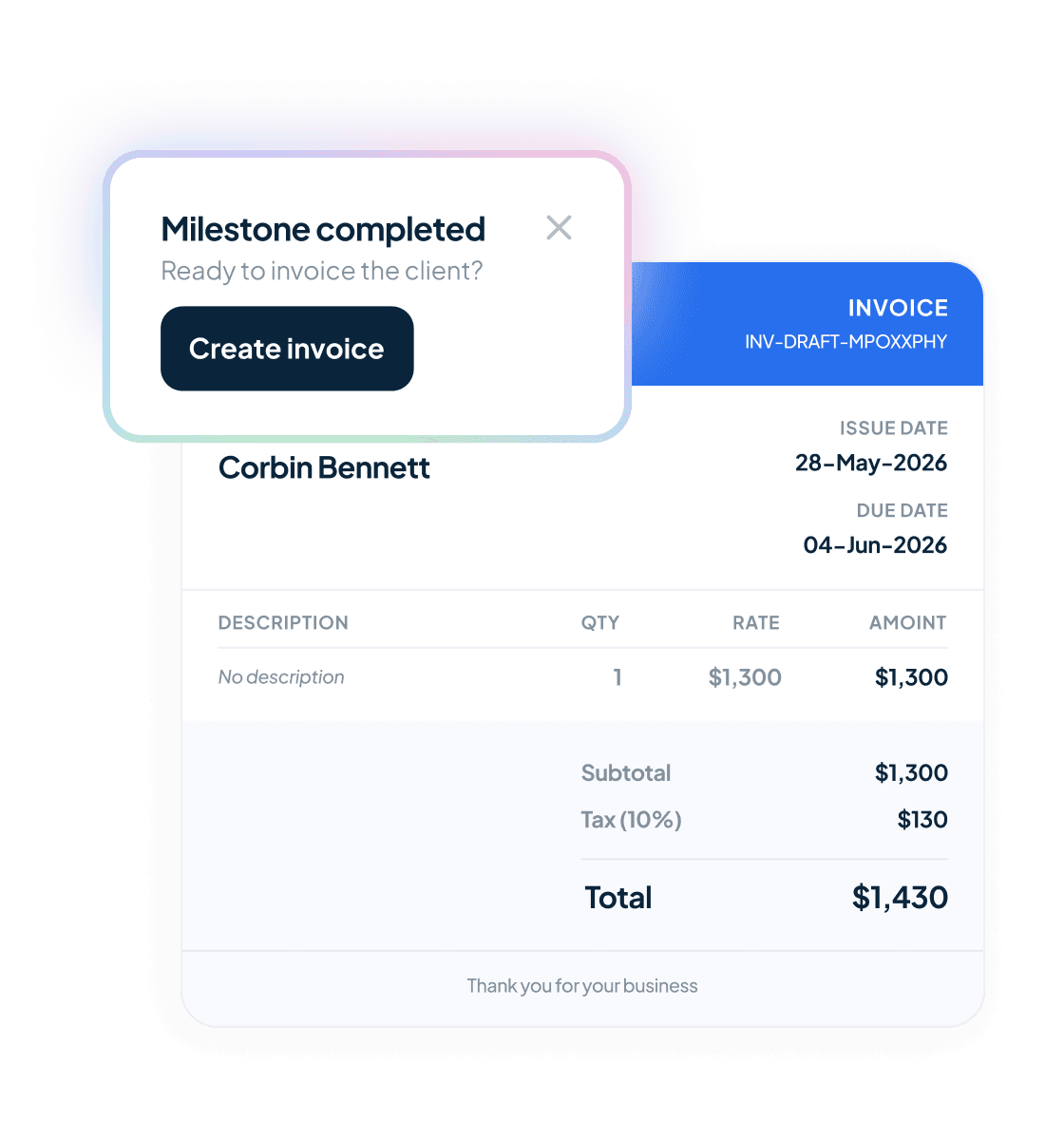
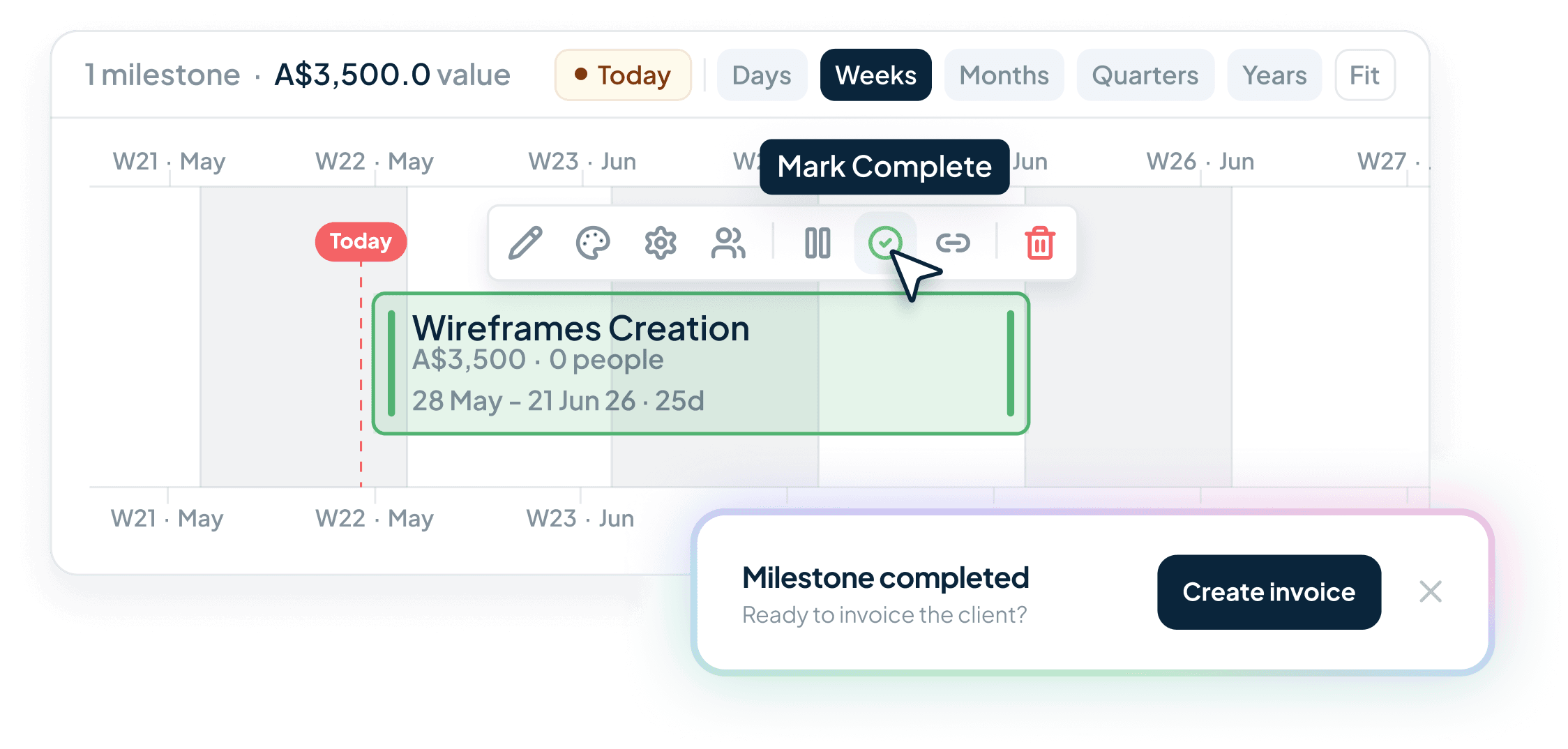
Handl links your milestones to the actual tasks in your PM tool. When the deliverable is marked done or the client approves it, the invoice fires itself.
Bills on sign-off, not on memory
Connect the milestone to a task in Monday, Asana, Jira, ClickUp or Linear. It's approved, Handl raises the invoice — same day, every time.
Keeps the client in the loop
The client portal shows them what’s coming before it lands. A client who’s been kept informed approves milestones faster and pays faster. No surprise invoices, fewer disputes. Client new to this way of billing? Send them the client-friendly guide to milestone billing.
Syncs the money side automatically
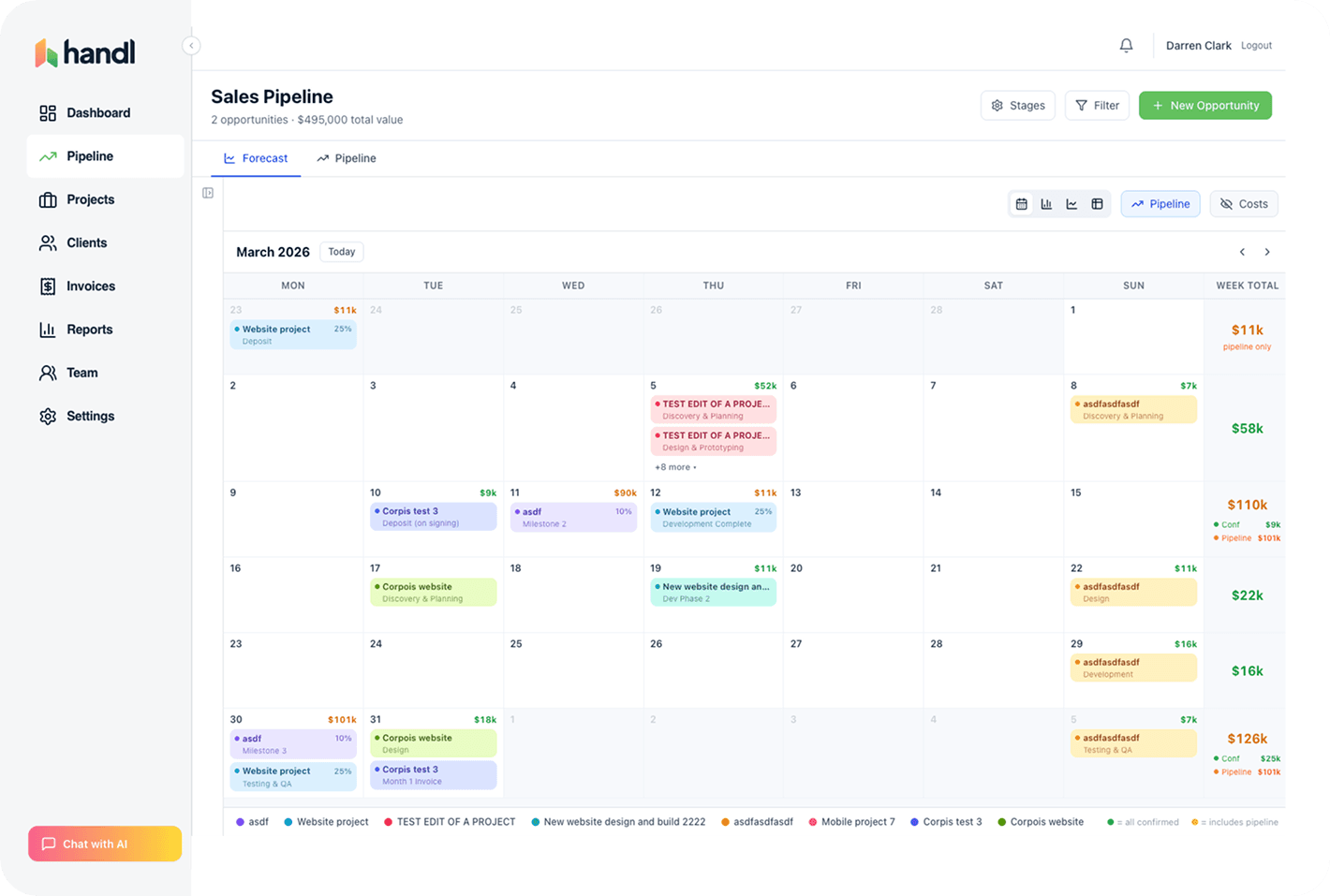
Invoice pushes to Xero or QuickBooks, payment runs through Stripe, reconciliation happens on its own. You don't touch a spreadsheet.
Forecasts the cash
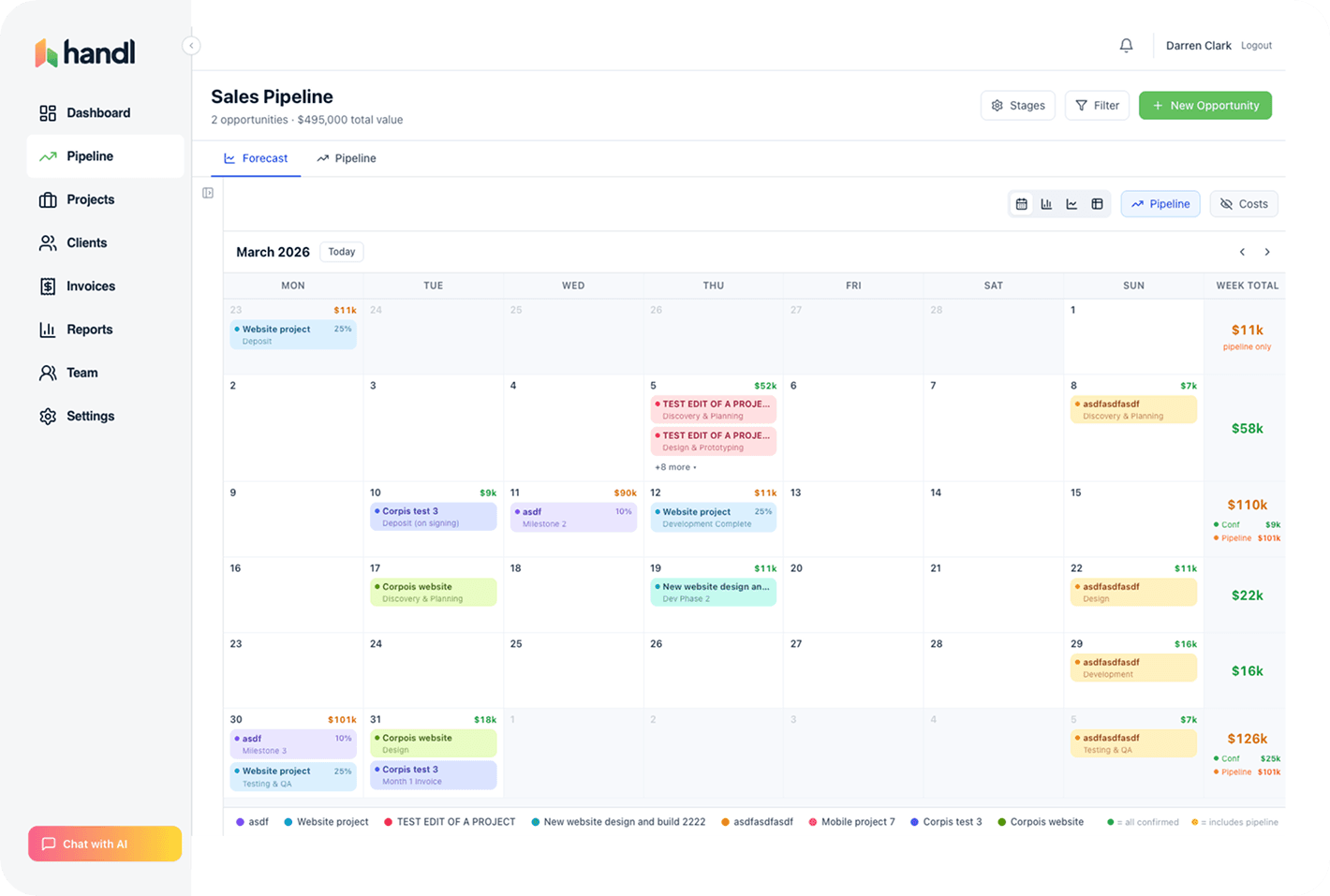
Because Handl knows the milestone schedule, it knows roughly when the money lands — so you can see your cash flow before it happens, not after.
This is the original Handl move: the work says it's time to bill, so Handl bills. No one has to remember.
What is milestone billing?
Milestone billing is when you invoice a client at agreed points in a project rather than by the hour or on a monthly cycle. Each milestone is a deliverable — kickoff, discovery done, design signed off, launch — and reaching it is what triggers the invoice for that stage. Milestone invoicing is the same thing described from the accounts side: the schedule of invoices sits in the contract from day one, so nobody’s negotiating a number halfway through.
You see it most on defined-scope work with a real start and a real end. Website builds, brand identities, app projects — anything that runs months rather than weeks. And the reason it exists is cash. On a long build you don’t want to carry three months of payroll and then hope the final invoice clears. You bill as the work lands.
When does milestone billing beat hourly or a retainer?
Milestone billing wins when the scope is defined, the project has an end date, and you need the money arriving as the work does. It ties cash to output instead of time — the client pays for something they can point at, not a number of hours they have to take your word for. That’s a much easier invoice to get approved.
Where it’s the wrong call is fuzzy scope. If nobody can say what “design signed off” actually means, you’ll be arguing about whether a milestone is done while the invoice sits unraised. That’s hourly’s job — discovery, open-ended builds, the overflow work that changes shape weekly. Hourly is the honest model when you genuinely can’t scope it.
And if the relationship is ongoing rather than a project, it’s not a milestone at all. That’s retainer billing — different rhythm, same principle.
How do you structure milestones for cash flow?
Take a deposit before anything starts. Then break the rest into stage sign-offs sized so no gap between payments runs longer than about a month. And keep the final milestone small — small enough that it isn’t worth a client sitting on it to squeeze you at the end.
That’s most of it. The classic mistake is half up front, half on delivery, on a five-month build — which means somewhere around month three you’re funding the whole thing yourself and quietly checking the business account on a Sunday night. More, smaller milestones beats fewer, fatter ones every time.
One more thing that saves arguments: tie each milestone to something the client can look at and say yes to. “Backend mostly done” isn’t a milestone, it’s a debate. “Staging site live for review” is.
Mix and match
Works alongside your other billing models
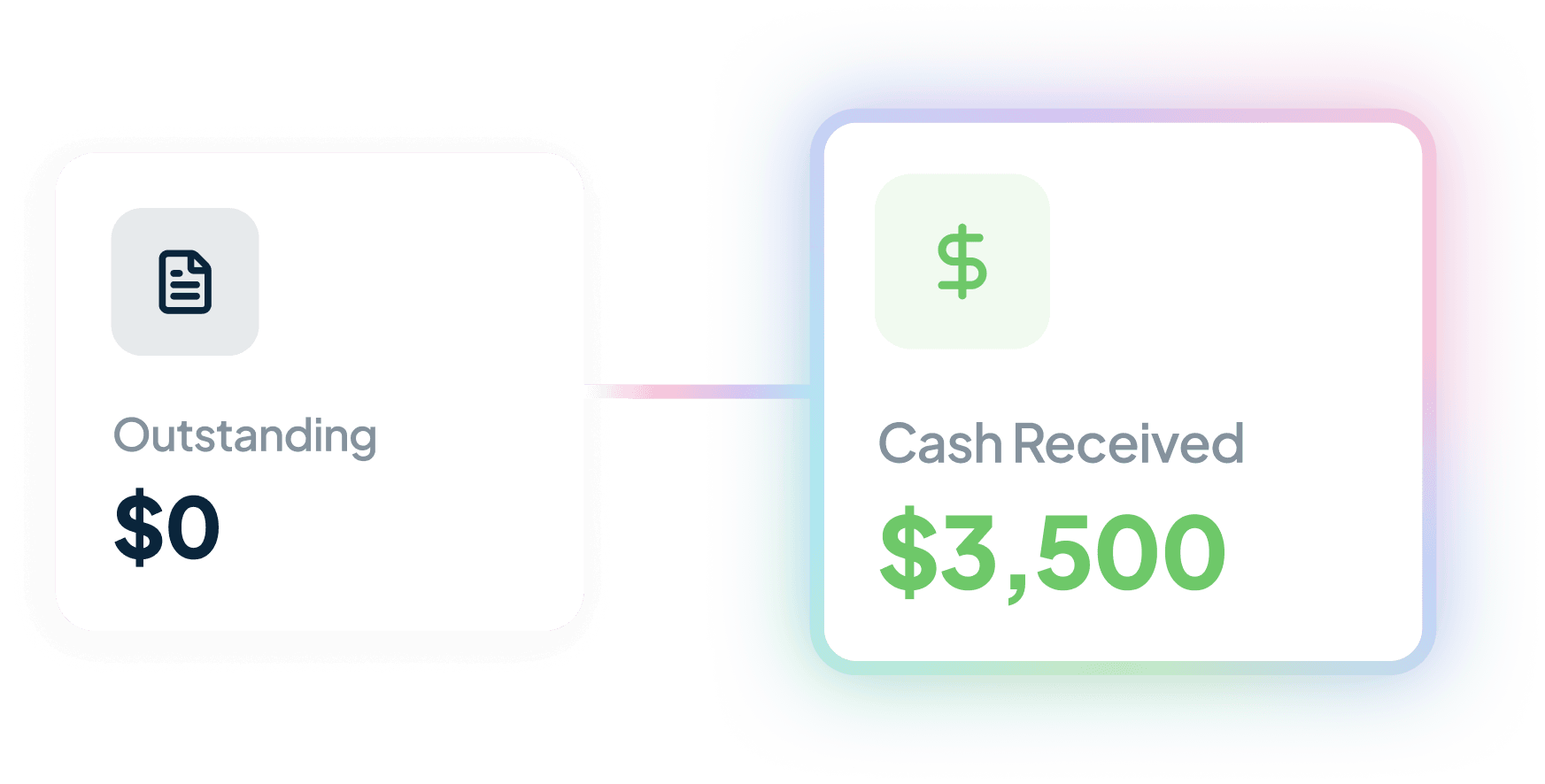
Milestones rarely live alone. Big build on milestones, an ongoing retainer beside it, some hourly for the bits outside scope. Handl handles all four together.
Integrations
Works with the tools you already run.
Monday, Asana, Jira, ClickUp and Linear for the work. Xero or QuickBooks for the books. Stripe for the payments.


Questions, answered
Can I schedule invoices based on project milestones?
What's the best way to automate milestone invoicing?
How do consulting firms automate milestone invoicing?
What is milestone billing software?
Pricing
From $29/mo. The automation's on every plan.
Every milestone, every project, every client — the automation’s on every plan, including the $29 one. No “premium” tier hiding it behind a paywall. Three plans, and the top one caps at $199/mo with unlimited team members — it never grows per head. Talk to Darren →
Get started — $29/mo
Reclaim your time
Stop being your own debt collector.
Get paid faster with automated invoicing and reminders.