Free template
Who owes you what... and who do you chase today?
Every unpaid invoice on one sheet. It works out the aging, tells you when the next nudge is due, and shows you the number nobody likes... how long clients actually take to pay you.
Most invoice trackers are a list. This one’s a system: type in what you’ve billed, and it works out who’s overdue, how many days, and exactly when the next chase is due, on the same seven-step cadence as the invoice pack’s follow-up emails.
Red rows are overdue, amber is due this week, grey is paid, and the Next chase cell goes lime the day you should actually send something. No deciding required, the sheet already worked it out.

What’s inside
The invoice list
One row per invoice: client, amount, currency, issued, due, expected pay date, paid date. Everything else on the sheet works off this.
The chase schedule
The same seven steps as the invoice pack’s emails, as editable offsets from the due date: 3 days before, on the day, then 3, 7, 14 and 30 days over, plus the payment-plan offer.
The aging buckets
Not yet due, 1-30, 31-60, 61-90 and 90+ days, by count and by amount, and the same split by client.
Average days to pay
Paid date minus issued date, averaged across every paid invoice. The number that hurts, and the one that moves fastest once you chase on a schedule.
The chase-today list
A column that flags every invoice due a nudge right now. Sort or filter by it and you've got today's list.
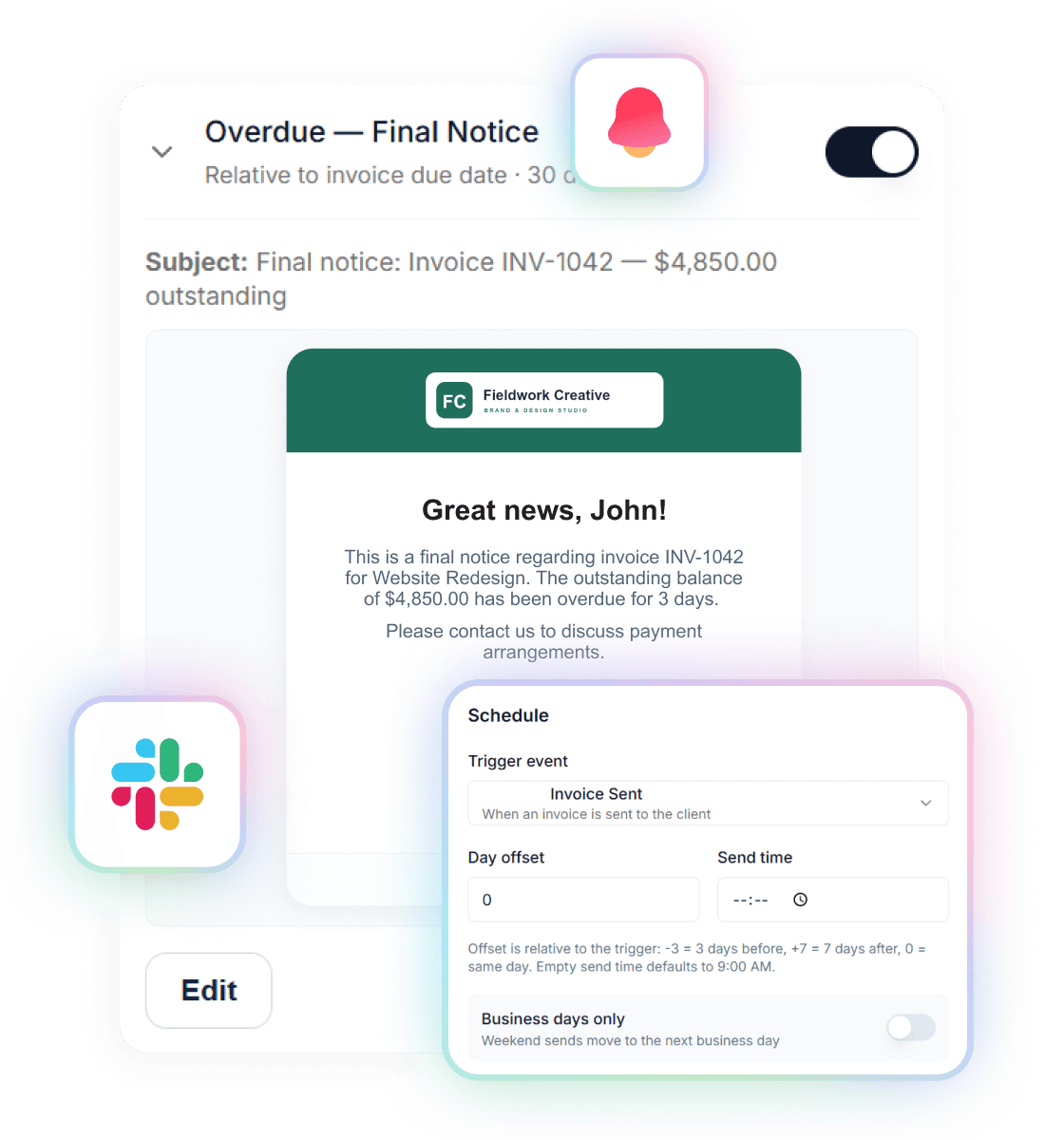
The same 7 emails, sent for you
The same list, chased for you.
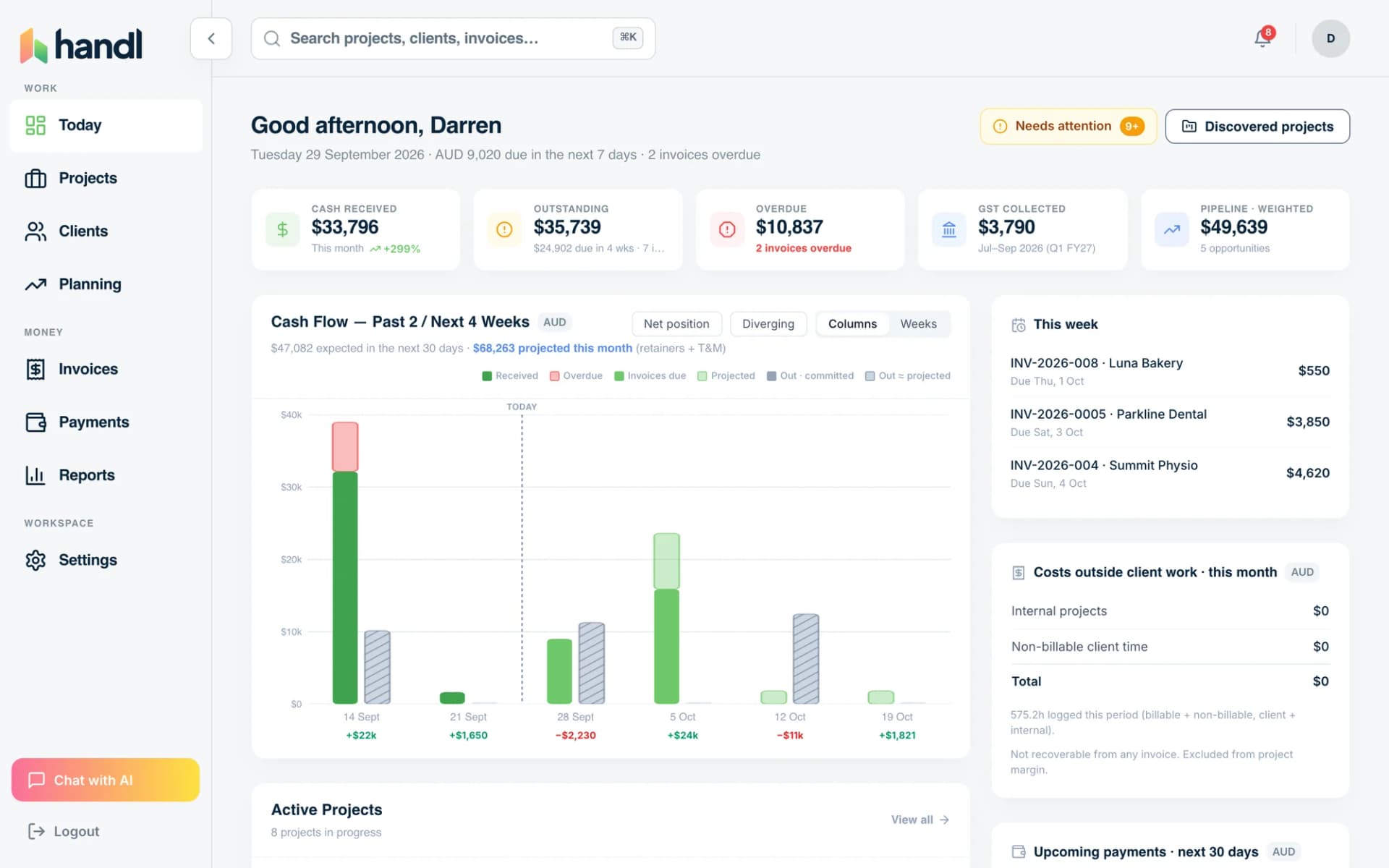
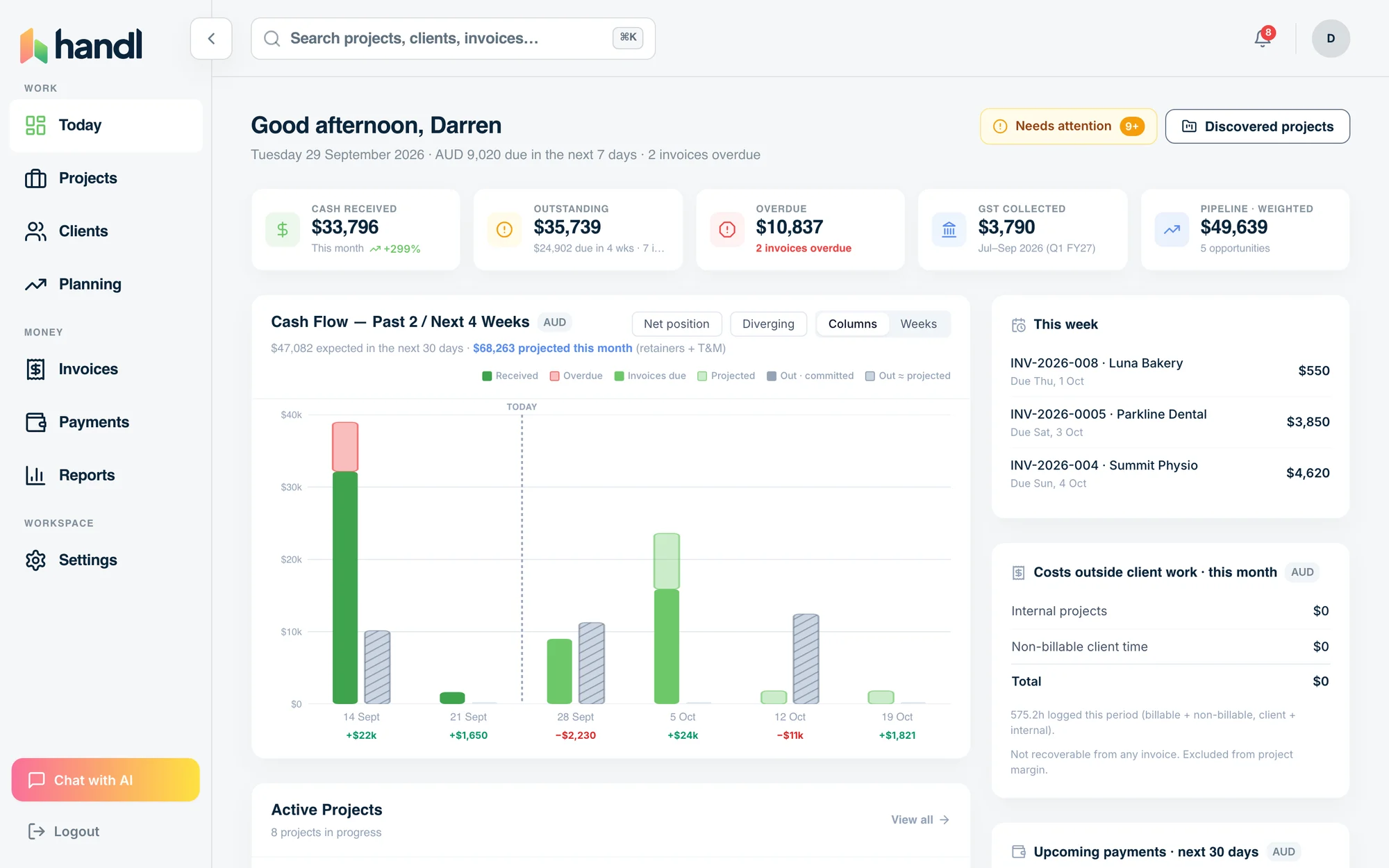
Handl sends the payment reminders automatically on a cadence you configure, before and after the due date, in your voice, and shows the aging report by client and age without you touching a spreadsheet. Clients pay straight from the invoice link.
Start with the sheet. The day you forget to update the Last chased column is the day you’ll want it automated.
Worth knowing
Fill in last month's paid invoices first
Free download
Get it free
Drop your email and the tracker lands in your inbox. The download link is on screen too, so you're not waiting on email.
Not accounting advice, and it won't replace your accountant. It'll tell you who to chase today and how long clients actually take to pay you.

Reclaim your time
Invoices that build themselves from milestones, hours and retainers.
Invoices built from the work. Books stay in QuickBooks or Xero.